
The Toughest Tech: Finding the Best Tablet for Jobsite Demands in 2025
You’re knee-deep in a construction project, mud caked on your boots, when your tablet screen cracks from a single slip. Standard devices just can’t keep up with the grind of jobsites. They glitch in the rain or die after a short drop. But you need tech that works as hard as your team does. This guide picks out the best tablets for jobsites—ones designed for dust, bangs, and wet weather. You’ll learn how to choose gear that keeps your workflow smooth and cuts out lost time.

Durability is Non-Negotiable: Key Ruggedization Standards
Jobsites throw everything at your tools: dirt, water, and hard knocks. A weak tablet means constant fixes or replacements, which eats into your budget and schedule. Rugged tablets stand out because they meet tough standards that everyday gadgets ignore.
Understanding MIL-STD Ratings (Military Standard)
MIL-STD-810G or H sets the bar for how gear handles real-world abuse. These tests check if a device can take shocks from drops or jolts from machinery vibrations. In practice, it means your tablet survives a bumpy truck ride or a fall from a ladder without skipping a beat. For construction crews, this rating ensures the screen stays intact during daily chaos.
Drop Test Capabilities and Materials Science
Drop tests push tablets to mimic falls from waist height or higher. Builders often pick models that handle six-foot drops onto concrete. Strong casings made from polycarbonate or magnesium alloys absorb the impact. These materials flex just enough to protect internals but stay light for easy carrying. Look for tablets with reinforced corners—they save you from frequent repairs.
Ingress Protection (IP) Ratings Explained
IP ratings tell you how well a tablet fights off dust and water. IP65 keeps out most dust and handles light sprays, like morning dew on a site. IP67 goes further with full dust protection and a 30-minute dunk in one meter of water. IP68 tops it for deeper immersion, perfect for rainy days or accidental splashes. On jobsites, IP67 or better stops moisture from frying circuits mid-shift.
Why Sealed Ports and Gorilla Glass Victus Matter
Sealed ports block water and grit from sneaking into charging spots or headphone jacks. Without them, a quick rinse turns into a dead device. Gorilla Glass Victus adds scratch resistance and stronger shatter protection than older versions. It shines in bright sun without glare issues. These features keep your tablet clear and functional for site plans or notes.
Extreme Temperature Resilience
Outdoor work hits wild swings, from freezing mornings to hot afternoons. Tablets need to run in temps from -20°F to 140°F to match that. Cheap ones shut down in the cold or overheat in summer heat. Rugged picks use better cooling and batteries that hold up. This lets you check blueprints in a blizzard or map a site under the sun.
Performance Requirements for Field Applications
Speed matters when you’re racing deadlines. A slow tablet stalls your team, turning quick checks into long waits. The best ones for jobsites balance power with toughness to handle real tasks without lag.
Battery Life That Outlasts the Shift
You can’t plug in mid-job, so aim for batteries that last 10 hours or more under load. Heavy apps drain power fast, but good ones stretch through a full day. Hot-swappable options let you swap packs without rebooting. This keeps data flowing during long hauls.
Fast Charging Capabilities and Power Management
Quick charge tech gets you back up in under two hours. Smart power modes dim screens or throttle CPU when idle. Pick tablets with 45W or higher chargers for field desks. These cut downtime and match busy schedules.
Processing Power for BIM and Heavy Software
Run BIM models or CAD files smoothly with at least 8GB RAM and a Snapdragon or Intel chip. Older processors choke on Bluebeam or GIS apps. Modern ones load plans in seconds, even with dirt-caked gloves tapping away. This power boosts accuracy on complex projects.
Connectivity in Dead Zones: LTE and GPS Accuracy
Wi-Fi drops out on remote sites, so built-in LTE or 5G keeps you online. Sync reports or pull updates anywhere. GPS with GNSS gives pinpoint location for surveys—accurate to a few feet. No more guesswork on layouts or asset tracking.
Essential Screen and Input Considerations for Gloves
Gloves make standard touchscreens a hassle. You need displays that respond in tough conditions. The right setup lets you work fast without frustration.
Sunlight Readability (High Nits Output)
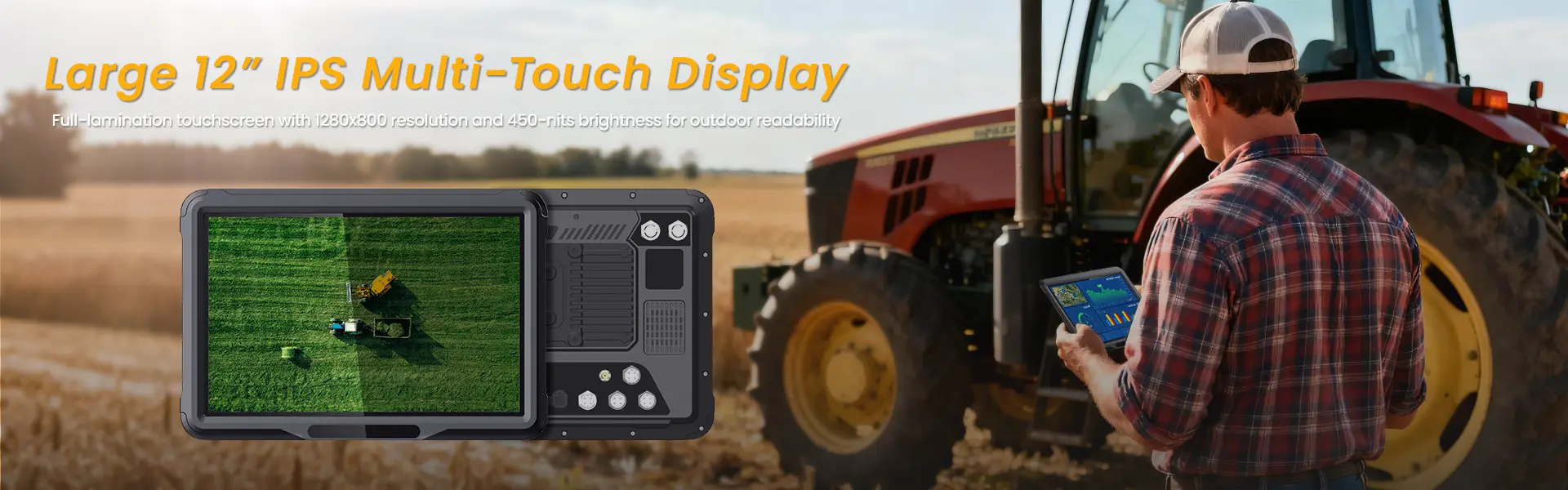
Bright sun washes out normal screens at 400 nits. Go for 800 nits or more to see details clearly outdoors. Anti-glare coatings cut reflections from metal beams or wet surfaces. This clarity helps spot errors in drawings before they cost time.
Touchscreen Sensitivity and Glove Compatibility
Capacitive screens often fail with thick gloves. Test ones with digitizer tech that senses through leather or nitrile. It picks up taps without stylus help. For safety checks or signatures, this means fewer errors.
Stylus Options for Detailed Markup and Signatures
Active styluses add pressure sensitivity for precise markups on PDFs. Pair them with rugged tablets for on-site approvals. Some models include them built-in, saving hassle. Use this for quick sketches or client sign-offs.
Top Contenders: Reviewing the Best Jobsite Tablets of 2025
Not all rugged tablets fit every need. We break them into categories to match your budget and use. Each shines in harsh spots but trades off on price or features.
Category 1: The Fully Rugged Enterprise Options (e.g., Panasonic Toughbook, Getac)
These beasts take the worst abuse for factories or big builds. Panasonic Toughbook G2 handles 5-foot drops and IP65 seals at a premium price around $2,000. Getac’s V110 adds modular ports for custom fits. They’re overkill for light jobs but gold for heavy industry.
Pros and Cons of Dedicated Rugged Ecosystems
Pros include long support and easy repairs through vendor networks. Battery swaps are simple, and software locks down for teams. Downsides? Bulkier builds and steep costs. Still, they cut long-term headaches.
Category 2: The Semi-Rugged/Ruggedized Consumer Tablets (e.g., Samsung Galaxy Tab Active series, specific iPad models with heavy-duty cases)
Samsung’s Tab Active5 offers IP68 and glove touch for $500-700. It runs Android apps like Procore smoothly. iPad Pro with a rugged case hits similar protection without full bulk. These blend everyday ease with site toughness.
Balance shines here: familiar interfaces mean quick training. Cameras capture clear shots, and 5G keeps links strong. Watch for case fit—loose ones fail fast.
Category 3: Budget-Friendly Protective Solutions
Start with a base tablet like the Lenovo Tab P11 and add an OtterBox case for under $400 total. It boosts drop protection to 4 feet. These work for small crews on dry sites.
Third-party gear adds flexibility, but check seals yourself. They’re not as tough as full ruggeds, yet they save cash. Test in real conditions before full rollout.
Integration and Workflow Optimization
A tablet isn’t just hardware—it’s part of your flow. Smart picks tie into tools for better output. This setup turns data into decisions on the fly.
Data Capture: Cameras and Documentation
Aim for 13MP rear cameras with autofocus for sharp site photos. Macro modes zoom on details like cracks or fittings. Front cams handle video calls for remote checks. Store everything in the cloud to avoid loss.
Docking Solutions for Vehicle Mounting
RAM Mounts or Gamber-Johnson docks secure tablets in trucks. They charge while you drive and swivel for easy views. Pick vibration-proof ones for rough roads. This keeps hands-free navigation or logging active.
Software Compatibility and Operating System Choice (Android vs. Windows vs. iPadOS)
Android leads for field apps like Fieldwire—open and customizable. Windows suits if you need desktop software on the go. iPadOS excels in touch gestures but limits some pro tools. Match OS to your stack: Android for flexibility, Windows for power users.
Conclusion: Equipping Your Crew for Maximum Uptime
The best tablet for jobsite use hinges on your setup—dust calls for high IP, drops demand MIL-STD. Battery life and glove touch rank next to keep teams moving. Prioritize these to match your world.
Invest now, and you’ll see fewer breaks and more output. It lowers ownership costs by skipping constant buys. Grab one that fits, test it hard, and watch productivity climb. Your site deserves tech that lasts.
相关推荐内容
Latest Content
- The Complete Guide to Choosing the Best Tablet for Truck Drivers in 2026
- Fleet Management Tablet: The Complete Guide to Rugged In-Cab Tablets for Commercial Vehicles
- The 2026 Definitive Guide to Rugged Vehicle-Mounted Tablets: Selection, Integration, and Deployment
- Bedside Infotainment Terminal: The Complete Guide to Smart Patient Engagement Systems in Modern Healthcare
- 10 Inches Sunlight Readable Tablet: 2026 Procurement & Technical Framework
Hot product
- WMT6UQ: 6-Inch 4G Android 12 Wireless Carplay Navigator Motorcycle PND
- WT10RX: 10.1 inch rugged tablet,10.1″ sunlight-readable display,10.1" ip67 rugged tablet
- WT10MX: 10.1 inch rugged tablet 12,000 mAh,10.1″ IPS display Rugged IP65 design
- WT08Q9Y: 8 inch 10000mAh long battery rugged tablet,1000-nit rugged tablet,
- WT08M8Y: 8 inch Android 14,700-nits rugged tablet