
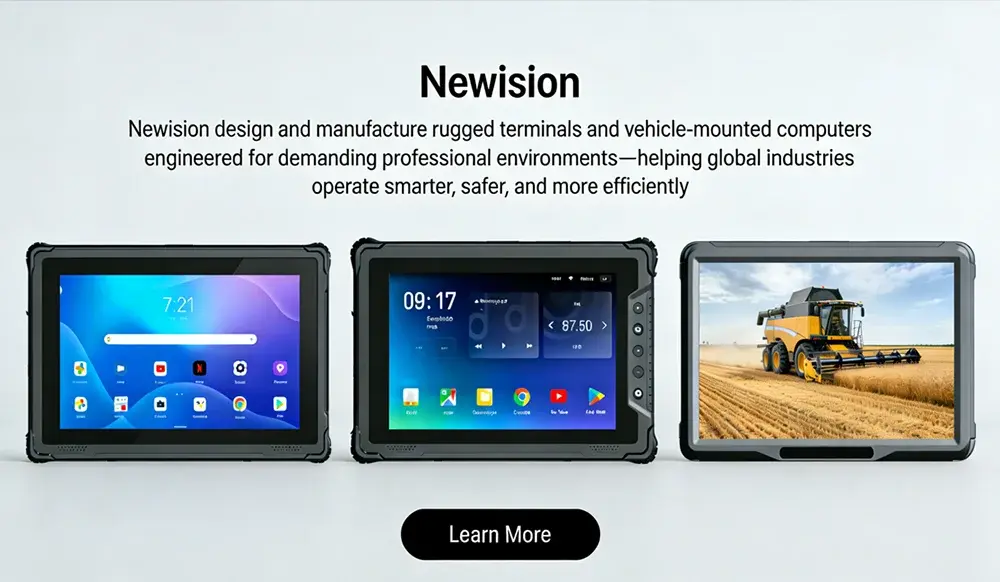
How to Choose a Rugged Vehicle Tablet with RTK GNSS for Your Business
In the world of fieldwork, you need tools that deliver spot-on location data. Think about surveying a site where a few inches off can cost thousands in rework. Or managing a fleet where drivers navigate tight urban spots. Rugged vehicle tablets with RTK GNSS give you that centimeter-level accuracy right from your cab. These devices combine tough build with advanced positioning tech. They help teams in construction, agriculture, and logistics cut errors and boost speed.
Rugged tablets stand up to bumps and weather. RTK GNSS, or Real-Time Kinematic Global Navigation Satellite System, fixes GPS signals for super precise results. Pairing them in one unit saves time and keeps data clean. This guide walks you through key factors to pick the right rugged vehicle tablet with RTK GNSS for your business needs.
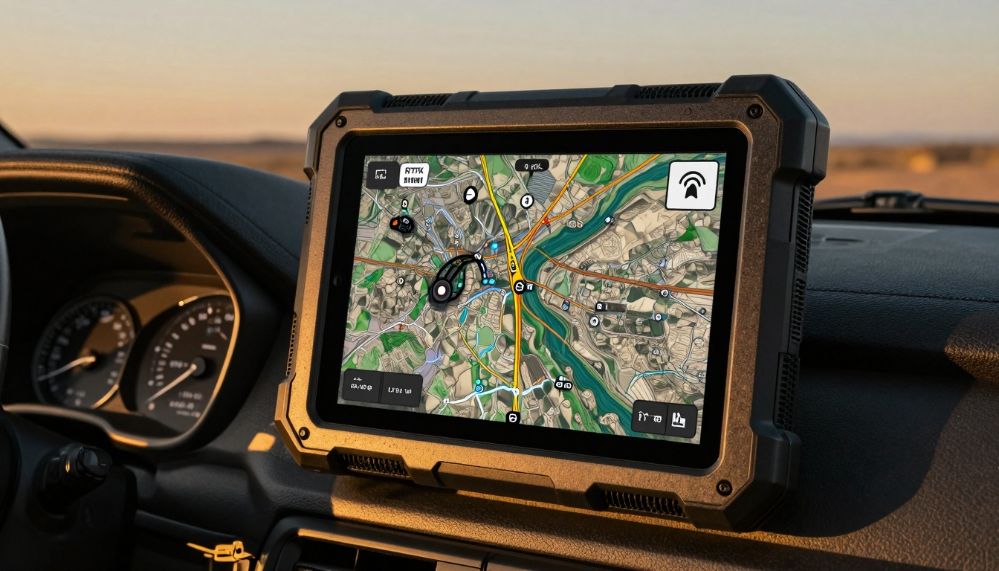
Understanding RTK GNSS Integration: Accuracy Beyond Consumer Grade
RTK GNSS takes standard GPS to the next level. It uses a base station to send correction signals. This cuts errors down to centimeters in real time. Standard GPS might leave you off by meters. That’s fine for casual drives, but not for staking out building foundations or guiding autonomous tractors.
RTK vs. SBAS/PPK: Differentiating Precision Levels
RTK shines with its low latency. You get fixes in seconds, unlike PPK that processes data after the fact. SBAS offers sub-meter accuracy through satellite boosts, but it falls short for tight jobs. RTK hits 1-2 cm, perfect for land surveys or precision farming.
Pick RTK if your work demands real-time precision. For example, in construction, measure where pipes go without digging twice. Set your accuracy goal first—say, under 5 cm for most field tasks. That justifies the cost over basic GPS setups.
GNSS Chipset Performance and Constellation Support
A strong chipset pulls from multiple satellite networks. GPS alone can glitch in cities or woods. Add GLONASS, Galileo, and BeiDou for better coverage. Look for refresh rates over 10 Hz to track fast-moving vehicles smoothly.
In dense areas, multi-constellation support means fewer dropouts. Test chips like u-blox or Septentrio for reliability. They handle tough signals without extra antennas.
Hardware Requirements for Reliable RTK Signal Acquisition
Signal strength matters a lot. Internal antennas work for light use, but external ones on the vehicle roof grab clearer views. Mount them high to dodge body panels that block waves.
Obstructions like trees or buildings weaken signals. Choose tablets with multi-frequency bands—L1 and L5—for better penetration. This setup keeps RTK lock steady during long hauls.
Ruggedization Standards: Surviving the Toughest Work Environments
Field gear faces dirt, drops, and jolts. A good rugged vehicle tablet with RTK GNSS lasts years under stress. Skip cheap models; they fail fast and rack up replacement costs.
MIL-STD Certification and Drop Testing Durability
MIL-STD-810H tests mimic real abuse. It checks for shocks from rough roads and vibrations from engines. Devices pass if they handle 4-foot drops onto concrete.
Heavy trucks shake gear loose. Without certification, screens crack or internals fry. Opt for tested units to avoid downtime on big projects.
Ingress Protection (IP) Ratings for Water and Dust Resistance
IP67 seals out dust and submersion up to a meter deep. That’s key for rainy job sites or dusty quarries. IP65 handles sprays but not full dips.
Pressure washers clean equipment fast. A sealed tablet shrugs off water blasts. Check ratings to match your site’s mess level.
Thermal Operating Ranges and Sunlight Readability
Extreme heat or cold kills batteries quick. Aim for -30°C to 70°C ranges for deserts or winters. High-nits screens, over 1000, cut glare for sunny days.
Workers squint at dim displays and make mistakes. Anti-glare coatings help too. Pick one that stays readable from the driver’s seat.
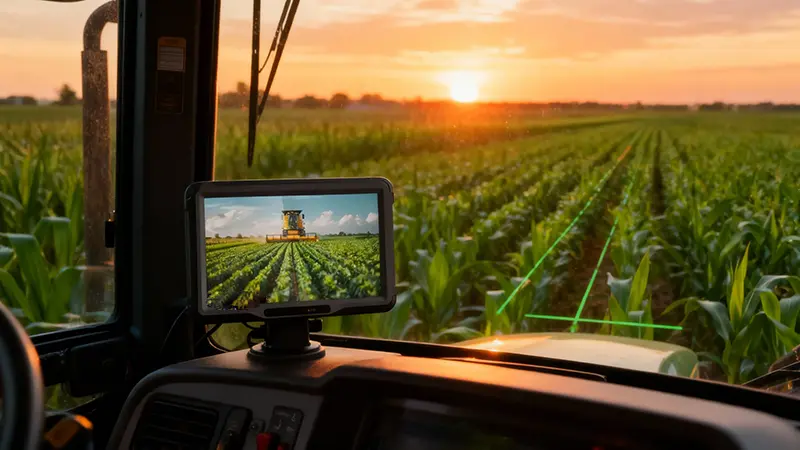
Vehicle Integration and Power Management Solutions
Mounting a tablet in a rig means dealing with bumps and power drains. The right setup keeps it secure and running non-stop. Focus on features that fit your fleet’s daily grind.
Mounting Systems and Vibration Dampening
RAM mounts grip tight with ball joints for angle tweaks. VESA standards let you swap docks easy. Add dampeners to soak up road vibes.
Drivers need views for maps or logs. A flexible mount lets you tilt for co-pilots too. Test for wobble-free holds on highways.
Power Supply Durability and Hot-Swappable Batteries
Vehicle power at 12V or 24V feeds the tablet direct. Surge protectors guard against jumps from engines. Hot-swap batteries mean no shutdowns mid-shift.
Long routes drain power fast. Built-in chargers keep things topped. This cuts idle time and keeps teams moving.
Connectivity Features Critical for Fleet Telemetry
4G/5G modems link to base stations for RTK corrections. CAN bus taps vehicle data like speed or fuel. Bluetooth pairs with tools on site.
Reliable Wi-Fi shares data back to the office. In fleets, track assets in real time. Strong signals prevent lost connections in remote spots.
Software Ecosystem and Data Workflow Compatibility
Hardware alone won’t run your ops. Software ties RTK data to apps that matter. Choose a tablet that plays nice with your tools.
Operating System Choice and Application Compatibility (Windows vs. Android)
Android suits mobile apps with quick boots. Windows handles heavy GIS software like full desktops. Hardened versions lock down for secure field use.
If you run Esri tools, Windows fits best. Android works for lighter fleet trackers. Match OS to your stack for smooth runs.
RTK Data Output Formats and GIS Software Integration
NMEA streams basic positions; RTCM sends full corrections. These feed into ArcGIS or QGIS without fuss. Sync protocols like NTRIP pull live data.
Standards from groups like RTCM keep things uniform. This lets teams share maps across devices. No more format headaches.
Security Features for Sensitive Field Data
Biometrics lock screens fast. TPM chips encrypt stored maps. MDM wipes lost units remote.
Field data holds site plans or client info. Protect it to avoid leaks. Look for FIPS compliance in regulated fields.
Total Cost of Ownership (TCO) and Vendor Support Evaluation
Upfront price tempts, but TCO tells the real story. Factor in repairs, downtime, and support. A solid pick pays off over time.
Warranty, Repairability, and Longevity Planning
Standard warranties cover a year; extend to three for peace. Vendors with depots fix fast—days, not weeks. Stocked parts mean less wait.
Old models get dropped support quick. Pick brands with five-year plans. This keeps fleets uniform.
The True Cost of Downtime vs. Initial Investment
Downtime from bad data costs $500 an hour in construction. RTK cuts errors by 90%, per industry reports. Premium hardware saves big long-term.
Weigh that against $2,000 extra upfront. Calculate your ops: if accuracy boosts output 20%, it funds itself. Skip cheap fixes that break often.
Conclusion: Making the Final Selection for Operational Excellence
Picking a rugged vehicle tablet with RTK GNSS boils down to balance. Match precision needs with tough builds and easy fits. Durability ensures it lasts; integration keeps workflows tight.
Map specs to your toughest tasks—like surveying in rain or fleet routing in cities. Test a few in pilots to see real gains. Your business thrives with tools that deliver every time. Start evaluating options today for sharper field results.
相关推荐内容
Latest Content
- The Complete Guide to Choosing the Best Tablet for Truck Drivers in 2026
- Fleet Management Tablet: The Complete Guide to Rugged In-Cab Tablets for Commercial Vehicles
- The 2026 Definitive Guide to Rugged Vehicle-Mounted Tablets: Selection, Integration, and Deployment
- Bedside Infotainment Terminal: The Complete Guide to Smart Patient Engagement Systems in Modern Healthcare
- 10 Inches Sunlight Readable Tablet: 2026 Procurement & Technical Framework
Hot product
- WMT6UQ: 6-Inch 4G Android 12 Wireless Carplay Navigator Motorcycle PND
- WT10RX: 10.1 inch rugged tablet,10.1″ sunlight-readable display,10.1" ip67 rugged tablet
- WT10MX: 10.1 inch rugged tablet 12,000 mAh,10.1″ IPS display Rugged IP65 design
- WT08Q9Y: 8 inch 10000mAh long battery rugged tablet,1000-nit rugged tablet,
- WT08M8Y: 8 inch Android 14,700-nits rugged tablet