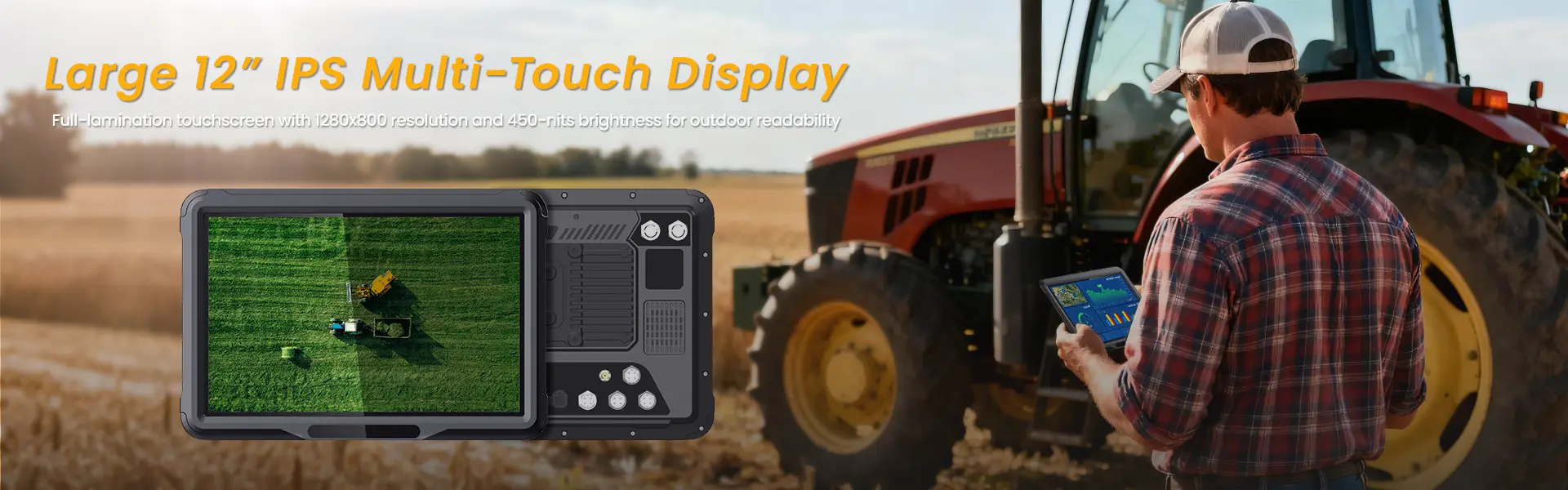
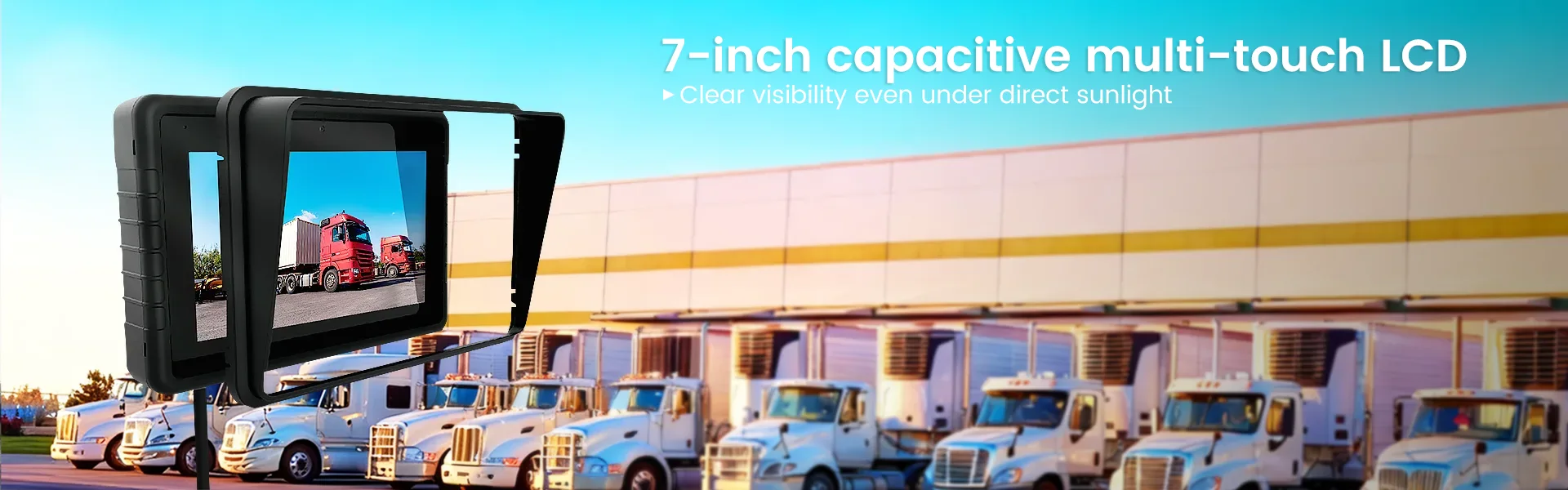
The Complete Guide to Rugged Vehicle-Mounted Tablets: Features, Mounting, Integration, and Buying Tips
Unlike consumer tablets, an in-vehicle rugged computer is designed to survive the realities of fleet operations: vibration, dust, rain, cold starts, all-day sunlight, glove use, and constant power cycling. For fleet managers, logistics directors, government procurement teams, and heavy equipment operators, choosing the right solution can reduce downtime, improve driver productivity, and support long-term digital transformation.
This guide explains how to choose the right rugged tablet, how mounting works, what integration capabilities matter most, and why a fleet rugged tablet mount is just as important as the device itself.
What Is a Rugged Vehicle-Mounted Tablet?
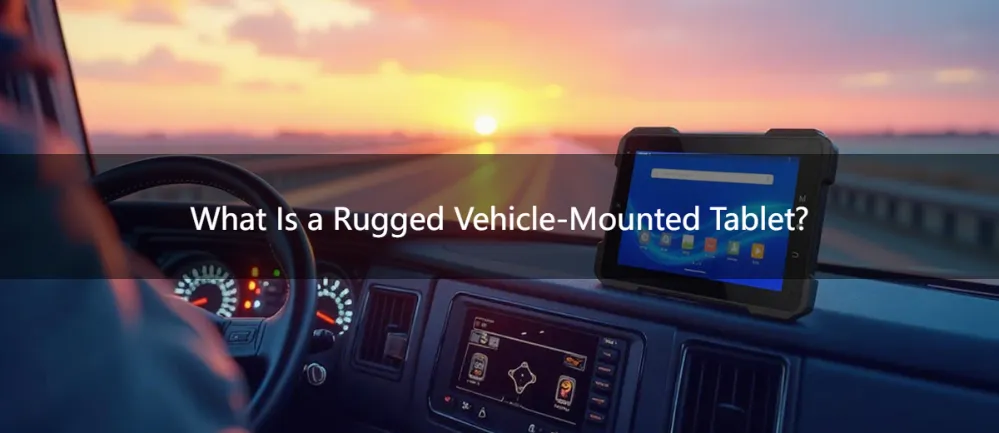
A rugged vehicle-mounted tablet is a durable mobile computing device designed to be installed and operated inside vehicles or industrial equipment. It combines the flexibility of a touchscreen tablet with the stability and durability needed for mobile fleet environments.
These devices are commonly used in:
- Long-haul and regional trucking
- Warehouse forklifts
- Public transit buses
- Taxis and ride fleets
- Police and emergency vehicles
- Construction and mining equipment
- Utility and field service fleets
- School buses and municipal vehicles
Compared with a standard tablet, a rugged in-vehicle system is built to handle:
- Shock and continuous vibration
- Extreme hot and cold temperatures
- Dust, water, and humidity
- Frequent ignition on/off cycles
- Outdoor daylight viewing
- Continuous vehicle power input
- Mounting to dashboards, poles, arms, or brackets
For many fleets, this is the operational center of the cab.
Best Rugged Vehicle-Mounted Tablet for Trucks and Forklifts: What Really Matters?
When buyers search for the best rugged vehicle-mounted tablet for trucks and forklifts, they often focus only on screen size or operating system. That is a mistake.
The right device must be selected based on environment, workflow, mounting, power, and integration.
Here are the most important criteria.
1) Durability Standards: Why MIL-STD-810H and IP Ratings Matter
A rugged device should never be chosen based on “rugged-looking” marketing alone. Buyers should look for recognized durability standards.
MIL-STD-810H
MIL-STD-810H is a military testing standard used to evaluate how a device performs under environmental stress such as:
- Vibration
- Shock
- Drops
- Humidity
- Altitude
- Thermal stress
For fleet and industrial applications, this matters because a tablet mounted in a semi-truck, forklift, or excavator experiences far more vibration and movement than an office device ever will.
IP65/IP67 Rating
An IP65/IP67 rating helps confirm resistance to dust and water ingress.
- IP65: Protected against dust and low-pressure water jets
- IP67: Dust-tight and protected against temporary immersion in water
For outdoor fleets, yard trucks, ports, warehouse loading zones, and construction sites, this protection is essential.
If your operation includes washdowns, rain exposure, muddy job sites, or dusty terminals, these ratings should be treated as baseline requirements—not optional extras.
2) Display Visibility: Why Sunlight Readability Is Essential
One of the most overlooked buying factors is screen visibility.
A rugged device may look excellent indoors but fail completely in a truck cab, forklift yard, or roadside inspection stop. That is why many buyers specifically look for a sunlight readable vehicle-mounted tablet for outdoor fleets.
What to Look For:
- High-brightness display (1000+ nits)
- Optical bonding
- Anti-glare coating
- Wide viewing angles
A High-brightness display (1000+ nits) is usually the minimum for outdoor readability. In direct sunlight, anything less can quickly become frustrating and unsafe.
Why Optical Bonding Matters
Optical bonding reduces internal screen reflection and improves clarity. It also helps with durability by minimizing air gaps between layers of the display.
For vehicles used in ports, mining, agriculture, public safety, and last-mile delivery, display quality directly affects driver usability and task completion speed.
3) Touch Usability: Gloves, Moisture, and Real-World Conditions
Many workers do not operate tablets with clean, bare hands in climate-controlled environments. They use them in gloves, in rain, in cold weather, or with dusty fingers.
That is why a rugged vehicle tablet with glove-friendly touchscreen is a practical requirement for many fleets.
Look for:
- Glove-on touchscreen
- Wet-touch support
- Stylus compatibility
- Fast touch response
- Large on-screen buttons for in-cab use
In logistics, warehouse, public works, and emergency response environments, this improves usability dramatically. A touchscreen that only works in ideal conditions becomes a productivity bottleneck very quickly.
4) Temperature and Vibration: Built for Harsh Mobile Environments
A major reason companies upgrade from consumer tablets is failure under environmental stress.
A proper rugged in-vehicle tablet for extreme temperatures and vibration should be designed for:
- Cold starts in winter
- Heat buildup in closed cabs
- Constant engine and road vibration
- Uneven terrain and impacts
Key Specification to Look For:
Wide operating temperature (-30°C to 70°C)
This range is especially important for:
- Northern or cold-climate fleets
- Outdoor yard equipment
- Construction and mining vehicles
- Refrigerated logistics
- Public transit vehicles parked outdoors
Cold Weather Performance of Rugged In-Vehicle Computers
If you are evaluating the cold weather performance of rugged in-vehicle computers, do not just look at the CPU or battery. Also check:
- Screen responsiveness in cold temperatures
- Battery charging behavior below freezing
- Boot reliability during winter starts
- Condensation resistance
- Heated dock or powered cradle support
Consumer tablets often fail here. They may power on slowly, dim unexpectedly, or stop charging in cold environments.
5) Connectivity: The Backbone of Fleet Visibility
Modern fleet workflows require real-time data exchange. A rugged tablet should not be treated as a standalone screen—it should function as a connected operational hub.
Essential Connectivity Features:
- Wi-Fi
- Bluetooth
- GNSS / GPS
- Ethernet (optional)
- Serial or USB expansion
- LTE or 5G
A rugged tablet with 4G/5G for real-time fleet tracking enables:
- Dispatch communication
- Navigation updates
- Proof-of-delivery uploads
- Driver messaging
- Fleet tracking
- Route optimization
- Cloud-based forms and inspections
For fleets operating across multiple sites or regions, reliable wireless communication is critical to reducing blind spots in operations.
6) Integration: Can Rugged Vehicle Tablets Integrate with ELD and Telematics?
This is one of the most important buyer questions:
Can rugged vehicle tablets integrate with ELD and telematics?
The answer is yes—but only if you choose the right platform and I/O options.
A rugged tablet used in transportation or fleet management often needs to connect with:
- ELD systems
- Fleet management software
- Dispatch platforms
- Vehicle diagnostics
- Driver behavior systems
- Route and maintenance software
- Camera systems
- Telematics gateways
Why This Matters
If the tablet cannot communicate with the rest of your fleet stack, it becomes just a screen. The real value comes from integration.
For example, a truck-mounted tablet may be used to:
- Show hours-of-service status
- Sync with dispatch
- Record inspections
- Display engine alerts
- Pull route and delivery data
This is why fleet buyers increasingly look for rugged systems that support industry vehicle data standards.
7) CAN Bus, J1939, and OBD-II: Why Vehicle Data Access Is a Big Deal
A modern rugged vehicle tablet with CAN bus and OBD-II connectivity can do much more than display maps or apps. It can become a direct interface to vehicle systems.
Important related terms include:
- CAN bus
- J1939
- OBD-II
- Telematics gateway
What These Mean
CAN bus
CAN bus is the communication network used by many vehicles and machines to allow electronic control units to exchange data.
J1939
J1939 is a common vehicle communication protocol used especially in heavy-duty trucks and commercial vehicles.
OBD-II
OBD-II is the onboard diagnostics interface used widely for vehicle health, fault codes, and emissions-related information.
Why It Matters for Fleet Operations
With proper integration, a rugged in-vehicle tablet can help display or collect:
- Engine status
- Vehicle fault codes
- Fuel usage
- Idling time
- Speed and RPM data
- Maintenance alerts
- Driver behavior signals
- Asset utilization data
This is particularly valuable in trucking, transit, utility, and industrial equipment applications.
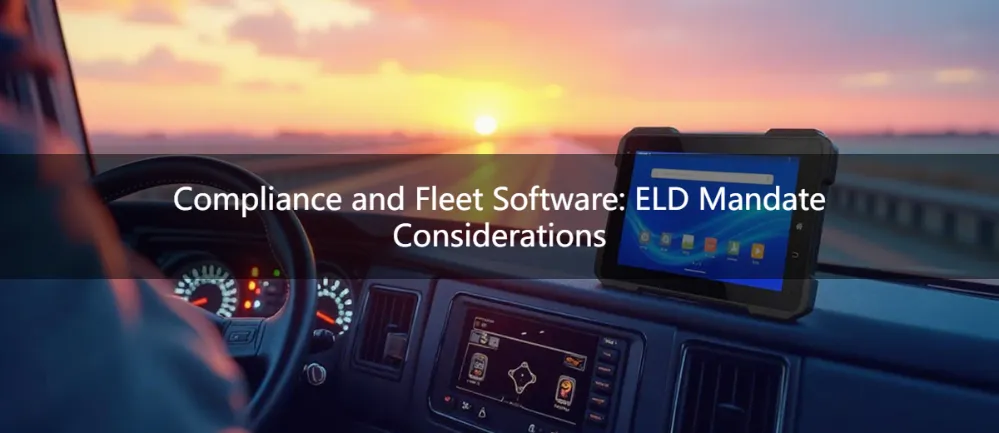
8) Compliance and Fleet Software: ELD Mandate Considerations
For trucking and regulated fleet operations, the ELD mandate remains a major buying factor.
A rugged vehicle-mounted device may be used as part of an electronic logging workflow to support:
- Hours of service tracking
- Driver login/logout
- Duty status changes
- Vehicle assignment
- DVIR and compliance forms
Because these workflows happen every day, the hardware must be stable, always visible, and easy to operate while mounted.
This is exactly where consumer tablets often fall short.
9) Rugged Vehicle Tablet vs Consumer iPad for Fleet Use
A common question is:
Rugged vehicle tablet vs consumer iPad for fleet use — which is better?
The short answer: for serious vehicle operations, rugged wins.
Consumer Tablet Advantages
- Lower upfront cost
- Familiar interface
- Lightweight
- Easy app availability
Rugged Tablet Advantages
- Better vibration resistance
- Better heat and cold performance
- Stronger mounting compatibility
- Better power integration
- More I/O and expansion
- Better outdoor readability
- Better lifecycle stability
- Lower replacement frequency
The Real Cost Difference
A consumer tablet may seem cheaper at purchase—but once you factor in:
- Broken mounts
- Overheating
- Screen visibility issues
- Charging instability
- Downtime
- Replacement cycles
- Failed integration
…the rugged option often becomes more cost-effective over time.
For enterprise fleets, procurement should focus on total cost of ownership, not only initial hardware price.
10) How to Mount a Rugged Tablet in a Semi-Truck Cab
One of the most searched implementation questions is:
How to mount a rugged tablet in a semi-truck cab
The answer depends on safety, driver ergonomics, vibration, and legal visibility requirements.
Key Mounting Goals
A mounted tablet should:
- Stay secure over rough roads
- Remain readable from the driver position
- Avoid blocking windshield or controls
- Allow easy docking/undocking
- Support charging and data connections
Common Mounting Options
The most common solutions include:
- Dash mounts
- Pedestal mounts
- Seat rail mounts
- Pole mounts
- Swing-arm mounts
Two very important related terms here are:
- RAM mount
- VESA mount
RAM Mount
A RAM mount is widely used in fleet and industrial environments because it offers modular arms, bases, and holders that can be configured for different cabs and use cases.
VESA Mount
A VESA mount refers to a standardized mounting pattern often used for displays and tablets, making it easier to pair the device with brackets, cradles, and docking systems.
Best Practices for Semi-Truck Installation
When planning truck installation, consider:
- Driver reach and line of sight
- Airbag deployment zones
- Access to charging and data cables
- Quick release or lockable docking
- Shock-resistant cradle design
- Compliance with internal fleet safety policies
A weak or poorly positioned mount can ruin the entire user experience, even if the tablet itself is excellent.
That is why choosing a fleet rugged tablet mount should be part of the hardware strategy from the start—not an afterthought.
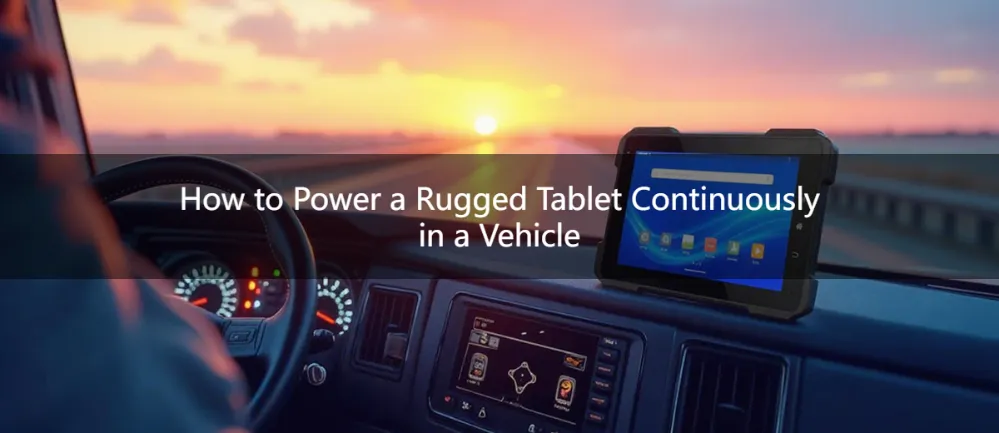
11) How to Power a Rugged Tablet Continuously in a Vehicle
Another practical implementation concern is:
How to power a rugged tablet continuously in a vehicle
A fleet tablet is often expected to run all shift long, sometimes without interruption.
Common Power Methods
- Direct vehicle power connection
- Powered docking station
- DC-DC converter
- Ignition-controlled cradle
- Backup internal battery support
Two Important Fleet Features:
- Ignition sensing
- ACC delay
Ignition Sensing
Ignition sensing allows the device or dock to detect when the vehicle is turned on or off. This supports automatic wake, sleep, or shutdown behavior.
ACC Delay
ACC delay helps prevent abrupt shutdowns by allowing the system to remain powered briefly after ignition-off. This is useful for preserving data, app sessions, and system stability.
Why This Matters
Without proper power design, fleets may experience:
- Battery drain
- Data corruption
- Reboot loops
- Driver frustration
- Device failure over time
For enterprise deployments, power architecture is just as important as screen size or processor specs.
12) Use Cases by Industry
A rugged tablet should always be chosen according to the actual workflow and vehicle type. Here are some common scenarios.
Rugged Vehicle-Mounted Tablet for Police and Emergency Vehicles
A rugged vehicle-mounted tablet for police and emergency vehicles must prioritize:
- Fast boot and wake behavior
- Secure mounting
- Glove-friendly operation
- High daylight readability
- Stable wireless connectivity
- CAD / dispatch compatibility
- Camera and reporting support
In emergency environments, reliability and speed matter more than aesthetics.
How to Choose a Rugged Tablet for Public Transit Buses
If you are evaluating how to choose a rugged tablet for public transit buses, focus on:
- Long operating hours
- Driver visibility in bright light
- Stable mounting under vibration
- Route management software compatibility
- Passenger information system integration
- Power stability and maintenance ease
Transit fleets typically need durable, low-maintenance devices with predictable lifecycle support.
Vehicle-Mounted Rugged Tablet for Warehouse Forklifts
A vehicle-mounted rugged tablet for warehouse forklifts has a different priority set than a highway truck device.
Important considerations include:
- Tight-space mounting
- Frequent stop/start operation
- Indoor/outdoor screen visibility
- Wi-Fi roaming performance
- Barcode scanner compatibility
- Dust resistance
- Forklift power integration
Forklift environments are deceptively harsh. Shock, vibration, repeated impacts, and narrow visibility angles all create challenges for standard consumer devices.
Rugged In-Vehicle Tablet for Mining and Construction Equipment
A rugged in-vehicle tablet for mining and construction equipment typically requires the highest durability profile.
Look for:
- Heavy vibration resistance
- Strong ingress protection
- Excellent outdoor readability
- Wide operating temperature range
- Dust sealing
- Stable bracket or dock system
- Vehicle data integration options
Mining and construction vehicles are among the toughest deployment environments, so hardware shortcuts usually become expensive later.
13) How to Choose the Right Rugged In-Vehicle Computer for Your Fleet
Choosing the right in-vehicle rugged computer is less about finding the “most powerful” tablet and more about finding the best fit for your workflow.
Ask These Questions First:
1. What vehicle types are involved?
- Semi-trucks?
- Forklifts?
- Public buses?
- Patrol cars?
- Excavators?
2. Will the device stay mounted full-time?
If yes, mounting, docking, and power integration become top priorities.
3. Is vehicle data integration required?
If you need diagnostics or telematics, make sure the system supports:
- CAN bus
- J1939
- OBD-II
- Telematics gateway compatibility
4. Will the device be used outdoors?
If yes, prioritize:
- High-brightness display (1000+ nits)
- Optical bonding
- Weather resistance
5. Will workers wear gloves?
If yes, require:
- Glove-on touchscreen
6. Does the fleet operate in heat or cold?
If yes, confirm:
- Wide operating temperature (-30°C to 70°C)
7. Is compliance involved?
If you run transport operations, check support for:
- ELD mandate workflows
- Dispatch and fleet software
14) Final Buying Advice: Focus on System Reliability, Not Just Device Specs
The biggest mistake buyers make is evaluating rugged tablets the same way they evaluate office electronics.
A rugged vehicle solution is not just a tablet. It is a complete mobile workstation made up of:
- The device
- The mount
- The powered dock
- The power architecture
- The connectivity stack
- The software ecosystem
- The vehicle integration layer
That is why a successful deployment depends on balancing all of these factors together.
If your team is comparing options, the best decision usually comes from asking:
- Will it survive our environment?
- Will drivers actually use it easily?
- Will it integrate with our systems?
- Will it reduce downtime and service calls?
- Will it still work reliably in three years?
Those are the questions that separate a short-term gadget purchase from a long-term fleet technology investment.
(FAQ)
1. What is a rugged vehicle-mounted tablet?
A rugged vehicle-mounted tablet is a durable mobile computing device designed to be installed and operated inside vehicles or industrial equipment. It combines touchscreen flexibility with the stability needed for mobile fleet environments, handling shock, vibration, extreme temperatures, dust, water, and continuous vehicle power.
2. What durability standards should I look for in a rugged vehicle tablet?
Look for MIL-STD-810H certification for environmental stress (vibration, shock, drops, temperature) and an IP65/IP67 rating for dust and water resistance. IP65 protects against dust and low-pressure water jets, while IP67 is dust-tight and protects against temporary immersion.
3. Why is sunlight readability important for vehicle-mounted tablets?
Sunlight readability is essential because truck cabs, forklift yards, and outdoor work sites have bright ambient light. A high-brightness display (1000+ nits) with optical bonding and anti-glare coating ensures the screen remains visible and usable in direct sunlight, improving safety and productivity.
4. Can rugged vehicle tablets integrate with ELD and telematics systems?
Yes, rugged vehicle tablets can integrate with ELD and telematics systems if they have the right I/O options and platform support. They can connect to ELD systems, fleet management software, dispatch platforms, vehicle diagnostics, and telematics gateways to display hours-of-service, engine alerts, route data, and more.
5. What is the importance of CAN bus and J1939 in rugged tablets?
CAN bus is the vehicle communication network, and J1939 is a protocol used in heavy-duty trucks. A rugged tablet with CAN bus and J1939 support can directly interface with vehicle systems to display engine status, fault codes, fuel usage, idling time, speed, maintenance alerts, and driver behavior data.
6. How do I mount a rugged tablet in a semi-truck cab?
Mount a rugged tablet using dash mounts, pedestal mounts, seat rail mounts, or swing-arm mounts. Common solutions include RAM mounts (modular arms and bases) and VESA mounts (standardized mounting patterns). Ensure the mount is secure, does not block windshield or controls, allows easy docking/undocking, and supports charging and data connections.
7. How do I power a rugged tablet continuously in a vehicle?
Power continuously using direct vehicle power connection, powered docking station, DC-DC converter, or ignition-controlled cradle. Key features include ignition sensing (detects vehicle on/off for auto wake/sleep) and ACC delay (prevents abrupt shutdown by keeping power on briefly after ignition-off).
8. What is the difference between a rugged vehicle tablet and a consumer iPad for fleet use?
Rugged tablets offer better vibration resistance, heat/cold performance, mounting compatibility, power integration, I/O expansion, outdoor readability, and lifecycle stability. Consumer iPads have lower upfront cost but often fail due to overheating, screen visibility issues, charging instability, and higher long-term replacement costs.
Conclusion
A rugged vehicle-mounted tablet is one of the most valuable tools for modern fleet operations—when chosen correctly.
Whether you need an in-vehicle rugged computer for trucking, public transit, police vehicles, warehouse forklifts, or heavy equipment, the right system should deliver:
- Verified durability with MIL-STD-810H
- Protection through IP65/IP67 rating
- Visibility with a High-brightness display (1000+ nits) and Optical bonding
- Ease of use via a Glove-on touchscreen
- Stable performance across a Wide operating temperature (-30°C to 70°C)
- Integration through CAN bus, J1939, OBD-II, and Telematics gateway support
- Reliable mounting through RAM mount or VESA mount compatibility
- Continuous operation using Ignition sensing and ACC delay
- Support for compliance and operations including the ELD mandate
相关推荐内容
Latest Content
- 10‑inch Rugged Android Tablet – Durable High‑Performance Device
- Enhancing Trucking Operations with a Tablet for Truck Drivers
- Rugged Tablets for Outdoor Use: Durable, Reliable Devices for Harsh Environments
- Ruggedized Tablets for Construction: Durable Solutions for Harsh Environments
- Rugged Tablets for Public Safety: Choosing the Right Device
Hot product
- WMT6UQ: 6-Inch 4G Android 12 Wireless Carplay Navigator Motorcycle PND
- WT10RX: 10.1 inch rugged tablet,10.1″ sunlight-readable display,10.1" ip67 rugged tablet
- WT10MX: 10.1 inch rugged tablet 12,000 mAh,10.1″ IPS display Rugged IP65 design
- WT08Q9Y: 8 inch 10000mAh long battery rugged tablet,1000-nit rugged tablet,
- WT08M8Y: 8 inch Android 14,700-nits rugged tablet