
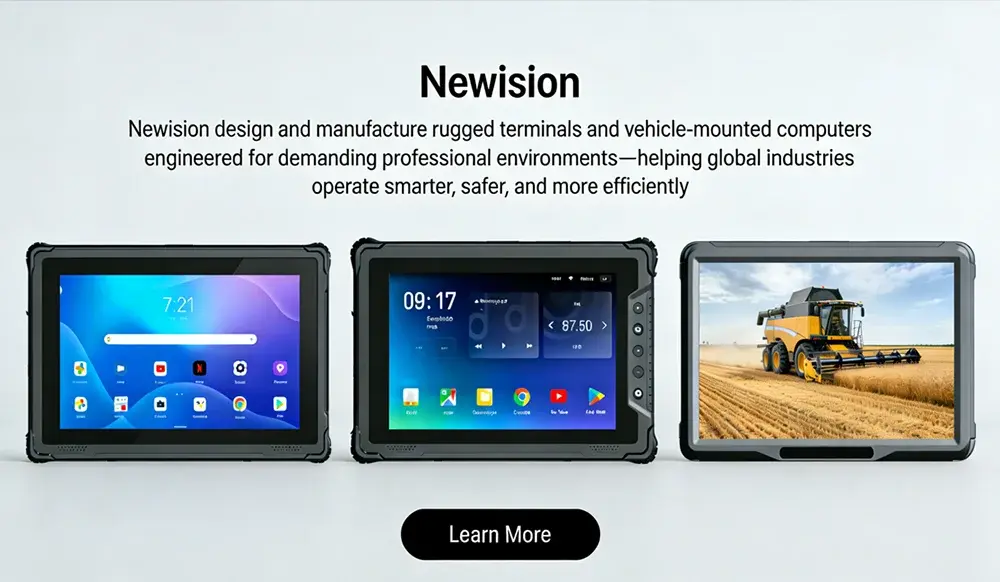
Optimizing Fleet Efficiency: The Essential Guide to Mobile Data Terminal Hardware
In vehicle-based jobs like delivery routes or emergency response, staying connected matters a lot. You need quick access to info while on the move. Mobile data terminals, or MDTs, act like the brain of your truck or van. They handle data flow to keep teams sharp and operations smooth.
Teams often deal with delays from poor communication or lost paperwork. Drivers waste time on wrong turns or manual logs. MDT hardware fixes this by linking everything in real time. It cuts errors and speeds up tasks for logistics crews or field workers.
This guide breaks down what makes MDT hardware work well. We’ll cover key parts, how to pick the right one, and tips for setup in your fleet. By the end, you’ll know how to choose gear that boosts your daily runs.
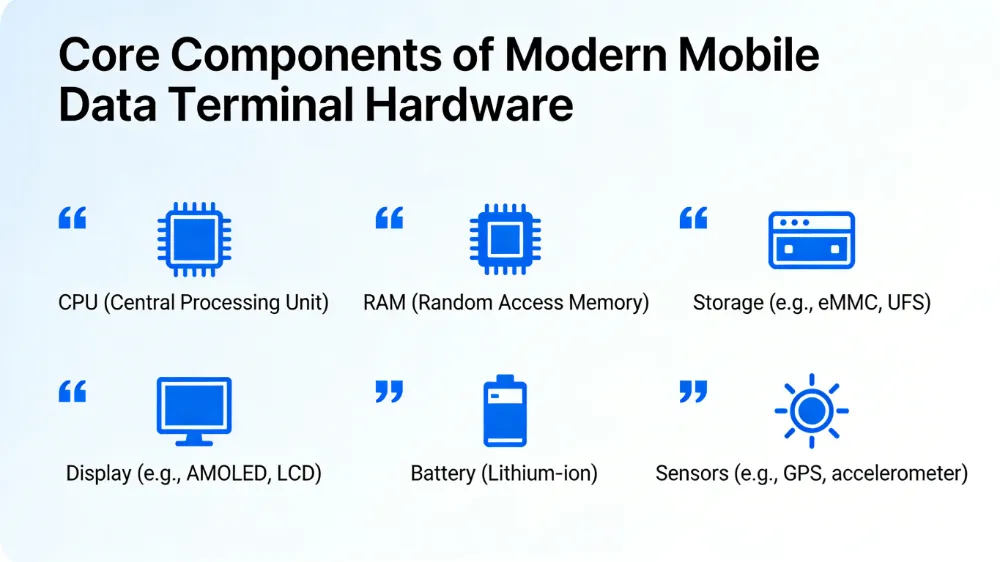
Core Components of Modern Mobile Data Terminal Hardware
MDT hardware forms the base for any vehicle setup. It includes the tech that processes data fast and stays reliable under stress. Buyers should look at these parts to match needs with costs.
Processing Power and Memory Requirements
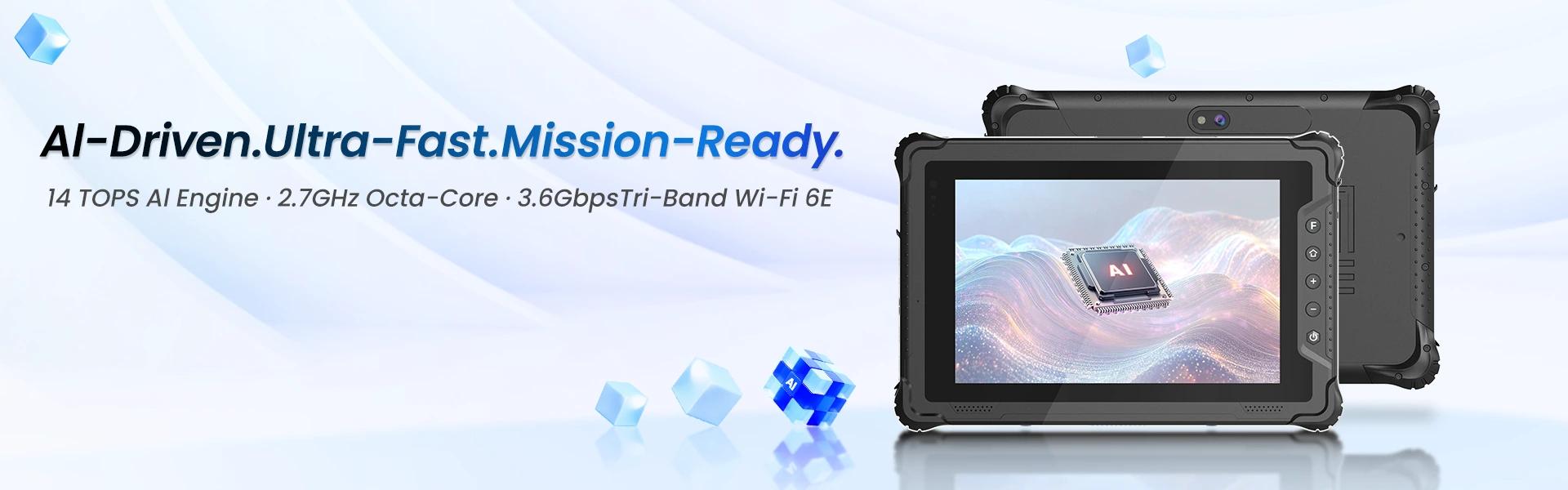
Pick a CPU that handles tough jobs without slowing down. Intel Atom chips work fine for basic tasks, but ARM-based ones shine in newer models for better battery life. They run dispatch apps and track vehicle stats at the same time.
RAM matters too—aim for at least 4GB to juggle multiple screens. Low memory causes lags during peak hours, like rush deliveries. In fleet ops, smooth performance keeps drivers focused on the road.
Storage options like eMMC suit tight budgets, while SSDs offer speed and last longer. Mobile gear faces bumps and heat, so choose drives that resist failures. This ensures your data stays safe even on long hauls.
Display Technology and Ergonomics
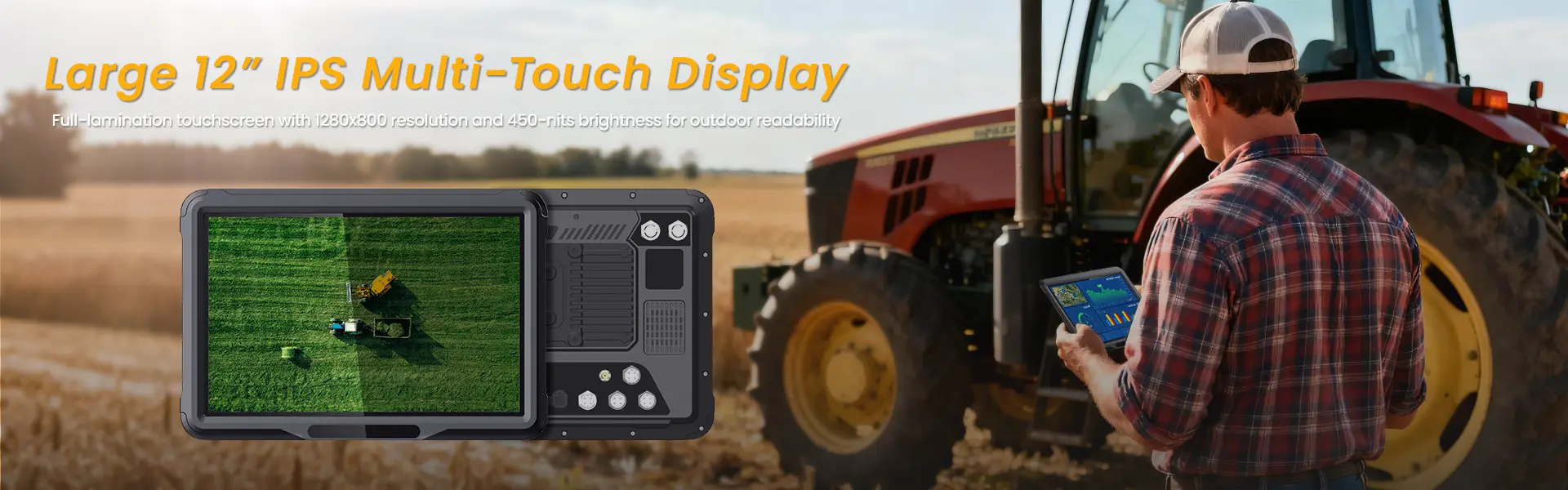
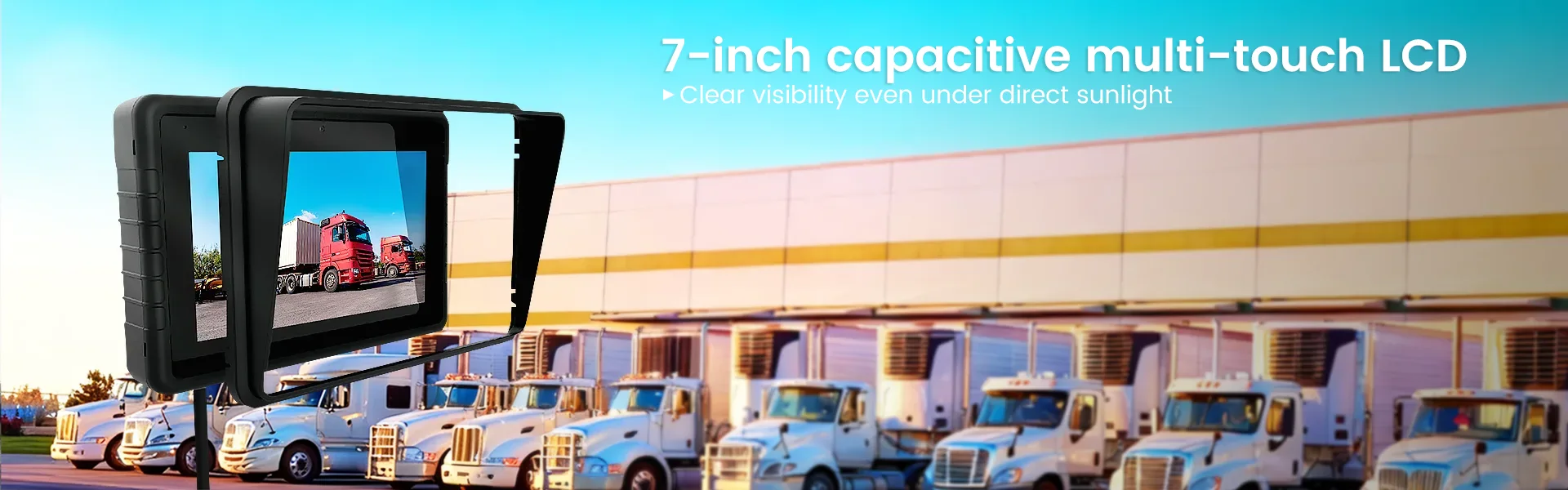
Screen size around 7 to 10 inches fits most dashboards without crowding. High resolution, like 1920×1080, shows maps clearly. Sunlight readability tops 1000 nits to beat glare on bright days.
Touchscreens need to work with gloves—capacitive types respond better than resistive ones. This helps workers in rough jobs tap icons fast. Poor screens lead to mistakes, so test them in real light.
Durability comes from Gorilla Glass that shrugs off scratches. Anti-glare coatings cut reflections from windows. These features make the display usable in any weather, from rain to dust storms.
Connectivity Modules: Beyond Basic Cellular
4G LTE covers most areas, but 5G prep future-proofs your setup for faster uploads. Support for multiple bands avoids dead zones in rural spots. Redundant Wi-Fi lets you switch to hotspots when signals drop.
GPS antennas built-in track routes with pinpoint accuracy. Pair it with Bluetooth for quick links to scanners or headsets. This setup streams data without wires getting in the way.
Serial ports connect to older vehicle systems, like CAN bus for engine info. Ethernet options handle high-data tasks, such as video feeds. Strong connectivity turns your MDT into a full hub for on-road work.
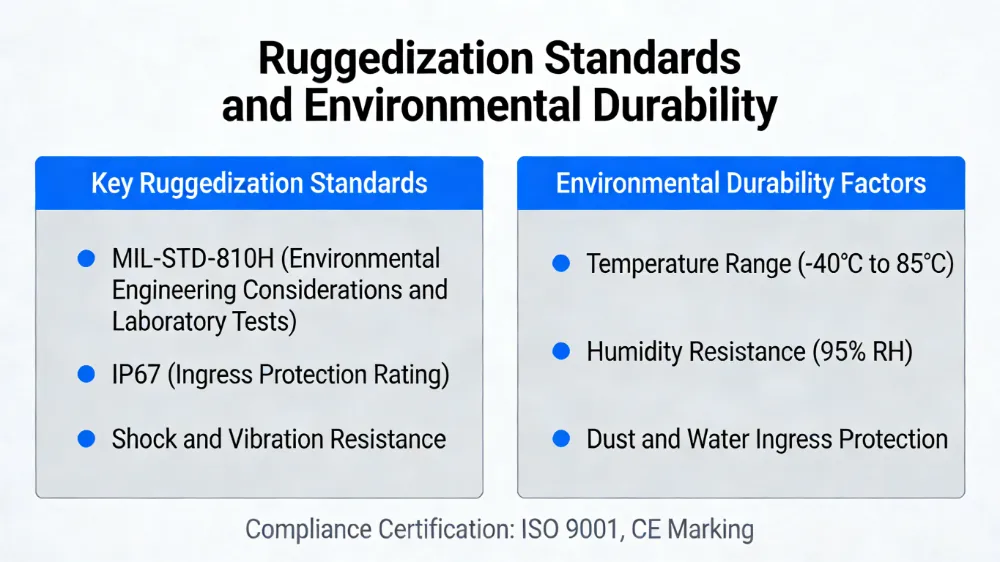
Ruggedization Standards and Environmental Durability
Mobile life means hardware takes a beating from roads and weather. Rugged MDTs stand up to it all. Focus on builds that match your daily grind.
Understanding Ingress Protection (IP) Ratings
IP65 blocks dust and handles water sprays, perfect for construction sites. IP67 goes further, surviving full submersion for short times. Low ratings fail fast in wet or dirty jobs, costing time and money.
In delivery fleets, rain hits hard during storms. A solid IP rating keeps internals dry and running. Check specs to avoid cheap units that quit after one splash.
Real tests show IP67 units last years in tough spots. They protect against mud on farm routes too. Pick based on your exposure to elements.
Shock, Vibration, and Temperature Resilience
MIL-STD-810H tests mimic drops and jolts from potholes. Vibration mounts absorb shakes from engines or rough terrain. Without them, screens crack or connections loosen over miles.
Extreme heat in deserts or cold in winter trucks demands wide ranges, like -30°F to 140°F. Gear outside this fries circuits fast. Match tolerance to your routes for zero downtime.
Tip: For hot areas like the Southwest, seek units with active cooling fans. In cold zones, heated screens prevent fog. This keeps ops steady year-round.
Power Management and Vehicle Integration
DC input from 9-36V handles truck batteries without spikes. Stabilizers smooth out jumps from idling engines. Backup batteries give 10-30 minutes to save work if power cuts.
Hardwire for steady flow over cigarette lighters, which overheat. Pros install fuses to prevent shorts. Safe setups avoid fires in tight cabs.
Integration ties MDT to vehicle power cleanly. Use pros for wiring to meet safety codes. This ensures reliable juice for every shift.

Software Integration and Operating System Selection
Hardware alone won’t cut it—you need software that fits your tools. Good MDTs play nice with your systems. This boosts workflow from dispatch to delivery.
Windows vs. Android Ecosystems in Fleet Management
Windows offers easy ties to old software many teams know. It runs heavy apps like full ERP links without hiccups. But updates cost more, and it’s power-hungry.
Android cuts prices with vast apps for tracking or scans. Tablets feel familiar, like phones. Security patches roll out regular, key for data safety.
Choose based on your stack—Windows for complex legacy, Android for simple mobile. Both support fleet tools, but test compatibility first. Long support means fewer headaches down the line.
API Access and Telematics Integration
Open APIs let MDTs feed data to your TMS without custom code. This syncs routes and inventory in real time. Closed systems trap info, slowing your team.
MDTs pull GPS, OBD-II engine data, and driver notes into one stream. J1939 protocols grab truck diagnostics like fuel use. Aggregate this for smart decisions, like rerouting on traffic.
In practice, integrated units cut fuel waste by 15%, per industry reports. They flag issues before breakdowns. Seamless ties make your fleet smarter overall.
Critical Peripherals and Accessory Ecosystem
MDTs shine brighter with add-ons tailored to tasks. These extras turn basic units into job-specific powerhouses. Build around your needs for max output.
Mounting Solutions and Ergonomic Accessibility
RAM Mounts grip tight on bumpy roads with ball joints for angles. VESA standards fit many screens for easy swaps. Docking stations charge and lock in place overnight.
Position at eye level to avoid neck strain. Quick-release lets drivers grab it for walks. Bad spots distract, raising accident risks.
Test mounts in your vehicle type—trucks need heavier bases. This keeps access simple and safe.
External Input/Output Devices
Barcode scanners with 2D imagers read labels fast for inventory checks. Link via Bluetooth to log stock without stopping. Mobile printers spit out receipts right there.
Cameras capture POD photos to prove drops. USB ports handle multiple devices at once. These tools speed verification in tight schedules.
In logistics, such integrations slash return rates by 20%. They make proof quick and paperless.
Enhanced Data Input Methods
Physical keyboards attach for quick typing in gloves. Virtual ones work on touchscreens for space savings. Voice input turns speech to text hands-free.
Use voice for notes while driving—safer than pecking keys. It logs stops or issues on the fly. Pick based on noise levels in your cab.
This flexibility fits roles, from silent warehouses to loud construction.
Conclusion: Future-Proofing Your Mobile Data Infrastructure
Selecting MDT hardware demands a full look at toughness, power, and software fit. Skip the cheapest option—focus on what lasts in your world. This approach saves big over time.
Real-time data from strong hardware pays off fast. It trims delays, cuts errors, and lifts efficiency. Fleets see returns in months through better routes and logs.
As 5G spreads and edge computing grows, MDT needs will shift. Plan for upgrades that handle more data on the go. Start assessing your setup today to stay ahead in vehicle ops.
相关推荐内容
Latest Content
- What is a school bus tablet? How does a school bus tablet improve safety?
- How to Choose Rugged Tablets for School Buses?
- School Bus MDT Guide – Rugged Mobile Data Terminals for Student Transportation
- What Are the Best 8-Inch Rugged Tablets for Construction, Field Work, and Outdoor Use in 2026?
- CAN Bus Integration for Fleet Tablets: A Practical System Integrator's Guide
Hot product
- WMT6UQ: 6-Inch 4G Android 12 Wireless Carplay Navigator Motorcycle PND
- WT10RX: 10.1 inch rugged tablet,10.1″ sunlight-readable display,10.1" ip67 rugged tablet
- WT10MX: 10.1 inch rugged tablet 12,000 mAh,10.1″ IPS display Rugged IP65 design
- WT08Q9Y: 8 inch 10000mAh long battery rugged tablet,1000-nit rugged tablet,
- WT08M8Y: 8 inch Android 14,700-nits rugged tablet