Rugged Tablets for Outdoor Use: Durable, Reliable Devices for Harsh Environments
Outdoor professionals face salt spray, dust storms, rain, extreme temperatures, and rough handling. A rugged tablet must not only survive these conditions but also deliver reliable performance, legible screens, long battery life, and secure connectivity so fieldwork stays productive. This guide provides a professional, user-focused overview of what to look for, how to evaluate devices, and practical buying tips for industries such as construction, energy, public safety, agriculture, and field service.
What makes a rugged tablet truly rugged?
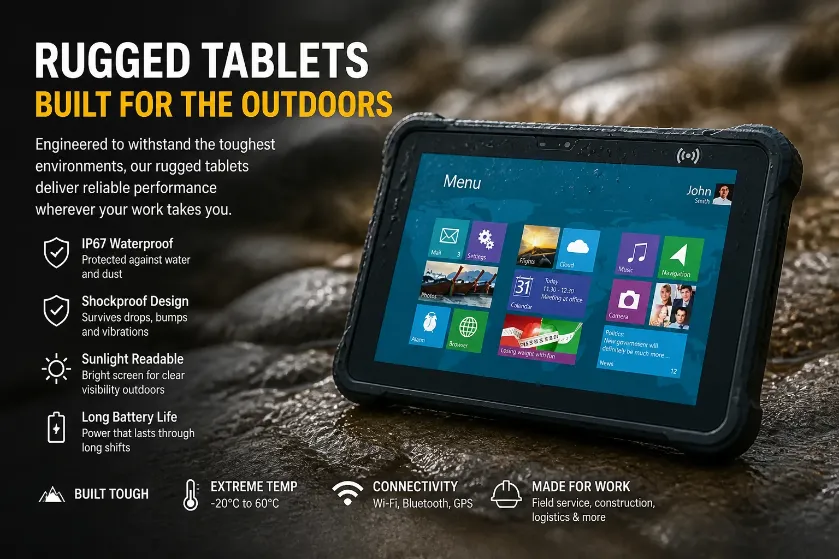
Rugged tablets are engineered to tolerate real-world hazards far beyond consumer devices. The core attributes include certified durability, extended operating temperature ranges, reliable input under harsh conditions, and the ability to maintain performance in a mobile, sometimes remote, workspace. In practice, this means:
Durability certification: Look for MIL-STD-810H/G testing and ingress protection ratings such as IP68 or IP69K. These indicate shock, drop, dust, water, and vibration resistance aligned with field requirements.
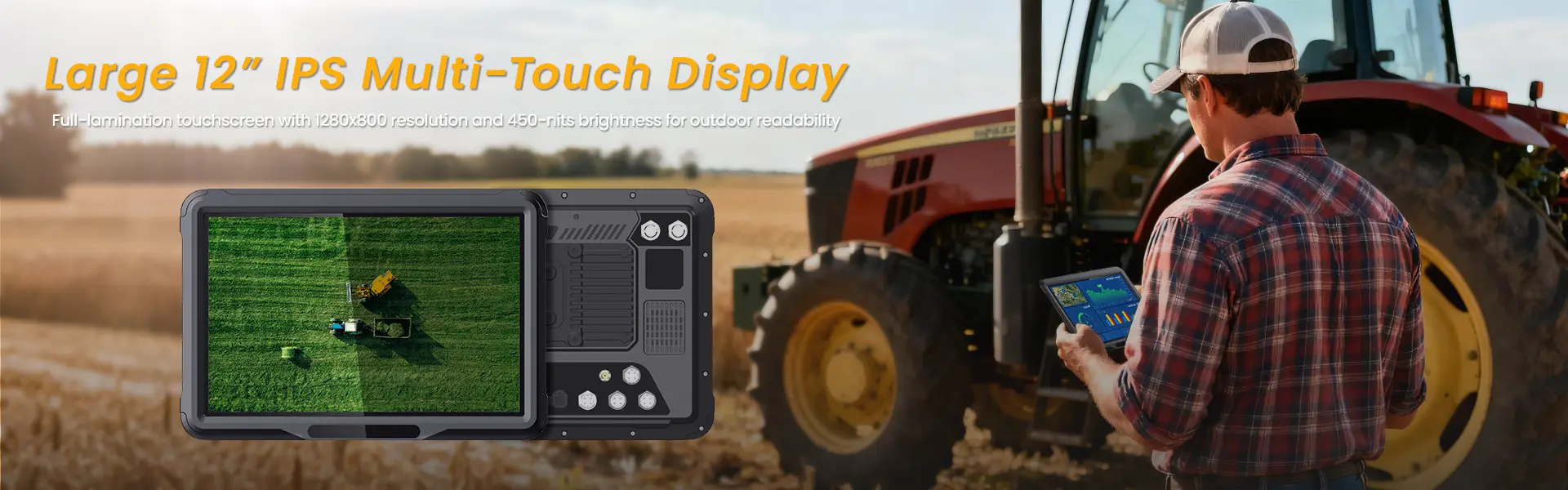
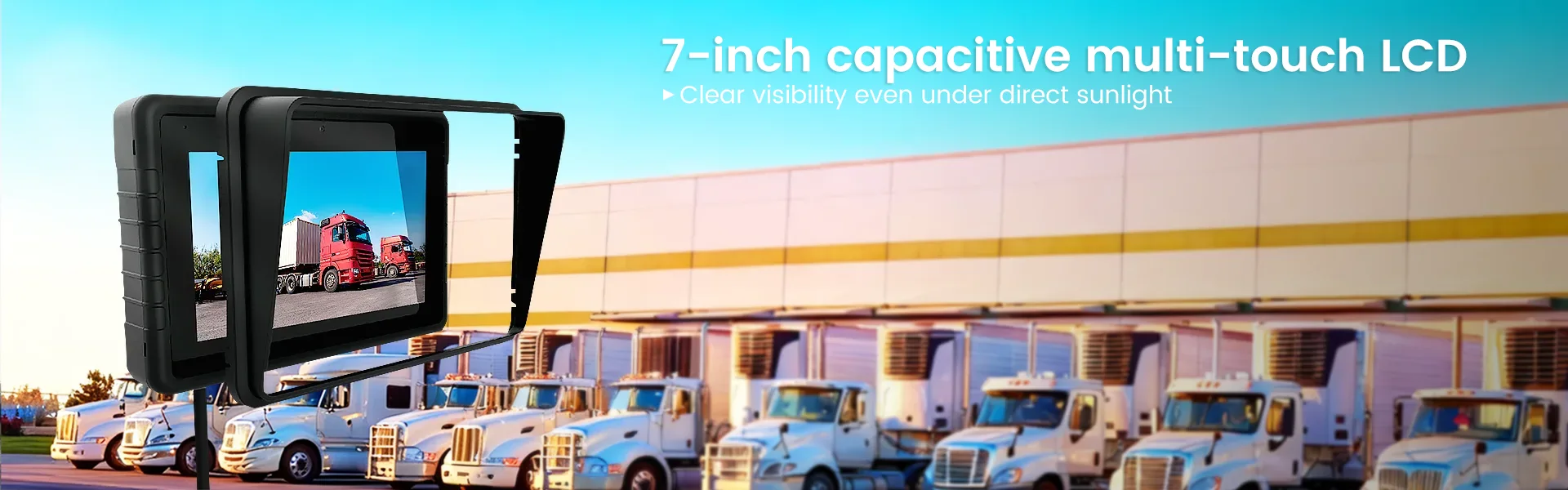
Display and input: High-brightness displays (typically 1000+ nits) for readability in direct sunlight, plus glove-enabled capacitive touch or active stylus support to keep productivity in cold or dirty environments.
Temperature and battery: Broad operating temperature ranges and efficient power management ensure stable performance in freezing dawns and scorching afternoons. A practical battery life supports a full shift with options for hot-swappable or easily replaceable batteries in remote sites.
Connectivity and security: 4G/5G, Wi‑Fi, GNSS, and robust security features (encryption, secure boot, EMM/MDM compatibility) keep data safe and devices connected where networks are spotty.
Key outdoor-use requirements you should prioritize
Display readability in bright sun, outdoor glare reduction, touch responsiveness with gloves, and durable glass.
Ruggedness proven by MIL-STD-810H/G and IP ratings, plus certified shock, drop, and vibration resistance.
Power management long battery life, efficient CPUs, and flexible charging (car adapters, docks, or hot-swap options).
Connectivity stable network access, reliable GNSS for mapping, and rugged wireless antennas for field data capture.
Lifecycle and support long-term OS availability, spare parts, and service in your regions to minimize downtime.
Durability standards and testing explained
MIL-STD-810H/G tests simulate real-world operating conditions such as drop, shock, vibration, temperature cycling, sand and dust exposure, and humidity. They do not guarantee failure-free life, but they strongly indicate resistance to field use.
IP ratings quantify protection against solids and liquids. IP68 means dust-tight and immersion beyond 1 meter; IP69K adds protection against high-pressure, high-temperature water jets.
In practice, pair the standard with field-proven accessories (industrial docks, mounts, and protective cases) to extend lifecycle and ease deployment.
Display, input, and usability in the field
Display brightness and readability: A minimum of 1000 nits is recommended for direct-sun environments; higher brightness improves readability in glare-prone locations like construction sites or desert landscapes.
Glove-friendly touch and stylus support: Capacitive touch screens with glove support and optional active stylus help maintain precision when working with tools or in cold weather.
Screen resilience: Tempered glass with anti-glare and oleophobic coatings reduces fingerprints and improves scratch resistance. Consider screen protectors designed for rugged environments.
Performance and power for off-network field work
A rugged tablet must balance CPU power, RAM, storage, and battery life without sacrificing thermal stability. For most field tasks (mapping, form-based data capture, video playback, offline apps), a mid-to-high range CPU, 4–8 GB RAM, and 64–256 GB storage (with optional microSD expansion) offers a solid baseline.
Battery life should support a standard 8–12 hour shift under realistic workloads. Look for devices with hot-swappable batteries or battery packs that can be replaced without tools, reducing downtime in the field.
Connectivity and software in harsh environments
4G/5G cellular bands, reliable Wi‑Fi, Bluetooth 5.x, and GNSS (GPS/GLONASS/Beidou) support are essential for mapping, asset tracking, and data transfer. For security, ensure hardware-based encryption, trusted platform module (TPM), secure boot, and compatibility with enterprise mobility management (EMM) platforms.
Operating system choices typically include Windows and Android. Windows offers familiar productivity software and richer desktop-like apps; Android provides strong app ecosystems and easier customization for field teams. Ensure long-term OS support, frequent security updates, and a robust app ecosystem for your workflows.
A practical guide to choosing a rugged tablet: a quick decision matrix
The right device depends on use-case, environment, and budget. The following table highlights typical requirements across common scenarios. Note that ranges are indicative; verify with a vendor for specific models and certifications.
| Use case | Recommended durability | Display and input | Power & connectivity | Software ecosystem |
|---|---|---|---|---|
| Construction site data capture | IP68, MIL-STD-810H, dust-proof | 1000–1200+ nits, glove-friendly | 8–12 h battery, Wi‑Fi + LTE | Windows or Android, strong EM M |
| Energy field service | IP69K, robust vibration resistance | Glove input, pen optional | Extended battery, rapid charging | Android for field apps, offline maps |
| Public safety / disaster response | MIL-STD-810G+, IP68 | High readability, night mode | Cellular + satellite comms, redundancy | Security features, EMM compatibility |
| Agriculture and outdoor research | IP67–IP68, frost/heat tolerance | Bright screen, robust enclosure | Long endurance, rugged antennas | Data capture apps, GPS mapping |
Product selection checklist for field teams
Before finalizing a purchase, verify the following:
– Certifications: MIL-STD-810H/G, IP68/IP69K, optional MIL-STD-461 for EMI.
– Display: brightness, contrast, anti-glare, touch with gloves, UV stability.
– Battery: life under load, charging options, hot-swap capability.
– Ports and expansion: USB-C, USB-A, microSD, docking options, rugged case compatibility.
– Security and manageability: OS updates cadence, TPM, encryption, EMM/MDM support, remote wipe.
Maintenance and lifecycle considerations
Rugged tablets require routine maintenance to preserve performance. Clean seals during field use; avoid exposing devices to extreme solvents; replace worn seals as recommended by the manufacturer. Consider a service plan that includes battery replacement and screen repair. For fleets, standardize on a single platform to reduce training time and support tickets.
FAQ about rugged tablets for outdoor use
Q1: Do rugged tablets work reliably in extreme temperatures?
Yes. Most rugged tablets are engineered with operating temperature ranges from roughly -20°C to 60°C. In practice, performance depends on thermal design, battery chemistry, and workload. If you operate near the limits, choose a device with active cooling or enhanced thermal management and plan for battery performance in the cold.
Q2: What IP rating is sufficient for rain, dust, and submersion on a worksite?
For wet and dusty outdoor work, IP68 is common and generally adequate, offering complete dust protection and immersion beyond 1 meter. IP69K adds protection against high-pressure water jets, useful in car wash or heavy rain scenarios. Assess your specific exposure and cleaning procedures when selecting a rating.
Q3: Can I use rugged tablets with gloves on?
Most rugged tablets support glove-mode touch or include a stylus. For entry-level touchscreens, be sure to verify glove compatibility (many devices support nitrile or wool gloves). If stylus use is important for precision, confirm active pen compatibility and availability of spare tips in your region.
Q4: How long does the battery last in a full field shift?
Typical outdoor workloads range from 6 to 12 hours per battery cycle depending on screen brightness, processing load, and network activity. Some devices offer hot-swappable batteries or replaceable packs to avoid downtime.
Q5: Windows vs Android for field use – which is better?
Windows appeals to users who rely on desktop software and full-featured forms; Android offers a broad app ecosystem and easier OTA updates. Your choice should align with existing workflows, app availability, and IT management capabilities. In many fleets, a mix is used: Android on handheld field apps and Windows on docked devices for planning and reporting.
Numbers, benchmarks, and real-world guidance
Durability alone does not guarantee performance. When selecting a rugged tablet, pair it with real-world tests that mirror your workflows:
– Screen readability in direct sun with your typical sunglasses or protective gear
– Battery life under a representative data capture load and map rendering
– Connectivity in sites with weak cellular signals and underground sections
– App compatibility and performance with offline maps and large form datasets
Conclusion: choosing the right rugged tablet for your outdoor team
In the field, reliability and efficiency are intertwined. A rugged tablet should survive the environment while preserving user productivity with readable displays, robust input, dependable power, secure connectivity, and straightforward maintenance. By focusing on durability standards, display performance, power management, and software ecosystem compatibility, organizations can select devices that reduce downtime, accelerate workflows, and deliver accurate data in harsh environments.
相关推荐内容
Latest Content
- Ruggedized Tablets for Construction: Durable Solutions for Harsh Environments
- Rugged Tablets for Public Safety: Choosing the Right Device
- Mining Tablet Guide: Rugged, Reliable Tablets for Harsh Mining Environments
- 1000 Nits Brightness Rugged Tablet: The Essential Field Companion for Outdoor Conditions
- Rugged Tablets for Fleet Management: Enhance Efficiency and Durability
Hot product
- WMT6UQ: 6-Inch 4G Android 12 Wireless Carplay Navigator Motorcycle PND
- WT10RX: 10.1 inch rugged tablet,10.1″ sunlight-readable display,10.1" ip67 rugged tablet
- WT10MX: 10.1 inch rugged tablet 12,000 mAh,10.1″ IPS display Rugged IP65 design
- WT08Q9Y: 8 inch 10000mAh long battery rugged tablet,1000-nit rugged tablet,
- WT08M8Y: 8 inch Android 14,700-nits rugged tablet