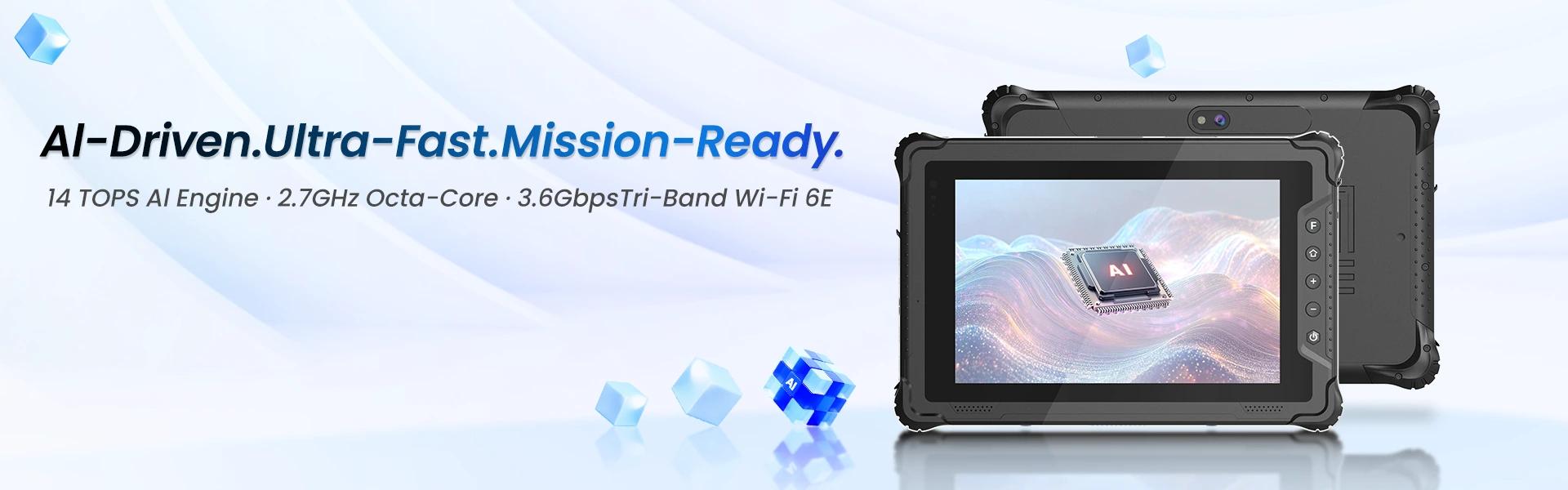
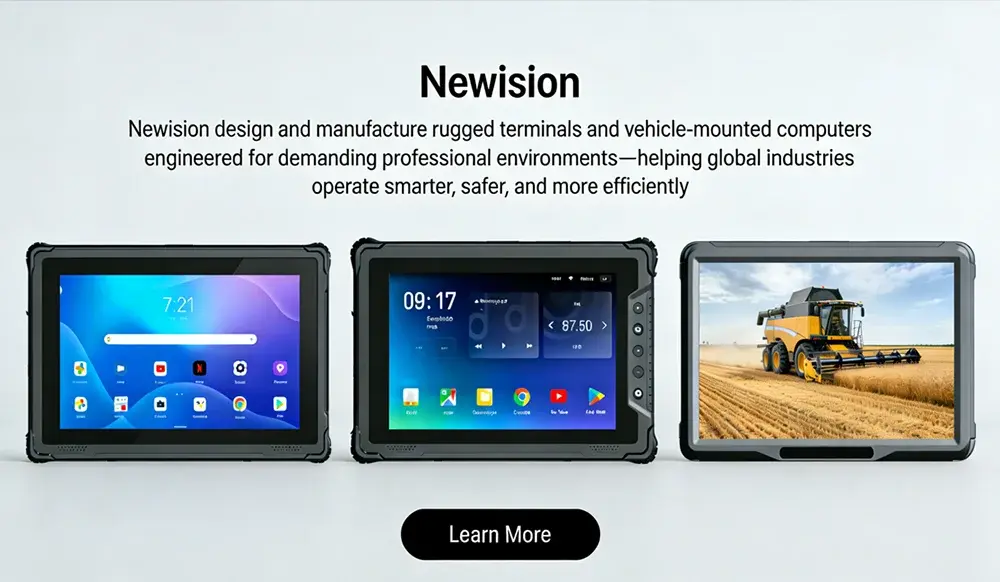
Fleet Management Tablet: The Complete Guide to Rugged In-Cab Tablets for Commercial Vehicles
A fleet management tablet is no longer a convenience add-on. It is the operational nerve center of modern trucking, delivery, bus, utility, municipal, and field service fleets. When deployed correctly, it becomes the single in-cab interface for dispatch, navigation, compliance, telematics, proof of delivery, vehicle diagnostics, messaging, video, and driver workflows.
In this guide, we cover exactly what decision-makers, system integrators, and fleet operators need to know when selecting a rugged Android fleet tablet or vehicle-mounted mobile data terminal (MDT) for real-world commercial operations.
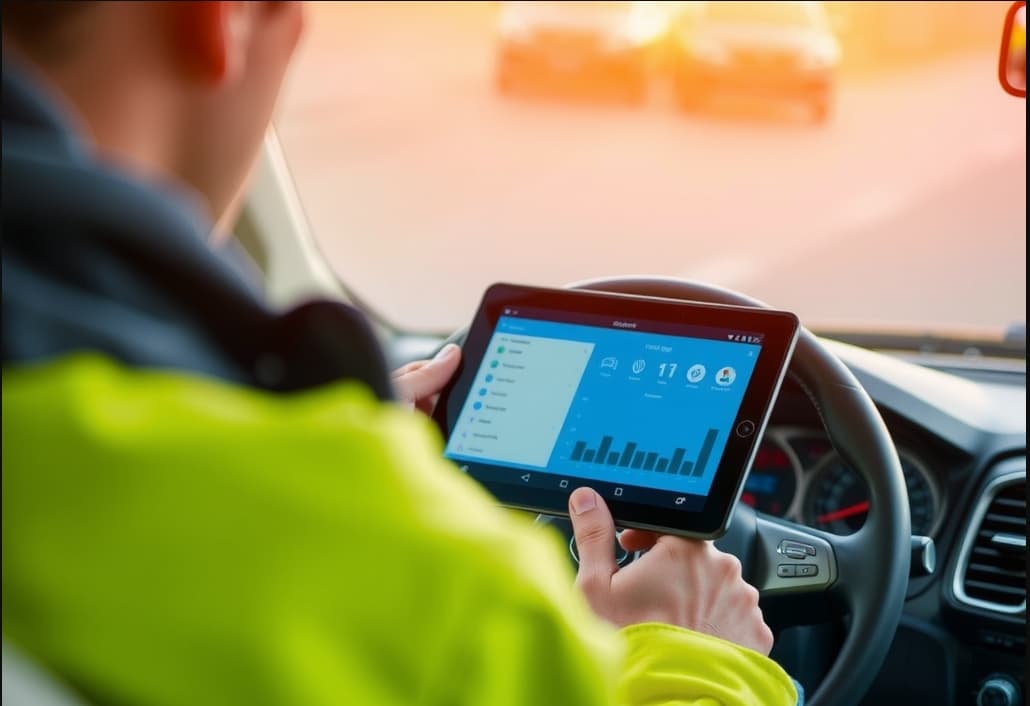
What Is a Fleet Management Tablet?
A fleet management tablet is a purpose-built, ruggedized tablet designed to operate inside commercial vehicles under continuous daily use. Unlike standard office or consumer tablets, it is engineered for:
- Permanent or semi-permanent in-cab installation
- Wide-voltage vehicle power input
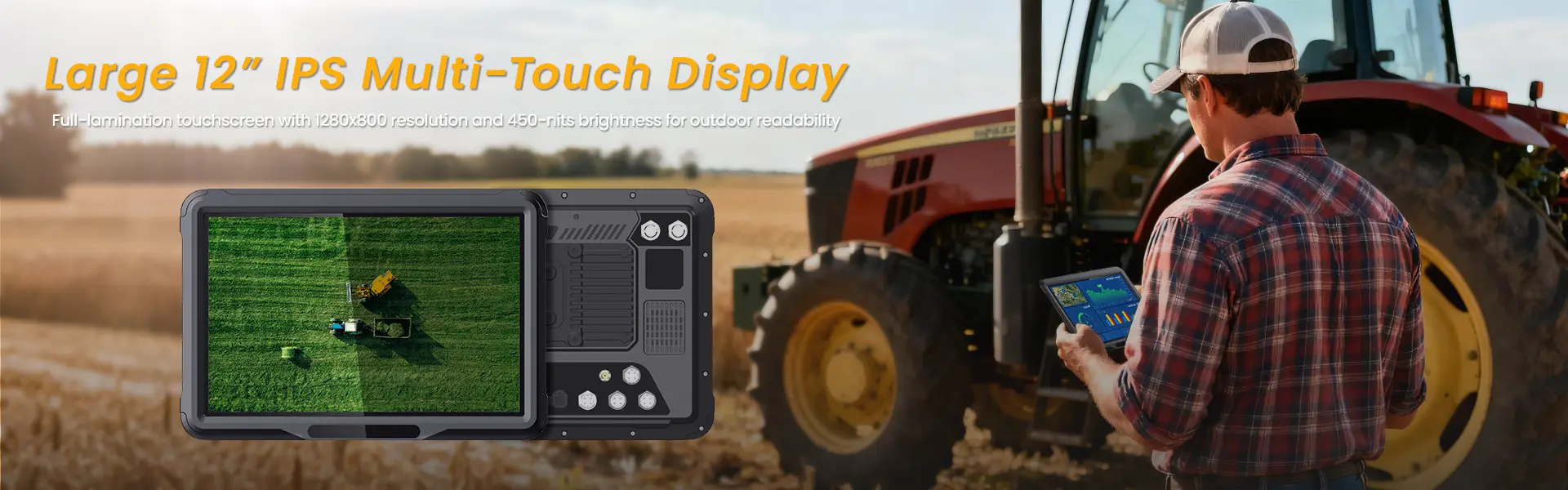
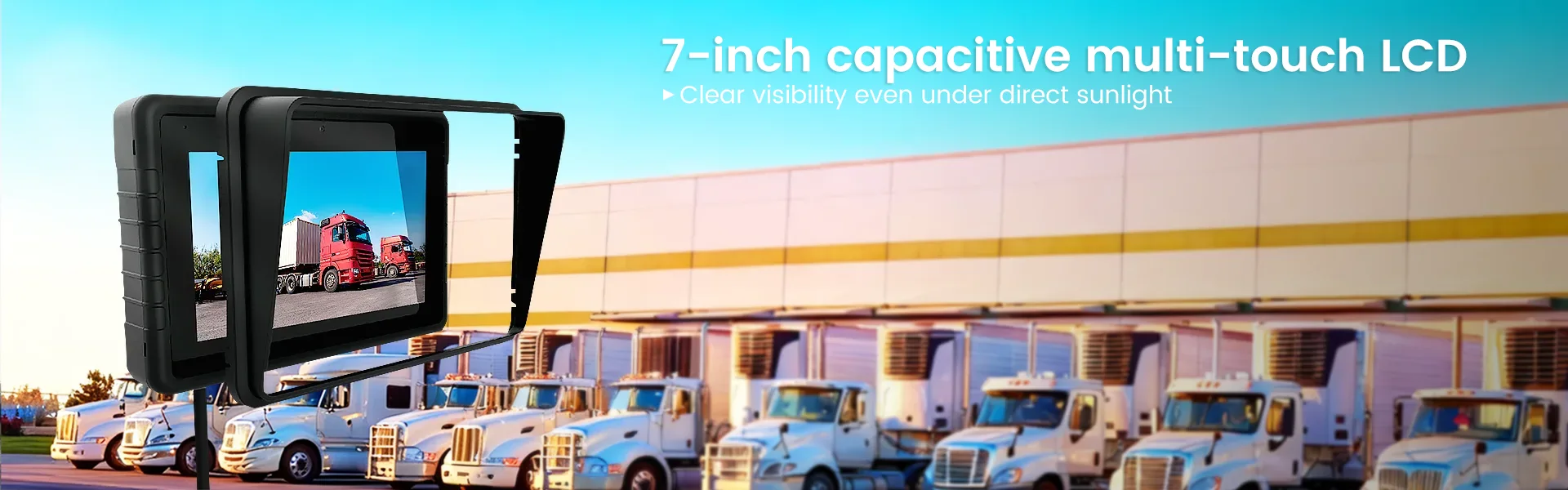
- High-brightness sunlight-readable viewing
- Reliable operation in extreme temperatures
- Shock and vibration resistance
- Integration with GPS, telematics, cameras, sensors, and fleet software
In practical terms, a fleet tablet acts as the driver’s command terminal. It can consolidate:
- Route planning and turn-by-turn navigation
- Job dispatch and work order management
- Electronic logging and compliance workflows
- Driver messaging and communication
- Vehicle inspections and digital forms
- Barcode/RFID scanning
- Proof of delivery and signature capture
- Reverse/side camera feeds
- Vehicle health and diagnostics
- Real-time fleet visibility and reporting
For fleet operators, that means fewer disconnected devices, cleaner workflows, and a more controlled operational environment.
Why Consumer Tablets Fail in Commercial Vehicles
A commercial vehicle cabin is one of the harshest computing environments outside industrial manufacturing and heavy equipment.
Most consumer tablets are built for short interaction sessions in climate-controlled environments. A fleet vehicle demands the opposite: all-day mounted use, unstable power conditions, thermal stress, glare, shock, and nonstop movement.
Common failure points of consumer tablets in fleet use
1. Heat shutdowns
A dashboard-mounted device exposed to direct sun can become unusable within minutes. Consumer tablets often throttle or shut down under sustained cabin heat.
2. Vibration damage
Daily road vibration weakens internal connectors, charging ports, mounting points, and storage components over time.
3. Charging instability
Consumer USB charging is unreliable in vehicles with ignition cycles, power spikes, or non-standard electrical conditions.
4. Weak mounting compatibility
A fleet tablet needs to lock securely into a cradle, remain visible, and survive potholes, off-road routes, curb impacts, and emergency braking.
5. Poor peripheral integration
Commercial operations often require:
- External antennas
- Vehicle I/O
- CAN bus or OBD-II access
- Barcode modules
- Camera systems
- PTT communication
- Docking accessories
Consumer tablets are not built for this ecosystem.
6. Short replacement cycles
A cheaper tablet becomes expensive when it fails every few months, causes downtime, or forces reinstallation across dozens or hundreds of vehicles.
This is why rugged in-vehicle tablets and MDT platforms have become the preferred choice in fleet environments. Leading pages in this category emphasize IP protection, sunlight readability, and vehicle integration for fleet and truck deployments
Core Benefits of a Rugged Fleet Tablet
A well-selected rugged tablet does more than survive. It improves the way fleets operate.
Centralized in-cab workflow
Instead of relying on separate GPS units, phones, clipboards, handhelds, radios, and cameras, we can consolidate operations into one mounted device.
Faster dispatch execution
Drivers receive:
- Route updates
- New assignments
- Pickup/drop-off details
- Exceptions
- Proof-of-service tasks
All in one interface, without app switching chaos.
Better driver compliance
Digital checklists, ELD workflows, inspections, safety prompts, and driver acknowledgments become standardized and traceable.
Reduced paperwork and errors
Digital forms eliminate handwriting issues, missing fields, duplicate entries, and delayed data uploads.
Improved route visibility
GPS, maps, geofencing, and telematics integrations create a real-time operational picture for dispatch and management teams.
Stronger vehicle safety workflows
With support for camera systems, reverse monitoring, lane/event recording, and driver alerts, a fleet tablet can become part of a larger in-cab safety architecture.
Higher uptime
A rugged tablet designed for vehicle use is less likely to fail at the worst possible moment—mid-route, mid-shift, mid-delivery, or mid-inspection.
Must-Have Features in a Fleet Management Tablet
Not all “rugged tablets” are truly suitable for vehicle fleets. Below are the specifications that matter most.
1) Rugged Durability for Daily Vehicle Use
A real fleet tablet should withstand:
- Constant vibration
- Docking/undocking cycles
- Cabin heat and cold
- Dust and moisture
- Driver handling with gloves or wet hands
What to look for
- IP65 / IP67 ingress protection
- MIL-STD-810G or MIL-STD-810H
- Reinforced housing
- Secure docking contact design
- Drop resistance
- Industrial-grade connectors
Durability is not just about surviving a drop. In fleet operations, the bigger challenge is surviving 8–16 hours per day, every day, for years.
2) Sunlight-Readable Display
If drivers cannot read the screen at noon, the device fails its mission.
Essential display requirements
- High brightness (typically 700–1000+ nits)
- Anti-glare surface
- Wide viewing angle
- Glove and wet-touch support
- Responsive touch in motion and changing light
This is critical for:
- Truck fleets
- Bus fleets
- Utility vehicles
- Yard operations
- Outdoor loading zones
- Municipal service vehicles
A fleet tablet is a working tool, not a lounge-room entertainment screen.
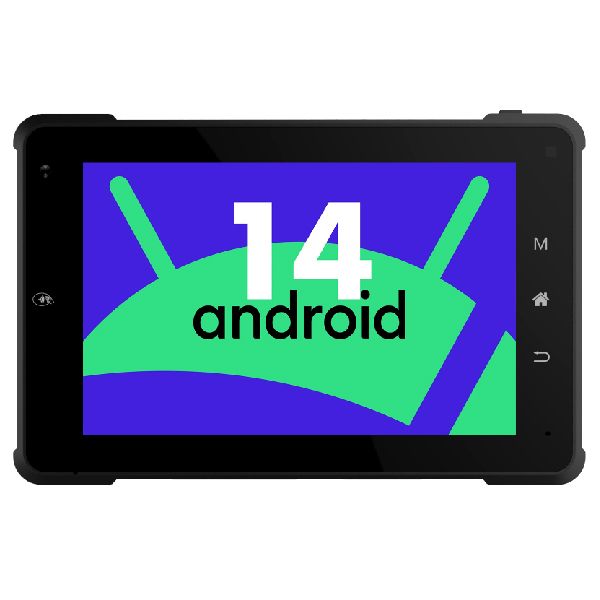
3) Stable Vehicle Power Integration
Vehicle environments are electrically noisy. Tablets must be able to handle:
- Ignition on/off behavior
- Cranking voltage drops
- Power spikes
- 12V / 24V systems
- Always-on or delayed shutdown logic
Ideal power features
- Wide-voltage input support
- Dock-powered charging
- Ignition sense / ACC trigger
- Power conditioning
- Battery backup for handoff use
- Sleep/wake behavior for route continuity
A rugged cradle is often just as important as the tablet itself.
4) Precision GPS and Multi-Network Positioning
Fleet visibility starts with accurate location intelligence.
GPS-related features that matter
- Multi-constellation GNSS support
- GPS
- GLONASS
- Galileo
- BeiDou
- Fast cold start
- External antenna options
- Strong reception in urban and industrial areas
- Reliable geofencing performance
This supports:
- Dispatch optimization
- Route compliance
- ETA accuracy
- Driver coaching
- Yard movement visibility
- Proof of arrival/departure
5) 4G / 5G / Wi-Fi / Bluetooth Connectivity
A modern fleet tablet is a communications endpoint.
Recommended connectivity stack
- 4G LTE minimum
- 5G for data-heavy fleets and future-proofing
- Dual-band Wi-Fi
- Bluetooth for peripherals
- Optional eSIM / nano SIM support
- External antenna compatibility
Why connectivity matters
It powers:
- Real-time dispatch
- Cloud sync
- Driver communication
- Live maps
- Video telematics
- Remote support
- Over-the-air software updates
For fleets deploying AI cameras, live event uploads, or video workflows, 5G-capable platforms increasingly make operational sense.
6) Vehicle Docking and Secure Mounting
A tablet is only fleet-ready if it can be installed properly.
A professional vehicle mounting ecosystem should support:
- Lockable cradle or docking base
- Quick release for shift handoff
- RAM or VESA-compatible mounting
- Adjustable viewing angles
- Theft-resistant options
- Cable management
- Vibration-stable placement
Common mounting locations
- Dashboard
- Center console
- Windshield armature
- Passenger-side utility mount
- Forklift cage or industrial bracket
- Bus driver control area
Poor mounting creates:
- Driver distraction
- Safety risks
- Device falls
- Port damage
- Charging instability
A proper cradle converts a tablet into an actual in-cab terminal.
7) Android OS with Enterprise Management Support
For most fleet deployments, Android remains the most practical operating system due to app flexibility, deployment scale, and broad compatibility with fleet software ecosystems.
Enterprise Android features to prioritize
- GMS / Google compatibility where required
- MDM enrollment support
- Kiosk mode
- App whitelisting
- OTA firmware management
- Remote troubleshooting
- User restriction policies
- Device lockdown / unattended mode
Why this matters
Fleet devices should not become “driver personal tablets.”
They should remain:
- Controlled
- Stable
- Secure
- Consistent across the fleet
8) Rich I/O and Expansion for Fleet Workflows
The best fleet tablets are not isolated devices. They are integration hubs.
Valuable expansion and interface options
- USB-A / USB-C
- RS232 / serial support
- GPIO
- Ethernet via dock
- CAN bus interfaces
- OBD-II compatibility
- Audio I/O
- Pogo pin docking
- NFC
- RFID
- Smart card or ID support
This enables use cases such as:
- Driver authentication
- Vehicle diagnostics
- Fuel or equipment validation
- Dispatch peripherals
- Onboard printer support
- Barcode workflows
- Specialized telematics integration
TOPICON’s fleet and MDT content consistently highlights vehicle integration, modular expansion, Android-based deployment, and docking ecosystems as core buying factors in this segment
9) Camera and Video Integration
A fleet management tablet increasingly functions as a driver video interface.
Useful camera-related capabilities
- Reverse camera input
- Side camera support
- Cargo area camera feed
- Driver-facing or road-facing event review
- Live video trigger from telematics events
- Incident capture and upload
- Photo evidence for damage, delivery, or compliance
High-value use cases
- Waste management fleets
- Construction and municipal vehicles
- School buses
- Utility service fleets
- Last-mile delivery
- Public transportation
In these environments, visual visibility reduces risk and speeds up operational decisions.
10) Barcode, NFC, RFID, and Proof-of-Service Tools
Many fleets are no longer “just transportation fleets.” They are also mobile field operations fleets.
That means the tablet often needs to support:
- Barcode scanning
- NFC check-in/check-out
- RFID asset workflows
- Signature capture
- Document imaging
- ID verification
- Delivery confirmation
Examples
- Delivery drivers scanning parcels
- Bus operators validating rider or student workflows
- Utility crews checking assets in the field
- Waste or service fleets documenting service completion
- Warehouse/forklift teams linking mobile workflows to ERP or WMS systems
This is where a rugged fleet tablet becomes far more valuable than a generic navigation device.
How Fleet Tablets Integrate with Telematics and Vehicle Systems
A fleet management tablet becomes truly powerful when it connects to the broader digital fleet stack.
Typical integration layers
Driver layer
- Navigation
- Messaging
- Forms
- Checklists
- Job details
- POD workflows
Vehicle layer
- Engine data
- CAN bus
- OBD-II
- Fault codes
- Fuel and idle behavior
- PTO or body control data
Safety layer
- ADAS events
- DMS alerts
- Camera review
- Speeding / harsh event notifications
Dispatch layer
- Route assignments
- ETA changes
- Customer updates
- Workflow sequencing
Back-office layer
- TMS
- ELD platform
- ERP
- CRM
- WMS
- Service management software
Typical data flow architecture
This architecture allows us to turn a mounted tablet into a real-time field computing endpoint, not just a screen.
Best Use Cases by Industry
Different fleets require different tablet configurations. Below are the highest-value use cases.
Trucking and Long-Haul Logistics
Typical requirements
- Turn-by-turn truck navigation
- Dispatch and load assignments
- ELD workflows
- Messaging
- Geofencing
- Trailer or cargo verification
- Fuel stop and route efficiency
Recommended tablet profile
- 8″ to 10″ display
- 4G/5G connectivity
- GPS + external antenna support
- Locking dock
- High brightness
- Rugged power integration
Last-Mile Delivery Fleets
Typical requirements
- Dynamic route sequencing
- Proof of delivery
- Signature capture
- Barcode scanning
- Customer notes
- Photo proof
- Fast app switching
Recommended tablet profile
- 7″ to 8″ display
- Lightweight but rugged
- Strong battery + dock use
- Fast touch response
- Camera and scanner options
Bus and Passenger Transport Fleets
Typical requirements
- Route adherence
- Driver communication
- Passenger or student workflows
- Safety event visibility
- Schedule changes
- NFC or ID-related workflows
Recommended tablet profile
- Stable dash mounting
- Bright display
- External reader compatibility
- Camera ecosystem support
- Strong Wi-Fi + cellular performance
TOPICON’s published fleet and school-bus use pages specifically emphasize route optimization, communication, check-in workflows, GPS tracking, and durable in-vehicle deployment for bus and school transport scenarios
Utility and Field Service Vehicles
Typical requirements
- Work order management
- Inspection forms
- Asset identification
- Offline-capable workflows
- GIS and mapping tools
- Crew communication
Recommended tablet profile
- Outdoor readability
- Glove-friendly touch
- GPS accuracy
- Optional RFID/NFC/scanner
- Long-life rugged docking
Waste Management and Municipal Fleets
Typical requirements
- Route execution
- Stop verification
- Camera-assisted safety
- Incident capture
- Driver acknowledgment
- Body equipment interaction
Recommended tablet profile
- Strong vibration resistance
- Reverse/side camera compatibility
- Wide-voltage vehicle support
- Always-on reliability
- Rugged industrial dock
Mining, Construction, and Heavy Equipment Fleets
Typical requirements
- Harsh-environment survivability
- Machine diagnostics
- Dispatch and worksite mapping
- Dust resistance
- Shock tolerance
- Glove operation
Recommended tablet profile
- IP67 or better
- High shock resistance
- Strong mount design
- Wide operating temperature
- External antenna and camera options
Fleet Tablet vs Consumer Tablet vs Mobile Data Terminal
This is one of the most important buying decisions.
| Category | Consumer Tablet | Rugged Fleet Tablet | Vehicle MDT |
|---|---|---|---|
| Designed for vehicles | No | Yes | Yes |
| Sunlight readability | Limited | Strong | Strong |
| Vehicle power integration | Weak | Good | Excellent |
| Docking ecosystem | Minimal | Strong | Excellent |
| Ruggedness | Low | High | Very High |
| Expandability | Limited | Good | Excellent |
| Fleet software compatibility | Moderate | High | High |
| Installation permanence | Low | Medium–High | High |
| TCO in harsh fleets | Poor | Strong | Strong |
When to choose a rugged fleet tablet
Choose a rugged fleet tablet if you need:
- A flexible Android-based platform
- Driver interaction
- Handheld and mounted use
- App versatility
- Peripheral compatibility
- A balance of portability and vehicle integration
When to choose a fixed vehicle MDT
Choose a vehicle-mounted MDT if you need:
- Permanent installation
- Deep vehicle integration
- Industrial I/O
- Minimal undocking
- Highly controlled fleet workflows
In many modern fleets, the rugged tablet and MDT categories increasingly overlap.
How to Choose the Right Fleet Tablet for Your Operation
The best fleet tablet is not the one with the longest spec sheet. It is the one that matches your vehicle type, workflow, environment, software stack, and deployment model.
Step 1: Define your core workflow
Ask:
- Is the device primarily for navigation?
- Dispatch and messaging?
- ELD and compliance?
- Barcode/POD?
- Camera display?
- Field service and forms?
- Telematics interaction?
The answer changes everything.
Step 2: Match screen size to cabin and task
7-inch fleet tablet
Best for:
- Compact cabins
- Delivery fleets
- Forklifts
- Utility workflows
- Driver interaction-heavy tasks
8-inch fleet tablet
Best for:
- Balanced visibility and space efficiency
- Trucks
- Service fleets
- Mixed dispatch + workflow usage
10.1-inch fleet tablet
Best for:
- Rich interfaces
- Multi-panel apps
- Video and camera review
- Bus or municipal operations
- Supervisory vehicle use
Step 3: Verify software compatibility
A fleet tablet is only as good as the software it can run reliably.
Confirm compatibility with:
- Fleet management platform
- Navigation software
- ELD provider
- Dispatch software
- TMS / WMS / ERP integration layer
- Camera or telematics platform
- MDM platform
Do not assume app compatibility just because the device runs Android.
Step 4: Design the mounting and power plan first
Many deployments fail not because of the tablet—but because of poor install design.
Confirm before ordering:
- Mounting location
- Driver line-of-sight
- Charging path
- Cable routing
- Dock lock mechanism
- Power source
- Ignition behavior
- Vibration exposure
A fleet rollout without a proper install plan becomes an expensive troubleshooting exercise.
Step 5: Plan for lifecycle and serviceability
A serious fleet deployment should consider:
- Spare units
- Dock replacement strategy
- Firmware update path
- MDM controls
- Accessory sourcing
- Warranty terms
- Long-term product availability
This matters especially for:
- Fleet integrators
- OEM programs
- Municipal contracts
- Enterprise deployments
- Long procurement cycles
Deployment, Installation, and Rollout Best Practices
A good hardware choice still needs a disciplined rollout.
Recommended deployment process
1. Pilot test first
Start with a controlled subset of vehicles:
- 5 vehicles
- 10 vehicles
- One route group
- One depot or yard
Use this to validate:
- Mounting
- Driver usability
- Signal stability
- App behavior
- Power reliability
2. Lock the device environment
Use MDM or kiosk controls to restrict:
- Unapproved apps
- Settings changes
- Personal use
- Browser misuse
- Wi-Fi tampering
3. Train drivers on workflow, not just hardware
Most fleets undertrain the operational workflow.
Drivers should know:
- How to dock/undock
- What to do if sync fails
- How to submit exceptions
- How to use camera or POD features
- How to report hardware issues
4. Monitor early failures
During the first 30–60 days, track:
- Dock issues
- Charging faults
- App crashes
- Signal gaps
- Mount failures
- Screen visibility complaints
This is where deployment quality is won or lost.
ROI: Why Rugged Fleet Tablets Reduce Total Cost of Ownership
A rugged fleet tablet often costs more upfront than a consumer device. That does not make it more expensive.
It usually makes it cheaper over the fleet lifecycle.
Cost areas rugged tablets help reduce
Device replacement
Consumer tablets often fail faster under fleet conditions.
Vehicle downtime
A failed in-cab device can delay dispatch, delivery, route completion, inspections, or driver compliance.
Installation labor
A proper docked solution reduces repeat installs and cable failures.
Driver inefficiency
Slow or unstable devices waste labor time every shift.
Operational errors
Digital workflows reduce:
- Missed stops
- Incomplete forms
- Routing mistakes
- Proof-of-service disputes
- Communication gaps
Support burden
Managed, standardized devices are easier to support remotely at scale.
The real ROI question is not:
“What is the cheapest tablet?”
The real question is:
“What device keeps our fleet operational, visible, and efficient every day?”
That is where rugged fleet tablets win.
Future Trends: 5G, AI, Smart Cameras, and Edge Fleet Computing
The next generation of fleet tablets will not just display information. They will actively participate in vehicle intelligence.
Key trends shaping fleet tablet design
1. 5G-connected in-cab operations
Higher bandwidth supports:
- Live video upload
- Faster dispatch sync
- Cloud diagnostics
- Real-time event review
2. AI-assisted safety ecosystems
Tablets increasingly work alongside:
- Driver monitoring systems
- ADAS event triggers
- Smart camera platforms
- Real-time alert dashboards
3. Edge data processing
Some workflows are moving from “cloud-only” to hybrid local processing:
- Offline forms
- Cached route logic
- Event buffering
- Video event packaging
4. Modular expansion
Fleet hardware is moving toward accessory ecosystems rather than one fixed configuration for all use cases.
5. Unified vehicle operations screens
The in-cab tablet is becoming the single operator interface for:
- Navigation
- Safety
- Compliance
- Vehicle status
- Work execution
This is exactly why the “tablet” should be evaluated as a fleet platform, not just a device.
FAQ: Fleet Management Tablets
What is the best tablet for fleet management?
The best tablet for fleet management is a rugged Android vehicle tablet or mobile data terminal designed for:
- in-cab mounting,
- GPS navigation,
- telematics integration,
- sunlight readability,
- stable power input,
- and long-term commercial use.
The right model depends on your workflow, vehicle type, software stack, and environmental conditions.
Are consumer tablets good for truck fleets?
Consumer tablets may work temporarily in low-intensity environments, but they are generally a poor long-term choice for truck fleets because they lack:
- rugged durability,
- vehicle power stability,
- secure mounting,
- sunlight readability,
- and enterprise fleet integration features.
What size fleet tablet is best?
- 7-inch: compact fleets, delivery, forklifts, driver-interaction-heavy use
- 8-inch: balanced choice for most truck and service fleets
- 10-inch: larger interfaces, video, buses, and advanced dispatch views
The best size depends on cabin space and software layout.
Can a fleet management tablet connect to vehicle diagnostics?
Yes. Many rugged fleet tablets and MDT platforms can connect to:
- OBD-II
- CAN bus
- telematics gateways
- external vehicle modules
- camera systems
- sensors and industrial accessories
This enables vehicle health visibility, fault reporting, and deeper operational workflows.
Do fleet tablets support GPS and navigation?
Yes. A proper fleet tablet should support:
- multi-constellation GNSS,
- mapping apps,
- geofencing,
- ETA workflows,
- route optimization,
- and location-based dispatch logic.
GPS performance is one of the most important criteria in any in-cab deployment.
Is Android better than iPadOS for fleet tablets?
For most commercial fleet deployments, Android is typically more flexible due to:
- wider hardware variety,
- stronger rugged device availability,
- easier customization,
- better docking ecosystems,
- and broad support for fleet and telematics software.
That said, software compatibility should always be verified before purchase.
What is the difference between a fleet tablet and an MDT?
A fleet tablet usually offers a more portable, app-centric, touchscreen-driven experience.
A mobile data terminal (MDT) often emphasizes:
- permanent in-vehicle installation,
- industrial I/O,
- docking integration,
- and deep telematics or fleet workflow control.
In modern deployments, the distinction is increasingly narrow.
Final Thoughts: Choosing a Fleet Management Tablet That Actually Works in the Field
A fleet management tablet should not be selected like office IT hardware. It should be selected like mission-critical vehicle infrastructure.
The right device must perform in the real world:
- under heat,
- under vibration,
- under pressure,
- under daily route demands,
- and under operational accountability.
When we choose a rugged in-cab tablet correctly, we gain more than a screen. We gain:
- cleaner dispatch execution,
- better compliance,
- faster communication,
- stronger visibility,
- lower downtime,
- and a more scalable fleet technology stack.
That is what separates a generic tablet from a true fleet management platform on wheels.
相关推荐内容
Latest Content
- Rugged Tablets for Fleet Management: Enhance Efficiency and Durability
- Industrial Tablet Manufacturer: Durable Solutions for Harsh Environments
- Can Rugged Tablets for Forklifts Really Transform Material Handling Efficiency and Durability?
- Why Choose Rugged Tablets for Construction: A Comprehensive Guide to Durability and Performance?
- What Are the Best 10 Inch Rugged Android Tablets for Durability and Performance?
Hot product
- WMT6UQ: 6-Inch 4G Android 12 Wireless Carplay Navigator Motorcycle PND
- WT10RX: 10.1 inch rugged tablet,10.1″ sunlight-readable display,10.1" ip67 rugged tablet
- WT10MX: 10.1 inch rugged tablet 12,000 mAh,10.1″ IPS display Rugged IP65 design
- WT08Q9Y: 8 inch 10000mAh long battery rugged tablet,1000-nit rugged tablet,
- WT08M8Y: 8 inch Android 14,700-nits rugged tablet