How to choose android tablet in 2026
When your team’s gear eats dust for breakfast, the right android tablet keeps fleets online, rugged, and ready to earn every hour.
Out in the field, your crew doesn’t have time to baby a fragile screen or hunt for a charger before noon. Choosing an Android tablet in 2026 isn’t about bells and whistles—it’s about grit. This thing needs to take a beating, keep its signal where others drop off, and lock down sensitive data like Fort Knox baked into silicon.
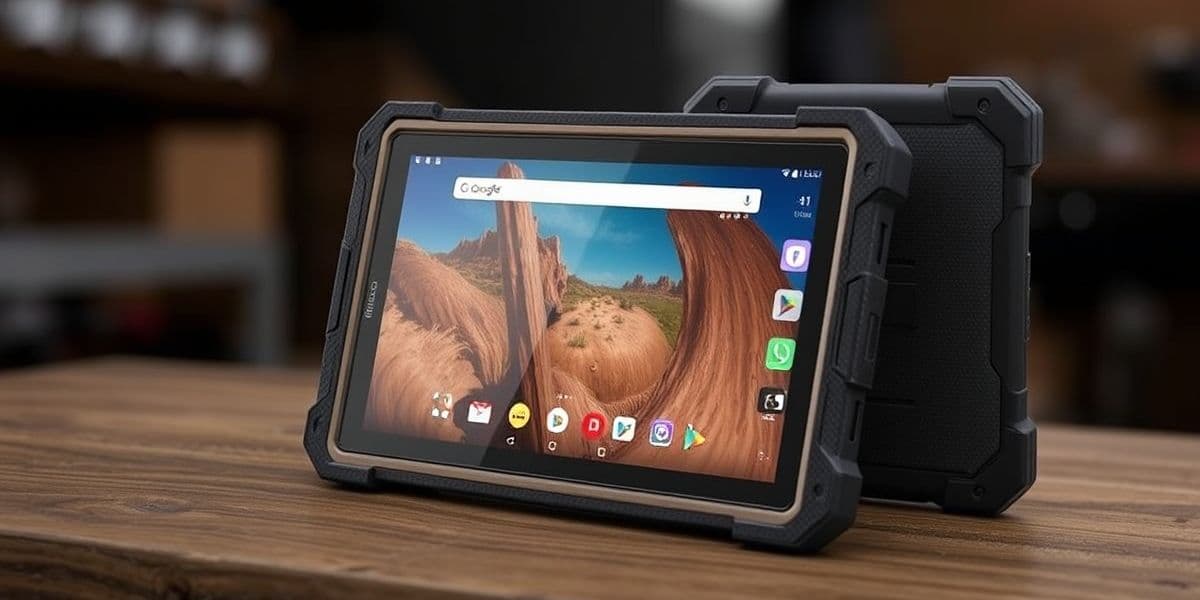
A busted fleet device isn’t just annoying—it’s lost hours, missed deadlines, blown budgets. Nobody wants to explain why half the team is offline because their tablets couldn’t handle a little sun glare or dust storm. Procurement teams know: tech that fails on the ground fails at scale.
Some decisions are small—this ain’t one of them. You’re not buying gadgets; you’re outfitting your entire operation with tools that have to show up every day like clockwork. Ready? Let’s break it down piece by piece.
Essential Insights for Choosing an Android Tablet
- Rugged Design: Prioritize ruggedized tablets with features like water and dust resistance, ensuring reliability in harsh environments.
- Long Battery Life: Select tablets with extended battery capacities to support all-day use without frequent recharging.
- Sunlight Readable Display: Opt for tablets that offer sunlight-readable displays, enhancing outdoor visibility for fieldwork tasks.
- Security Features: Look for advanced security options, such as data encryption and remote wipe capabilities, to protect sensitive business information.
- Connectivity Options: Ensure the tablet supports robust Wi-Fi and cellular connections for seamless communication in the field.
3 Key Features to Evaluate an Android Tablet in 2026
Before you drop cash on a new Android tablet, make sure it’s got these three must-haves that’ll actually matter day-to-day.
Ruggedized Design: Essential for Fieldwork
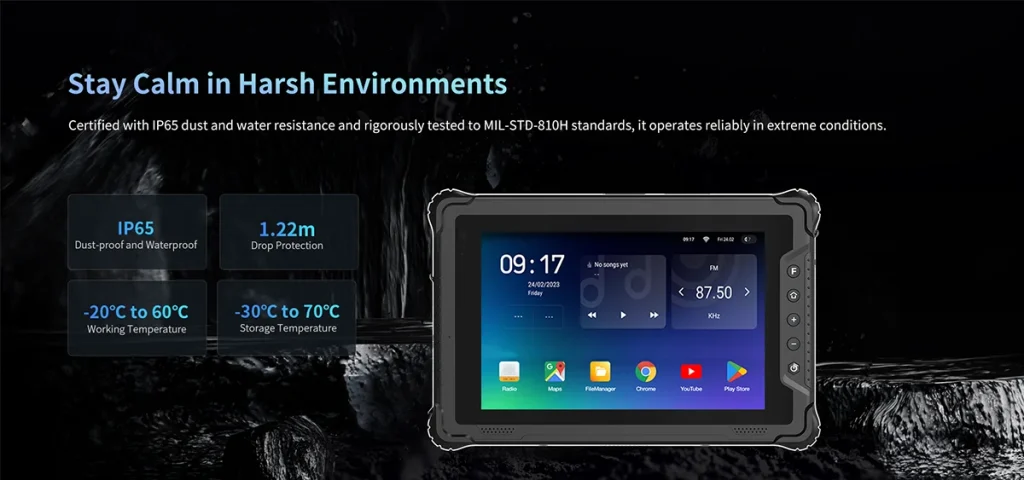
• IP rating matters—look for IP65 or higher if you’re working around water or dust nonstop.
• Survive drops? Only tablets with verified MIL-STD-810H testing can laugh off concrete impacts from waist height.
• If your job includes gloves, go with a model that supports glove-compatible touchscreens and handles extreme temperatures without freezing up—literally or figuratively.
Rugged tablets are built like tanks—but smarter—and they’re the only kind worth tossing into a work truck.
Long Battery Life for All-Day Use
1️⃣ A solid tablet should pack at least a 10,000+ mAh capacity battery; anything less is asking for mid-shift shutdowns.
2️⃣ Look out for smart battery optimization tools that adjust power use based on your habits—yes, even background app snoozing helps big time.
3️⃣ Bonus points if it supports both fast charging via USB-C PD and optional wireless charging, so you’re not chained to wall sockets all day.
No matter how powerful your device is, if it dies by lunchtime—it’s dead weight.
Sunlight Readable Display for Outdoor Productivity
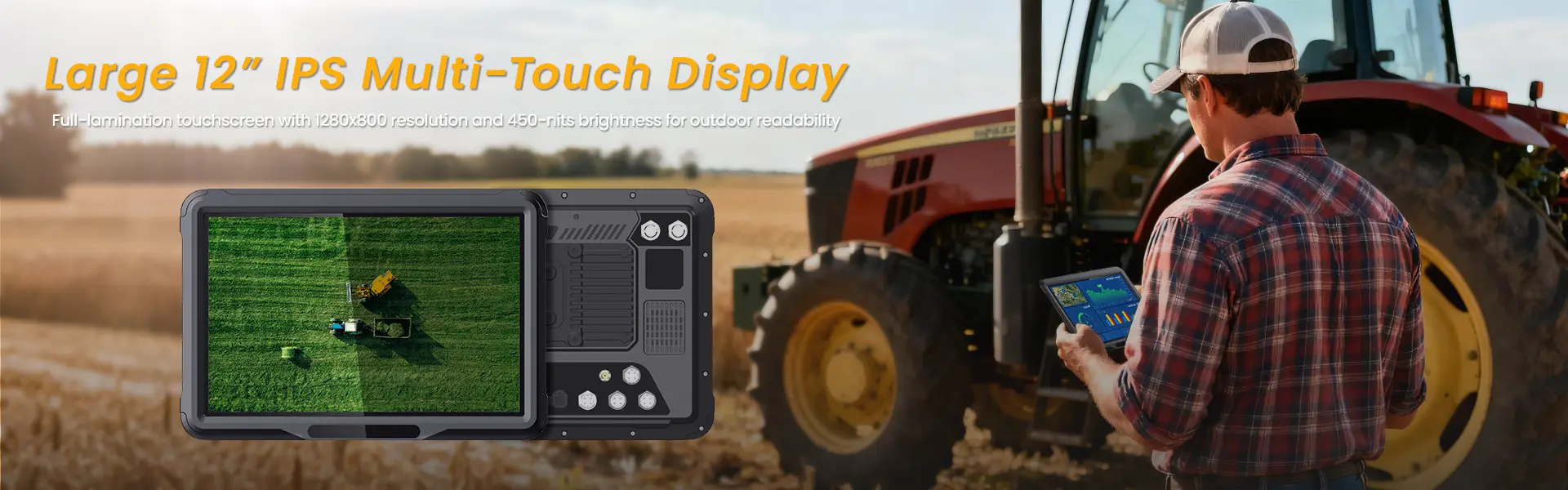
☀️ You want more than just high brightness—you need over 700+ nits brightness, preferably paired with an anti-glare coating so you’re not squinting through reflections all day long.
📱 A good outdoor-friendly screen also uses smart tech like an ambient light sensor, which adjusts display levels automatically depending on the lighting around you—no manual fiddling required while you’re juggling gear and gloves.
🌈 Also, keep an eye on display types: some models now feature advanced panels like transflective displays, which bounce ambient light back through the screen itself, making everything look crisp even under brutal sun glare.
Security Features to Protect Business Data
- 🔐 Biometric logins such as fingerprint readers or facial recognition offer fast yet secure access.
- 🧠 Built-in hardware-level protections like secure boot and full-disk hardware encryption keep data locked tight—even if the device gets swiped.
- 🛡️ Enterprise users should demand seamless integration with mobile device management (MDM) platforms and features like remote locking or full-on data wipe capabilities.
- 🌐 For those handling sensitive info remotely, support for encrypted tunneling via strong enterprise-grade VPNs is non-negotiable.
- 🏢 Some tablets come bundled with hardened OS layers such as Samsung’s optional Knox security, giving IT departments added peace of mind when deploying across teams.
In short: your next Android-based slate shouldn’t just be smart—it needs to be safe too.
The Best Android Tablets for Businesses in 2026
Looking for a solid android tablet that handles work like a beast? Here’s your go-to guide.
Top 3 Ruggedized Android Tablets
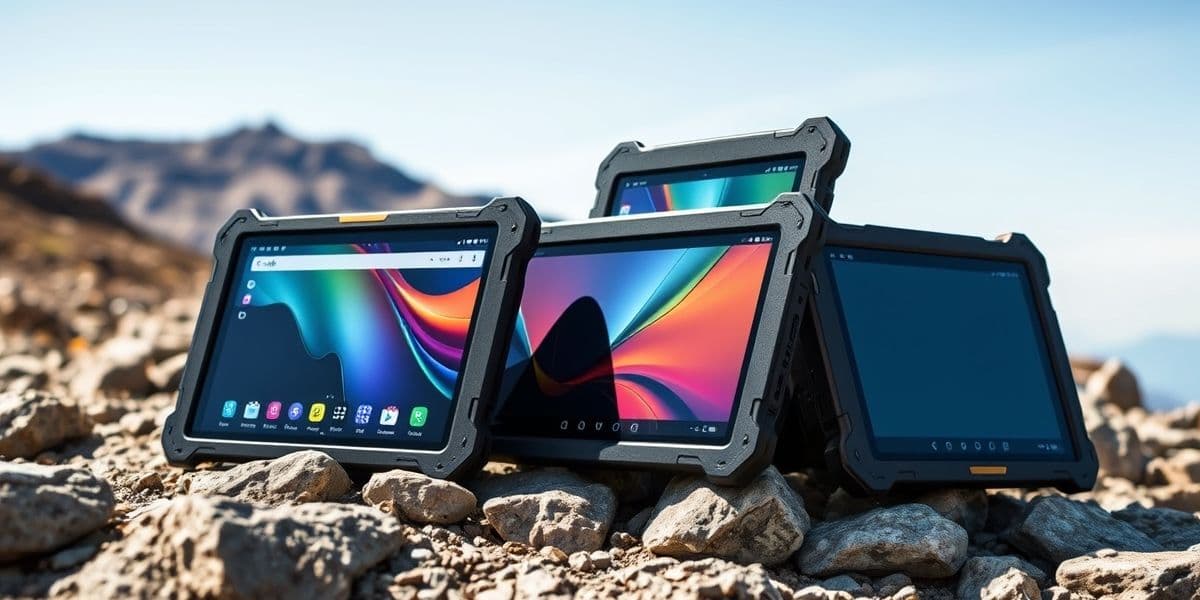
Built to take a beating, these tablets don’t blink at drops, dust, or rain. They’re purpose-made for industrial use, field ops, and anything else that pushes hardware limits.
- Getac ZX10 – With MIL-STD-810H certification and IP66 rating, this thing thrives in chaos. It’s the go-to for field engineers and logistics crews.
- Samsung Galaxy Tab Active4 Pro – Don’t let its slim profile fool you. It boasts serious drop resistance, glove-friendly touch, and water-tight seals.
- Panasonic Toughbook A3 – Designed with dual hot-swappable batteries and full enterprise mobility support. Ideal for emergency response teams needing zero downtime.
These rugged champs are built not just for survival—but for performance in the harshest corners of business operations.
Business-Grade: Long Battery Life Tablets
Battery anxiety? Say goodbye. These tablets are all about keeping up with your grind from sunup past sundown—no cables needed.
The Lenovo Tab Extreme, powered by a whopping 12300mAh cell, easily powers through two full work shifts without breaking a sweat. Thanks to smart energy management, it adjusts power draw based on workload intensity—like dimming unused cores or throttling background apps. For mobile workers who live out of airports or job sites, this kind of all-day productivity isn’t optional—it’s essential. And if you’re ever running low? Fast charging gets you back up before coffee finishes brewing.
As IDC noted in their Q4/2025 Mobility Report, “Battery endurance has overtaken screen size as the top priority among enterprise tablet buyers.”
Optimum Connectivity: Wi-Fi and Cellular Tablets
Connectivity is king when you’re working from anywhere but home base. These tablets make sure you stay synced, streamed, and updated—without hunting down public Wi-Fi.
Step-by-step connectivity essentials:
- Choose devices with dual-band support including Wi-Fi 6E—it cuts latency even during heavy traffic hours.
- Look for integrated eSIM capability so switching carriers doesn’t require physical swaps.
- Prioritize models supporting global-ready 5G connectivity; perfect when hopping between cities or countries.
- For remote teams sharing large files or video calling clients regularly, consistent high-speed data transfer is non-negotiable.
Whether you’re coordinating warehouse inventory from a rooftop or closing deals mid-flight via hotspot tethering—these features keep your workflow uninterrupted and smooth as butter.
And remember—if ruggedness meets battery life meets seamless access? You’ve probably found your next favorite business-ready android tablet.
Battery Capacity vs. Usage Time: Android Tablet Essentials
Battery life isn’t just a spec—it’s the lifeline for your field teams and remote workflows.
How Battery Capacity Influences Usage Time
When it comes to Android tablets, higher battery capacity—measured in milliampere-hours (mAh)—isn’t just a number on a box; it’s what keeps your team running all day without scrambling for outlets.
- Battery size matters: A 10,000 mAh battery typically lasts longer than a 7,000 mAh one under similar workloads.
- Power-efficient processors: Devices using newer chipsets consume less power, stretching out the same capacity even further.
- Screen-on time vs. standby time: Bigger batteries help maintain performance even when screen brightness is high or multiple apps are open.
- Usage patterns affect longevity:
- Streaming video? Expect more drain.
- Reading documents offline? Less power needed.
- Real-world usage examples:
- Field engineers using rugged tablets with high-capacity batteries report up to 12+ hours of continuous operation.
- Business impact:
- Fewer charging interruptions = smoother workflow
- Longer shift coverage without swap-outs
- Brands like Getac focus on optimizing both hardware and software to squeeze every minute from each charge.
In short, if you’re choosing an Android-based device for work, prioritize battery specs that align with how you actually use it—not just what’s printed on the label.
The Impact of Sunlight Readable Displays on Battery Life
A bright screen that cuts through glare is awesome outdoors—but that clarity often comes at a cost to your tablet’s battery endurance.
• Devices with high-brightness screens—like those rated at over 800 nits—consume more energy per hour than standard displays.
• Some tablets counteract this by integrating smarter ambient light sensors, which automatically adjust brightness based on surroundings.
• Adaptive brightness helps reduce unnecessary drain indoors while maintaining visibility outdoors.
• Higher-end panels use advanced backlighting or reflective display techs to stay efficient even in direct sunlight.
Now here’s where things get interesting:
- A rugged Android tablet used in construction may need full brightness all day long—that’s a lot of juice gone fast.
- But models designed with power-efficient display technologies can stretch usable time by hours—even under harsh lighting conditions.
- It becomes a balancing act between outdoor readability and overall battery life expectations.
So while sunlight-readable displays are essential for fieldwork, it pays to choose devices that manage this feature intelligently rather than simply cranking up the brightness all day long.
By understanding how screen tech affects power draw, you’re better equipped to pick an Android-based device that won’t leave you stranded halfway through your shift.
Understanding Android Tablet Operating Systems in 2026
A quick look into why the Android tablet OS is still the top pick for professionals needing speed, flexibility, and security.
Android Operating System: The Key Features
• The Android OS runs on a broad range of devices—from budget-friendly tablets to high-performance business tools—making it a go-to for all kinds of users.
• Its rich app ecosystem, including Google Workspace and Microsoft Office, supports everything from note-taking to remote collaboration.
• Multitasking? Easy peasy. With split-screen mode and floating windows, juggling apps is smooth as butter on newer versions.
You’ll also find smart gestures baked in—swipe shortcuts that speed up access—and support for interactive widgets, which let you check calendars or emails without even opening apps.
Regular Security Updates & Their Importance
- Frequent security patches help block malware before it can do real damage—something every business should care about.
- Devices running Android get monthly or quarterly updates depending on manufacturer support policies.
- Google Play Protect scans over 100 billion apps daily for threats—keeping your work files safe behind layers of protection.
- Long-term support is now a selling point; some enterprise-grade tablets promise five years of updates minimum.
📊 Here’s how major manufacturers stack up in terms of update longevity:
| Manufacturer | Avg Update Frequency | Years Supported | Security Rating |
|---|---|---|---|
| Samsung | Monthly | Up to 5 years | High |
| Lenovo | Quarterly | Up to 4 years | Medium |
| ASUS | Bi-annually | Up to 3 years | Medium-Low |
| Google Pixel | Monthly | Over 5 years | Very High |
This level of consistency means your data stays protected longer—even after the hardware starts aging.
Customizable User Interface for Business Needs
Quick tweaks can make a huge difference:
– Need branding? Custom launchers let businesses apply logos and colors across devices. – Want tighter control? Use kiosk mode so employees only access approved apps. – Different teams? Set up user profiles with tailored permissions per department. – Boost efficiency with custom widgets that display real-time dashboards or task lists right on the home screen.
“By allowing deep UI personalization,” says IDC’s Mobile Trends Report Q1/2025, “Android empowers IT departments with unmatched device flexibility.”
Whether you’re optimizing workflows or just trying not to lose your sanity switching between tabs, UI customization has your back.
Enterprise App Support: A Must for Professionals
☑️ Native support for key enterprise apps like Salesforce, SAP Mobile, and Zoom makes Android tablets ideal for field teams and execs alike.
☑️ Compatibility with major MDM platforms ensures secure deployment at scale—think Intune or VMware Workspace ONE integration out of the box.
🛠️ Professional tools are abundant:
- Industry-specific solutions like construction blueprints viewers
- Healthcare record systems optimized for touch
- Retail POS interfaces built right into ruggedized models
💼 Data integration is seamless too—with APIs letting enterprise software talk directly with mobile systems, reducing manual entry errors by over 35%.
Whether you’re scanning barcodes in logistics or presenting sales decks on-the-go, the right app ecosystem turns any Android-based slate into a productivity beast.
And yes—we promised not to name-drop—but even rugged brands like Getac are getting smarter about their app partnerships these days.
Navigating the Android Tablet Market: A Beginner’s Guide
New to the android tablet scene? Here’s your crash course on getting more from your device, support, and security.
Accessories to Consider for Your Android Tablet
Trick out your android tablet with gear that makes it work harder and last longer:
- Stylus pens are a must if you’re sketching, signing docs, or just want precision.
- A keyboard case turns your slate into a mini-laptop—great for emails or editing.
- Don’t skip a screen protector; scratches are forever.
- Grab a rugged protective case, especially if your tablet goes everywhere with you.
- A foldable tablet stand keeps things comfy during binge sessions or video calls.
- Wired or wireless, good headphones elevate everything from Zoom calls to Spotify playlists.
- Long day ahead? Pack a reliable power bank, because wall outlets aren’t always close.
These accessories boost productivity and protect your investment—no fluff, just function.
What to Look for in Warranty Support
There’s more to warranties than fine print—know what you’re really getting when you buy an android tablet:
• Start with the basics: how long is the actual warranty period, and does it cover internal components?
• Check if it includes coverage for drops or spills (accidental damage)—some don’t unless you pay extra.
• Ask about the speed and cost of the actual repair process. Some brands offer next-day replacements; others take weeks.
• Extended options matter. An optional extended warranty can save serious cash down the line.
• How responsive is their customer service? Try calling before you buy—you’ll learn fast who picks up and who ghosts.
As IDC noted in its April 2024 report, “Buyers increasingly prioritize post-sale support over specs alone.” That tells you everything.
And don’t forget: policies like hassle-free returns or clear-cut terms around exchanges (return policy) make life easier when stuff goes sideways.
Mobile Device Management: Essential for Businesses
Managing multiple devices at work isn’t just about keeping them charged—it’s about control and compliance. If you’re deploying several units across teams, here’s how proper MDM keeps things running tight:
Step 1: Use enterprise-level MDM software that supports both BYOD and corporate-owned setups. This ensures flexibility without compromising control.
Step 2: Automate bulk setup through centralized device enrollment, so IT doesn’t waste time configuring each unit manually.
Step 3: Apply strict but sensible security policies, like mandatory PINs or biometric locks, across all active tablets instantly.
Step 4: Keep tabs on apps through centralized dashboards that handle both installation and removal (app management)—no rogue installs allowed.
Step 5: Enable features like remote lockout or full-on factory reset (remote wipe) if a device gets lost or stolen. It’s not paranoia—it’s smart planning.
Step 6: Encrypt all business data using modern standards (data encryption) so even intercepted info stays gibberish to outsiders.
Step 7: Regular audits help ensure ongoing regulatory alignment (compliance) across industries—from healthcare privacy rules to financial reporting laws.
If you’re investing in an entire fleet of android-based tablets, this kind of oversight isn’t optional—it’s essential.
FAQs about Android Tablet
Why is a ruggedized design critical for mobile teams on the move?
A field worker doesn’t have time to baby equipment—the tablet has to survive drops, dust, and rain.
- 🔹 Core shields: water and dust resistance built into every seam.
- 🔹 Usability edge: glove-compatible touchscreen keeps data entry easy even in freezing wind.
- 🔹 Result: fewer replacements, longer service life, quieter nights for managers keeping fleets alive.
How does long battery life affect productivity during extended shifts?
1️⃣ A single charge can decide if your crew finishes mapping routes or hunts outlets mid‑route.
2️⃣ Long battery life supports continuous GPS tracking, reliable Wi‑Fi connectivity, and Bluetooth pairing without anxiety about shutdowns.
3️⃣ Tablets stay awake as long as their operators—one small mercy under harsh schedules.
What role do security features play when protecting company information on android tablets?
★ Inside the Android operating system lives a protective rhythm: data encryption walls off private files before they ever leave storage; secure boot process rejects tampering at dawn’s first power‑up; remote wipe capabilities sweep clean any misplaced device within minutes; user authentication methods—face scan or fingerprint—grant safe passage only to verified hands; and through mobile device management software, administrators watch location dots blink safely across dashboards like calm heartbeats of an entire fleet.
Which accessories and warranty options help keep operations smooth over time?
On rough days in transit trucks or at construction depots: protective cases guard screens from chaos; vehicle mounts fix displays firm against vibrations; charging docks stand ready each evening like steady lighthouses for tired hardware; stylus pens bring precision back into dusty checklists. |
| Support Type | Benefit | Typical Coverage Period |
|---|---|---|
| Extended warranty options | Cuts unexpected repair bills | 2–3 years |
| Rapid device replacement | Keeps downtime minimal | Same‑week dispatch |
| Technical support availability & software update support | Ensures continual performance tuning with every new patch release | Ongoing cycle updates |
In short—solid gear paired with trustworthy backup means crews focus less on repairs and more on results out there where signal meets sunlight.
相关推荐内容
Latest Content
- How to Choose Sunlight Readable Rugged Tablet
- Best Fleet Management Tablet for Commercial Vehicles: Boost Efficiency & Safety
- What Is an Electronic Logging Device (ELD)? FMCSA Rules, How It Works & 2026 Compliance Guide for Drivers & Fleets
- The Complete Guide to Rugged Vehicle-Mounted Tablets: Features, Mounting, Integration, and Buying Tips
- The Complete Guide to Choosing the Best Tablet for Truck Drivers in 2026
Hot product
- WMT6UQ: 6-Inch 4G Android 12 Wireless Carplay Navigator Motorcycle PND
- WT10RX: 10.1 inch rugged tablet,10.1″ sunlight-readable display,10.1" ip67 rugged tablet
- WT10MX: 10.1 inch rugged tablet 12,000 mAh,10.1″ IPS display Rugged IP65 design
- WT08Q9Y: 8 inch 10000mAh long battery rugged tablet,1000-nit rugged tablet,
- WT08M8Y: 8 inch Android 14,700-nits rugged tablet