Mining Tablet Guide: Rugged, Reliable Tablets for Harsh Mining Environments
This guide targets mining companies, field engineers, maintenance teams, and fleet managers who need a rugged tablet capable of surviving harsh mining environments while keeping critical workflows—asset tracking, maintenance checklists, telemetry dashboards, and worker safety apps—smooth and secure. The content covers essential hardware specs, rugged design considerations, power and thermal management, connectivity, software and security, regional compliance, deployment strategies, and ROI.
Why a dedicated mining tablet matters
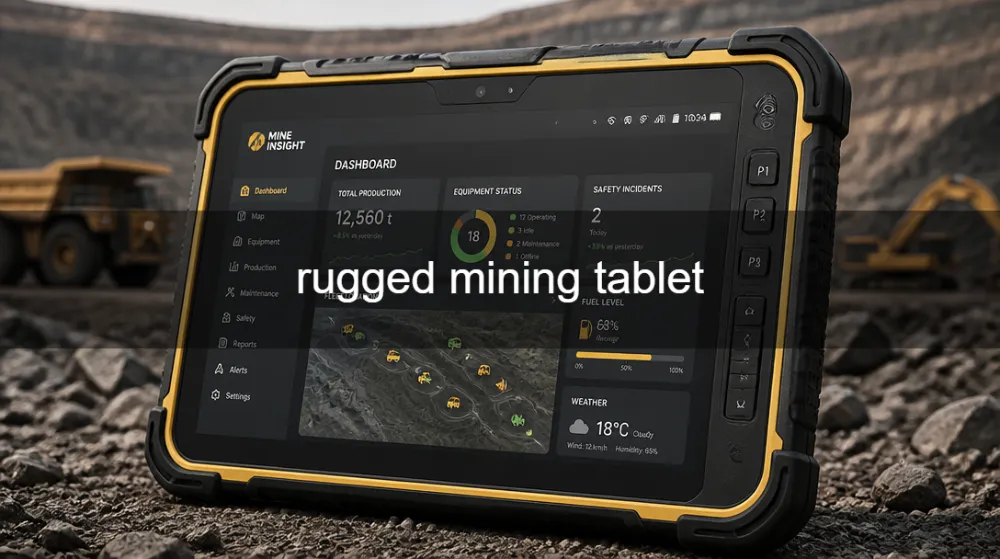
Mining operations span arduous environments: underground tunnels with dust and poor lighting, open-pit sites with wide temperature swings, and remote locations with limited network coverage. A purpose-built mining tablet is not just a larger phone or a consumer device repurposed for fieldwork; it is a tool designed to endure heavy vibrations, extreme temperatures, water and dust exposure, and long hours of continuous use.
A mining tablet enables real-time data capture (e.g., equipment readings, inventory scans, safety observations), offline access to critical maps and manuals, and secure communication with central systems. It also supports enterprise-grade security, remote management, and predictable maintenance workflows. When selected carefully, the device reduces downtime, improves worker safety, enhances asset utilization, and lowers total cost of ownership (TCO) over the device lifecycle. In geo contexts, it’s essential to align device features with local network availability, regulatory requirements, and service coverage to ensure reliable operation on-site.
In practice, the right tablet becomes a single point of truth for field teams: it stores offline maps and manuals, logs inspection data, uploads telemetry, and coordinates with dispatch or maintenance dashboards. This harmonizes operations across locations—from open-cut mines in Australia to underground projects in Canada, from copper belts in Chile to gold mines in South Africa—while meeting regional compliance and service needs.
Key requirements for mining tablets
A mining tablet should combine rugged hardware, reliable performance, and secure software while remaining usable in demanding field conditions. The following dimensions are critical to evaluate:
Paragraphs describe how these requirements translate into real-world specs and testing criteria.
- Ruggedness and ingress protection A mining tablet should meet IP ratings of IP65 or higher to resist dust ingress and water jets. In underground and dusty open-pit environments, a higher IP rating and robust sealing around ports reduce maintenance cycles. MIL-STD-810G or MIL-STD-810H compliance is desirable to demonstrate resilience to vibration, shock, temperature cycling, and humidity. Field tests should include vibration on-haul routes, dust storms, and occasional submersion scenarios to validate seals, gasket integrity, and display robustness.
- Temperature range and thermal performance Mines operate across broad temperatures, from freezing underground to heat-exposed surface areas. Look for a device with a wide operating temperature range (typically -20°C to +60°C or better) and a passive or actively cooled cooling solution that prevents thermal throttling during long shifts. Thermal design is critical for battery longevity and sensor accuracy.
- Power, battery life and charging flexibility A mining tablet should deliver a full shift’s worth of operation on a single charge under typical workloads, with reserve power for peak tasks. Fast charging, hot-swappable batteries, or a robust docking system for in-field charging are strong advantages. Power management features—such as aggressive idle sleep, app whitelisting, and per-application battery limits—help extend uptime.
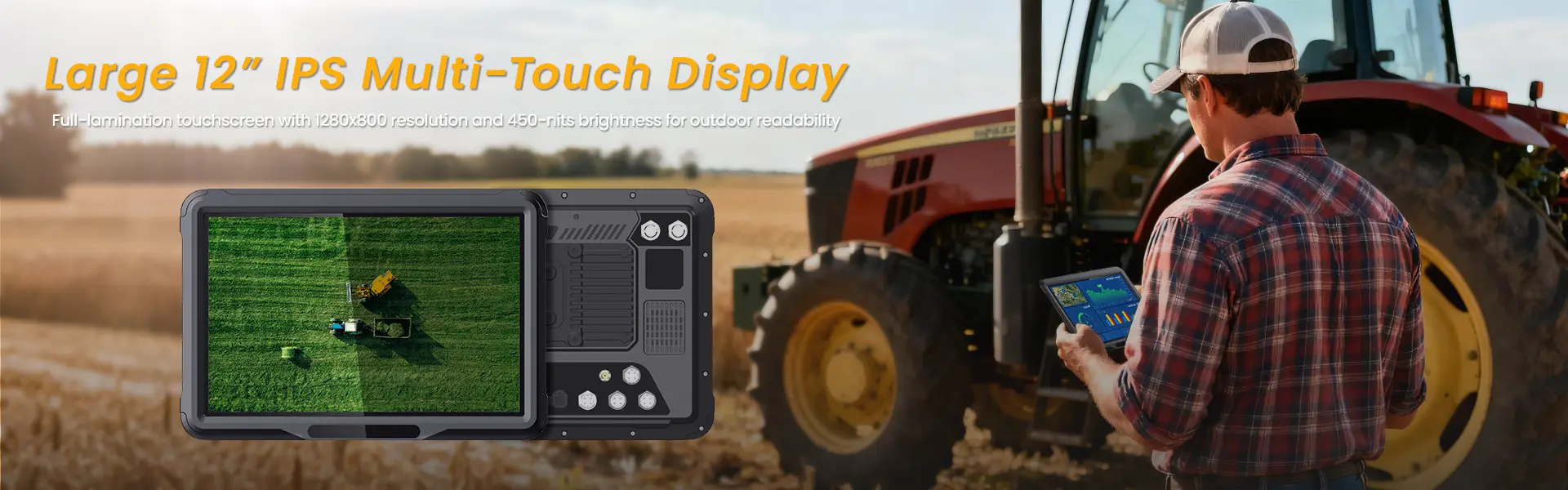
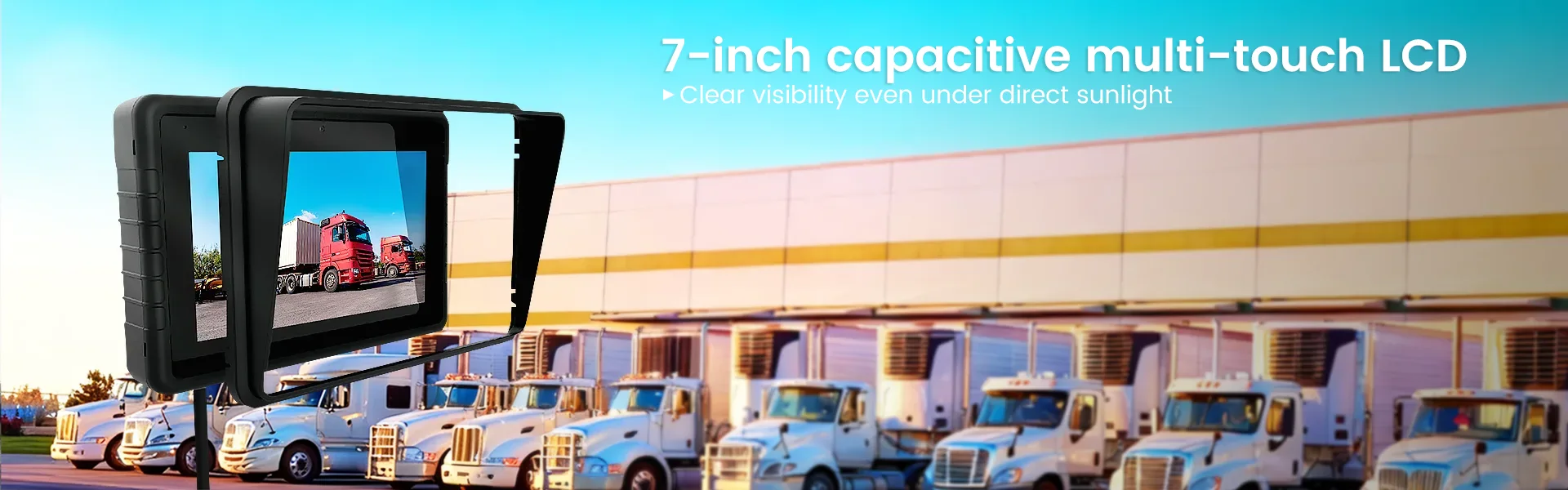
- Display readability and input in harsh environments In direct sunlight and dusty conditions, a bright, high-contrast display (typically 800–1200 nits) with an anti-reflective or glove-friendly touchscreen is essential. A ruggedized display cover and scratch-resistant glass help durability. Responsive input methods (glove-compatible, wet-touch support) support workers wearing PPE.
- Connectivity and location services On-site connectivity often includes 4G/5G, reliable WLAN, and robust GPS/GLONASS for asset tracking and navigation. In underground or remote locations, offline maps and data caching are critical. Bluetooth for peripheral devices (scanners, sensors) and reliable USB-C or docking connections for accessories (barcode scanners, printers) improve field efficiency.
- Security, identity, and management Enterprise-grade security is non-negotiable. Features to look for include hardware-backed encryption, Secure Boot, trusted platform module (TPM) support, app sandboxing, remote wipe capabilities, and a scalable Mobile Device Management (MDM/EMM) solution. Identity options (PIN, password, fingerprint, facial recognition) should be usable with PPE and in dusty conditions, with fallback options if biometric sensors are obstructed.
- Software ecosystem and regional localization Ensure compatibility with core mining software, asset management platforms, maintenance apps, and telemetry dashboards. The device should support the operating system that your software stack requires (Android, Windows IoT, or a licensed Windows 10/11 variant). Local language support, keyboard layouts, and regulatory localization further raise adoption speed and reduce user error.
- Serviceability and local support In remote mining regions, access to service centers and replacement parts matters. Prioritize devices with strong regional support networks, quick turnaround warranties, and availability of spare parts. The ability to source batteries, screens, and connectors locally minimizes downtime.
Rugged design: form factors and mounting
The form factor and mounting options influence usability and uptime in mining settings. Consider:
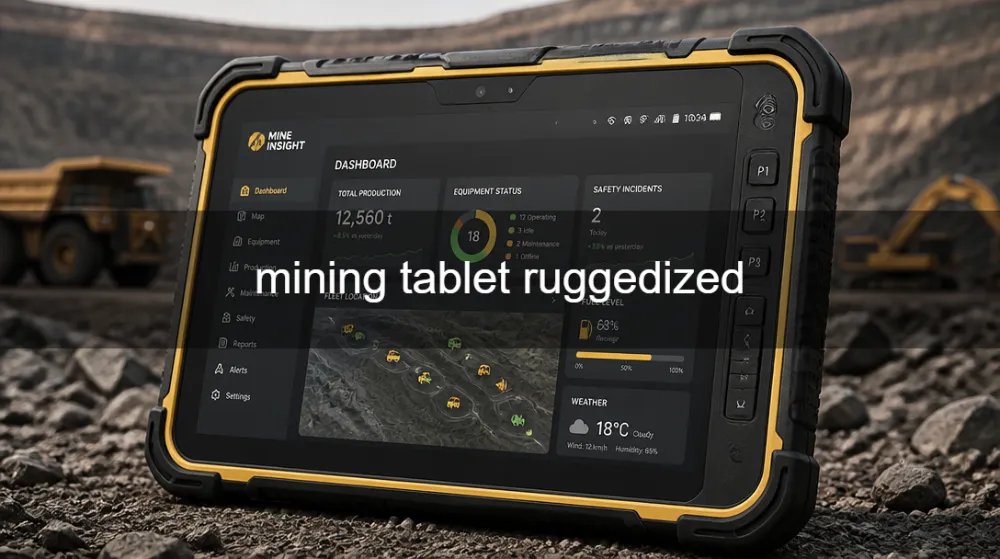
- Handheld vs. mountable tablets Handheld rugged tablets are ideal for inspections, tablet-based maintenance entry, and portable readings. Mountable tablets or tablet PCs designed for vehicle or rack mounting are beneficial for maintenance bays, control rooms, and vehicle cabs where hands-free operation is advantageous.
- Housing and seals A robust chassis with corrosion-resistant materials (e.g., magnesium alloy or hardened plastics) and reinforced bezels reduces damage risk in abrasive environments. Sealed ports, removable covers for SIM and microSD with gasket seals, and secure latching mechanisms prevent water and dust ingress during operation.
- Screen protection and user ergonomics Protective bezels, scratch-resistant glass (preferably with oleophobic coating to resist fingerprints), and a display that remains readable with PPE help maintain efficiency. Ergonomic considerations—weight distribution, grip texture, and heat dissipation—reduce operator fatigue over long shifts.
- Accessory ecosystem Robust docking stations, vehicle mounts, hand straps, rugged keyboards, and external scanning accessories extend the tablet’s practicality on long mining shifts. An ecosystem of accessories simplifies deployment and reduces the need for device-specific customizations.
Power, battery life, and thermal management
Battery life and heat control directly impact uptime and comfort in mining operations. The following guidance helps ensure reliability:
- Battery strategies Implement a mix of high-capacity batteries and hot-swappable options where feasible. For underground or remote sites, having spare batteries or a dedicated charging station minimizes downtime during shift changes. Battery health monitoring and predictive maintenance alerts help preempt unexpected power failures.
- Charging infrastructure A combination of in-vehicle charging, desktop charging docks, and portable battery packs can cover different workflows. If the tablet is used inside vehicles, ensure that the charging system handles continuous current draw without overheating.
- Thermal management Effective thermal solutions prevent performance throttling under load. Devices with heat-dissipation fins, graphite heat spreaders, or small active cooling fans should be evaluated for noise, reliability, and maintenance needs. Proper airflow in enclosures or vehicle dashboards helps sustain performance.
- Energy-efficient operation Use device management to control background processes, limit background data usage, and enforce screen timeout policies aligned with shift patterns. Application-level optimizations (offline data caching, reduced polling intervals, and efficient telemetry transfer) reduce power consumption.
Display, input, and user experience in the field
Worker speed and accuracy depend on a responsive, legible interface. Key aspects include:
- Brightness and readability A display with high luminance, good daylight readability, and anti-glare treatment ensures readability across various lighting conditions, whether the mine portal is dim or the open pit is sunlit.
- Touch and input options Glove-friendly touch support and robust stylus options (where applicable) support precision data entry when workers wear PPE. Haptics and tactile feedback help reduce input errors in bumpy vehicles or machinery cabins.
- UI/UX alignment with field tasks The software interface should prioritize critical tasks (e.g., safety checklists, maintenance logs, asset telemetry) and minimize the need for deep menu navigation during operations. Clear typography, large touch targets, and consistent visual cues enable faster decision making.
Connectivity, GNSS, and offline capabilities
Mining sites often present connectivity challenges. A well-rounded device offers:
- Multi-network support Devices should support dual-SIM 4G/5G, robust Wi-Fi, and Bluetooth. Seamless network handoff between networks prevents data gaps during transitions from surface to underground or between field sites.
- GNSS and positioning Accurate GPS and GNSS support (GPS, GLONASS, Galileo, BeiDou) improves asset tracking, route planning, and safety monitoring. In urban canyons or underground areas, offline maps and preloaded navigation data are essential.
- Offline data strategy For critical operations, the ability to store maps, manuals, and inspection templates locally ensures continuity when connectivity is intermittent. Synchronization should occur automatically when connectivity is restored, with conflict resolution and secure data handling.
- Local data storage and synchronization Robust on-device storage (SSD or eMMC with ample headroom) supports historical logs and telemetry. A secure, incremental sync mechanism keeps central systems updated without overwhelming network bandwidth.
Software, security, and device management
A mining tablet is most effective when paired with a strong software stack and sound security practices:
- Operating system and app compatibility Choose Android or Windows IoT depending on the software ecosystem. Android offers broad app compatibility and cost advantages; Windows IoT provides desktop-class applications, richer scripting, and more granular device management for enterprises with Windows-first ecosystems.
- Enterprise management An established MDM/EMM framework enables remote provisioning, app whitelisting, policy enforcement, device location, and remote wiping. It is critical for compliance, data protection, and operational continuity in multi-site operations.
- Data security and privacy Hardware-backed encryption, Secure Boot, trusted execution environments (TEE), and per-app data separation minimize risk. Consider role-based access controls and audit logs for traceability in regulatory contexts.
- Software updates and lifecycle A clear policy for firmware, OS, and application updates helps minimize security vulnerabilities without disrupting operations. Test updates in staging environments before deployment to field devices.
- Localization and regulatory alignment Ensure the device and software comply with local data protection laws and industry regulations in each operating region. Provide multilingual user interfaces and documentation to support diverse workforces.
Regional considerations: regulatory and availability nuances
Geo-specific constraints shape how you select and deploy mining tablets:
- North America Compliance with FCC, UL, and related electrical safety standards is common. In some cases, MSDS or safety certifications for rugged devices used in industrial settings may apply. Service networks in the United States and Canada expedite maintenance and parts replacement.
- Europe and the UK CE marking, RoHS compliance, and GDPR-aligned data practices are important. European service partnerships and regional support can shorten downtime and ensure firmware updates meet local regulatory expectations.
- Australia and New Zealand The Regulatory Compliance Mark (RCM) and local support networks matter. Dust-rich, hot environments and remote mine sites require robust power and cooling strategies, along with strong on-site service options.
- Latin America and Africa Regional distributors and service centers impact ongoing maintenance. Language localization (Spanish, Portuguese, French, local dialects) improves user adoption and error reduction.
- Asia-Pacific Compliance with local telecom regulations and certifications varies by country. In countries with deep mining activity, ensuring carrier compatibility for 4G/5G networks and reliable local after-sales support is essential.
In practice, align the device’s certifications, firmware regionalization, and service coverage with your geographic footprint. This reduces risk during deployment and simplifies long-term support.
Procurement, deployment, and lifecycle management
A disciplined approach to buying and deploying mining tablets helps maximize ROI:
- Requirements gathering Document workload profiles, shift lengths, typical tasks (inspections, inventory checks, telemetry dashboards), and environment specifics (dust, temperature, humidity). Include compatibility checks with your asset management and safety systems.
- Field testing and pilot Run a pilot across representative sites (surface mines, underground sections, remote camps) for several weeks. Test battery performance, screen readability, ruggedness, software compatibility, and network reliability under real conditions.
- Vendor evaluation Compare rugged tablet vendors on durability certifications, service network coverage, spare parts availability, and total cost of ownership. Request references from similarly scaled operations and, if possible, on-site demonstrations.
- Deployment strategy Plan staging of devices, provisioning of enrolled MDM profiles, distribution of charging docks, and integration with existing dispatch or maintenance platforms. Establish a clear incident response flow for device failures and a replacement cycle to minimize downtime.
- Maintenance and obsolescence Define spare parts inventory, repair SLAs, and device refresh cycles. Prepare for evolving software needs (e.g., scalable telemetry, new safety features) by selecting devices with upgradeable storage or modular add-ons.
ROI and best practices
A well-chosen mining tablet improves safety, operational efficiency, and asset utilization. Key ROI drivers include:
- Reduced downtime Reliable devices minimize time lost due to battery failures, connectivity gaps, or device malfunctions. Quick-access to manuals and offline maps reduces delays in maintenance and inspections.
- Improved safety and compliance Electronic checklists and automated reporting improve safety culture and regulatory compliance, reducing incident risk and potential fines.
- Enhanced data quality Real-time data capture reduces transcription errors and ensures more accurate maintenance records and inventory tracking.
- Lower maintenance costs Durable, readily serviceable devices with predictable lifecycles reduce long-term repair costs and support burdens.
Best practices to sustain ROI:
- Schedule regular device health assessments and firmware updates.
- Monitor battery health and plan for battery replacement before performance degrades.
- Maintain a regional service map with clear parts inventories.
- Train users on offline workflows to ensure continuity during network outages.
Practical pre-purchase checklist
Before finalizing a purchase, verify the following:
- The tablet meets IP65+ and MIL-STD durability tests, with a verified under-test age and vibration profile aligned to your equipment and transport routes.
- Operating system and apps support your critical software stack and offer a clear upgrade path.
- Battery life aligns with typical shifts, and hot-swapping or docking solutions are available where needed.
- The device can operate within your regional regulatory framework and has access to local service centers.
- There is a robust MDM/EMM solution with remote provisioning, policy enforcement, and secure data handling.
Frequently Asked Questions
Q: What makes a mining tablet different from a regular rugged tablet?
A: A mining tablet is designed specifically for mining conditions, including higher dust exposure, tighter space in vehicles or mine cages, extreme temperatures, heavy vibrations, and the need for offline capability and robust safety features. It prioritizes offline maps, durable seals, reliable power, and enterprise-grade management.
Q: Android or Windows for mining tablets?
A: Android offers broad app ecosystems, lower upfront cost, and easier roaming between field apps. Windows IoT or Windows 10/11 provides desktop-like software compatibility and deeper integration with enterprise systems. The choice depends on your software stack, IT readiness, and long-term maintenance plans.
Q: How can I extend battery life in a mining tablet?
A: Use energy-aware device management, disable non-essential background apps, enable power-saving modes, and choose devices with hot-swappable batteries or robust docking solutions. Offline data caching also reduces constant data transmissions, saving power.
Q: What regional certifications should I consider for mining tablets?
A: Look for CE/FCC compliance based on your market, RoHS/WEEE compliance for electronics waste considerations, and any country-specific certifications (RCM in Australia, local safety standards). Underground or heavy industrial deployments may require equipment safety certifications and site-specific safety approvals.
相关推荐内容
Latest Content
- 1000 Nits Brightness Rugged Tablet: The Essential Field Companion for Outdoor Conditions
- Rugged Tablets for Fleet Management: Enhance Efficiency and Durability
- Industrial Tablet Manufacturer: Durable Solutions for Harsh Environments
- Can Rugged Tablets for Forklifts Really Transform Material Handling Efficiency and Durability?
- Why Choose Rugged Tablets for Construction: A Comprehensive Guide to Durability and Performance?
Hot product
- WMT6UQ: 6-Inch 4G Android 12 Wireless Carplay Navigator Motorcycle PND
- WT10RX: 10.1 inch rugged tablet,10.1″ sunlight-readable display,10.1" ip67 rugged tablet
- WT10MX: 10.1 inch rugged tablet 12,000 mAh,10.1″ IPS display Rugged IP65 design
- WT08Q9Y: 8 inch 10000mAh long battery rugged tablet,1000-nit rugged tablet,
- WT08M8Y: 8 inch Android 14,700-nits rugged tablet