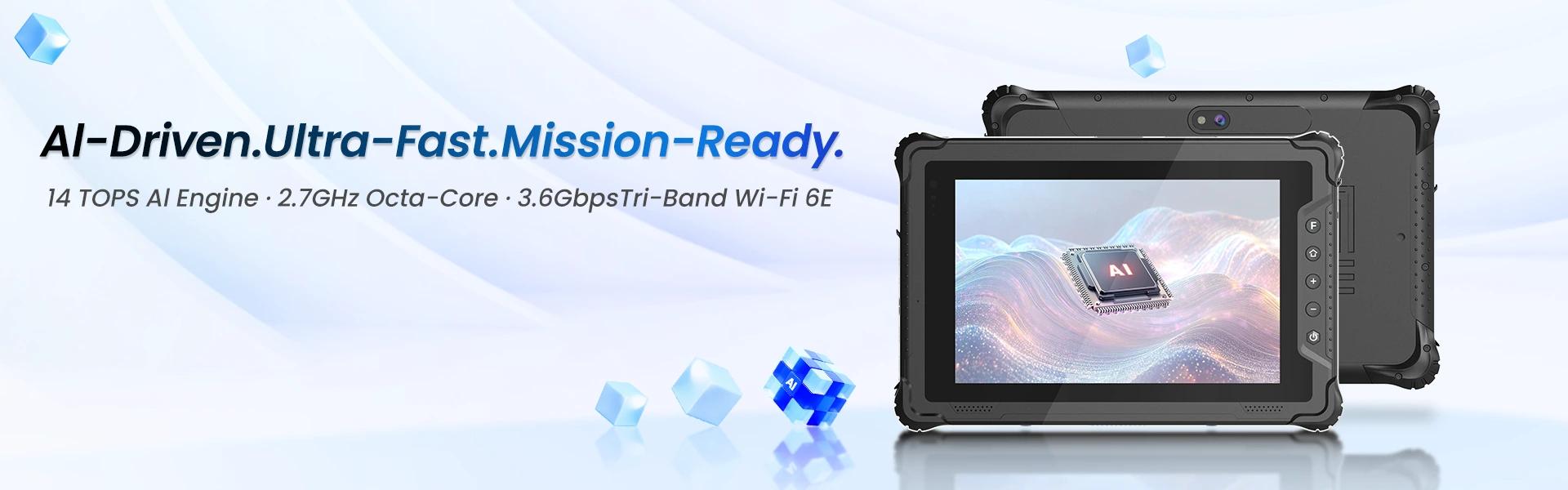
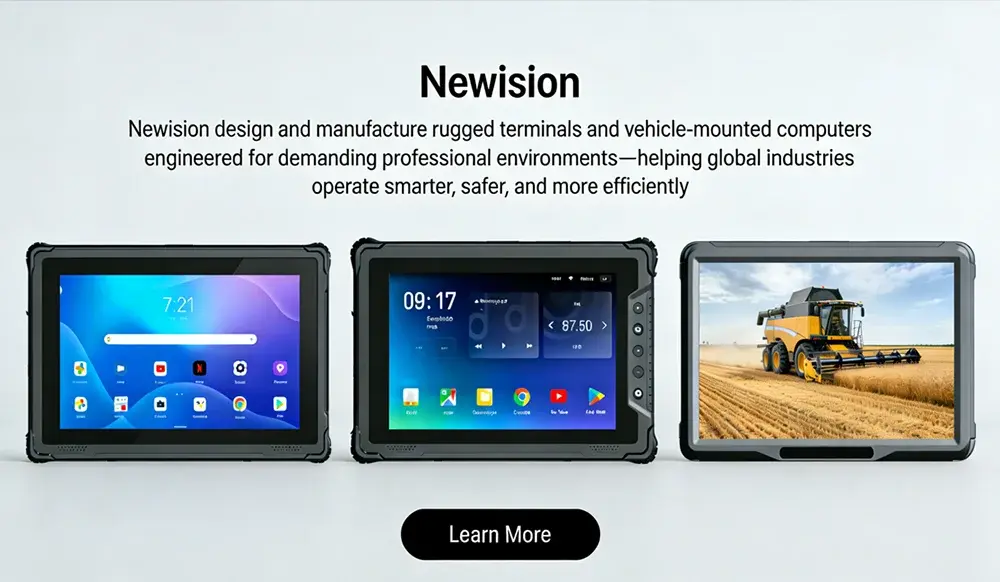
What Are the Best 10 Inch Rugged Android Tablets for Durability and Performance?
For demanding field work, the Panasonic Toughpad and Getac series stand out as superior choices due to their MIL-STD-810H certification and robust thermal management. These devices combine high-performance Snapdragon processors with extended battery life, ensuring reliability in extreme conditions. Choosing specialized rugged hardware prevents costly downtime compared to consumer alternatives, offering better total cost of ownership for enterprises operating in construction, logistics, or hazardous environments globally. Optimizing for both endurance and speed ensures seamless operations regardless of weather or terrain challenges faced daily.
What Defines True Durability in 10 Inch Tablets?
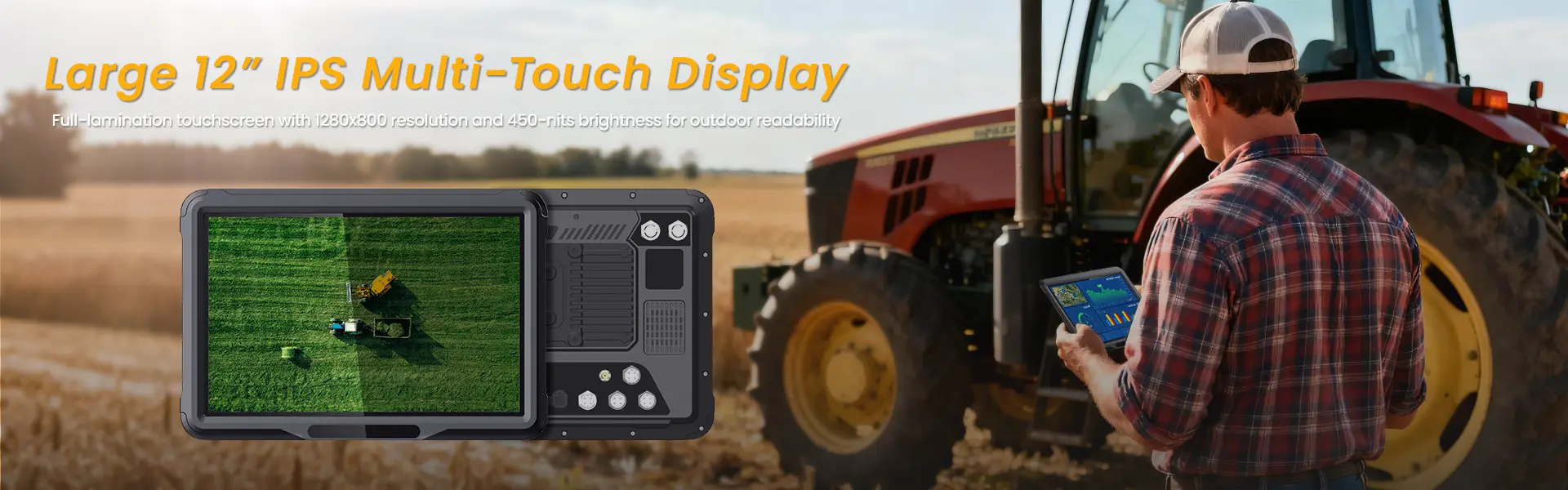
True durability relies on a combination of ingress protection standards and mechanical shock resistance rather than just a thick casing. When evaluating rugged tablets, consumers often focus solely on water resistance, but true industrial durability encompasses a broader range of environmental stressors that occur unpredictably in professional settings. The key metric here is the IP rating, where IP67 ensures complete dust protection and immersion up to one meter for thirty minutes, sealing out corrosive particles found in mines or factories. However, this is only half the story regarding structural survival. Military-grade testing, specifically MIL-STD-810H, covers temperature extremes ranging from freezing cold to scorching heat, humidity levels that cause condensation inside electronics, vibration from heavy machinery, and drop tests from significant heights onto hard surfaces. A tablet might survive a spill but fail catastrophically when dropped from waist height onto concrete, rendering the expensive processor useless. Therefore, the best performers integrate reinforced corners made of polycarbonate blend materials, sealed ports that prevent liquid ingress without sacrificing connectivity, and shock-mounted screens that stay aligned even after impact. This holistic approach guarantees that the device functions reliably whether it is submerged in rain during outdoor surveying or vibrating inside a delivery truck container over rough potholed roads. Understanding these specifications helps users avoid marketing gimmicks that claim “rugged” status without third-party validation from accredited labs. By prioritizing certified standards over marketing fluff, organizations ensure their technology investments withstand the physical abuse inherent in professional settings, reducing replacement frequency and maintenance costs significantly over the device’s lifespan. Industries like oil and gas require higher temperature tolerance than retail, so matching the specific standard to the environment is crucial for long-term viability.
Which Tablet Offers the Best Balance of Speed and Toughness?
Models featuring Snapdragon 8cx Gen 3 processors deliver optimal performance without compromising structural integrity or battery efficiency. Processing power is critical for running complex field applications simultaneously, yet heat dissipation is a major challenge in sealed rugged enclosures designed to keep water and dust out. Recent advancements allow manufacturers to pack high-end mobile silicon into protected chassis without throttling performance excessively, solving the historical trade-off between speed and protection. The Snapdragon ecosystem stands out because it offers a balance between raw computing speed and energy efficiency, crucial for devices that may not charge frequently throughout a double-shift workday. Cheaper alternatives might use older chips that generate excessive heat, forcing the system to slow down to prevent thermal damage, which hinders productivity in real-time data entry tasks requiring instant response times. Conversely, top-tier rugged tablets manage thermals through advanced graphite cooling sheets and strategic vent placement channels that allow passive airflow without compromising the waterproof seal maintained by gaskets. Users requiring heavy multitasking, such as those using augmented reality overlays for assembly instructions or scanning multiple barcodes while communicating via VoIP radio integration, should prioritize these newer architectures for sustained throughput. This balance ensures that the tablet remains responsive even after hours of continuous use in hot environments, preventing lag during critical decision-making moments in the field where delays can lead to safety risks or financial losses. Benchmark scores consistently show these top-tier options outperforming consumer laptops in sustained load scenarios due to efficient power architecture adapted for mobile connectivity including 5G readiness for cloud syncing without latency issues.
How Does Operating System Impact Long-Term Usability?
Android Enterprise licensing provides extended security updates and kiosk mode capabilities essential for business longevity compared to stock consumer versions. The software lifecycle is just as important as hardware durability when considering the total cost of ownership over a three-to-five year horizon. Consumer-grade Android tablets often receive only two years of security patches, leaving them vulnerable to exploits within a few months of deployment and creating compliance gaps for regulated industries. In contrast, enterprise-focused rugged devices typically offer five to seven years of guaranteed update support through programs like Android Enterprise Managed Updates, ensuring devices remain secure against emerging threats throughout their planned procurement cycle. This extension allows companies to deploy fleets of devices confidently knowing they will remain patched and supported without needing to upgrade prematurely. Furthermore, specific rugged variants come pre-configured with kiosk modes that lock down the interface to prevent accidental app deletion or setting changes by untrained staff who might inadvertently disable critical functions. This stability reduces IT overhead significantly, as technicians spend less time troubleshooting user errors, malware infections, or configuration drift across hundreds of devices. The ability to push updates remotely across a fleet ensures that all devices maintain compliance with corporate security policies without needing physical access to each unit individually, saving massive amounts of labor time. Consequently, the choice of OS version directly impacts the device’s usable life, making enterprise-certified models a financially smarter investment despite the higher upfront price tag because it eliminates the hidden costs associated with security breaches and administrative burden. Integration with Mobile Device Management platforms like VMware Workspace ONE or Microsoft Intune is smoother with these enterprise editions, enabling granular control over permissions and data encryption standards necessary for protecting sensitive customer information stored locally on the device memory.
What Accessories Extend the Lifespan of Rigid Devices?
Investing in protective cases, screen protectors, and charging cradles significantly mitigates wear and tear beyond factory specifications. While the tablet itself is engineered to survive harsh conditions, its accessories determine how well it survives daily handling and storage routines outside of ideal manufacturing scenarios. A factory-rated rugged tablet assumes some level of care, but adding accessories creates a secondary layer of defense against scratches, minor drops, and port corrosion that accumulate over time. Tempered glass screen protectors are non-negotiable for field workers who handle the device with thick winter gloves or oily hands, as fingernails or tools can easily scratch bare glass interfaces leading to touch sensitivity degradation. Similarly, silicone bumper cases absorb impact energy that would otherwise transfer directly to the aluminum chassis, preserving resale value and structural integrity for future upgrades or recycling programs. Charging solutions matter too; dock stations ensure consistent power cycles without wearing out the USB-C port through repeated plugging and unplugging which loosens connections over months of use. For workers in dirty environments, wiping down the device regularly prevents grime buildup that can interfere with touch sensitivity or trap heat against the cooling vents causing premature component failure. Organizations should consider purchasing kits that include holsters, stylus holders, and cleaning supplies designed specifically for the rugged profile of the device rather than generic accessories that might obstruct cameras or sensors. This holistic approach to device care extends the operational life of the tablet by several years, deferring capital expenditure on replacements and ensuring consistent performance levels throughout the asset’s lifecycle without unexpected mid-cycle failures that disrupt workflow schedules. Proper storage in climate-controlled charging docks also prevents battery swelling which is a common failure mode in high-temperature warehouse environments.

Is Investment Justified Compared to Consumer Alternatives?
Although upfront costs are higher, rugged tablets reduce total downtime and maintenance expenses, offering better ROI for professional use scenarios calculated over three years. The primary hesitation among buyers is the price difference, which can be three to four times that of a standard consumer tablet found in retail stores. However, calculating Return on Investment requires factoring in failure rates and productivity loss rather than just the sticker price on the box. A consumer tablet dropped on a construction site is likely rendered unusable immediately, leading to emergency purchase orders that rush shipping and incur higher logistics fees plus lost work hours while waiting for replacement. Rugged tablets, designed to survive such incidents, mean fewer interruptions and reliable data capture every day which translates directly to measurable output gains per employee. Additionally, repair services for consumer devices are often prohibitively expensive compared to the warranty coverage included with rugged units which often include onsite technician visits within 24 hours. Many enterprise contracts offer next-day onsite support further minimizing downtime when failures do occur despite the robust design, ensuring business continuity is maintained during critical project phases. Over a three-year period, the cost savings from avoided replacements and uninterrupted workflow far outweigh the initial premium paid for specialized hardware resilience. For industries where connectivity is critical, such as healthcare patient monitoring or supply chain tracking in remote warehouses, the risk of device failure is simply not worth saving money on hardware that lacks redundancy features. Therefore, viewing the rugged tablet as an insurance policy against operational disruption reveals its true economic value beyond the sticker price protecting revenue streams dependent on consistent digital access.
Frequently Asked Questions
Q1: Can I install custom apps on these rugged tablets?
A1: Yes, most enterprise versions support sideloading and whitelisting specific apps through MDX containers for security compliance allowing tailored software suites while maintaining corporate governance controls over data access points.
Q2: Are there warranty options available for international travel?
A2: Global warranty packages exist for multinationals covering repairs in various regions though standard warranties may be region-locked so verify cross-border coverage before deploying assets overseas to avoid service gaps.
Q3: How long does the battery last under continuous GPS usage?
A3: Expect approximately 8 to 12 hours depending on screen brightness and network signal strength; hot-swappable models offer unlimited runtime allowing workers to swap batteries on-site without shutting down operations during shifts.
Q4: Is touchscreen functionality usable while wearing thick gloves?
A4: Premium models feature glove touch mode and capacitive screens optimized for conductivity through fabric layers ensuring precise input control even when protective gear is mandated by safety regulations in cold climates.
Q5: Can these tablets connect to 5G networks for faster data transmission?
A5: Newer models include integrated 5G modems ensuring high-speed connectivity even in remote areas without Wi-Fi infrastructure supporting real-time synchronization with central databases for live inventory tracking or dispatch coordination.
相关推荐内容
Latest Content
- Advanced Bedside Terminal Solutions: The Backbone of Modern Patient Care
- Bedside Terminal Selection Guide: Key Specs, Benefits & OEM Solutions for Hospitals
- Fleet Management Canada: 2026 Guide to Telematics & Compliance
- Rugged Tablets for Taxi Fleets: 2026 Selection Guide & TCO Analysis
- Rugged Tablet for Digital Mining: The Essential Guide to Durability in the Field
Hot product
- WMT6UQ: 6-Inch 4G Android 12 Wireless Carplay Navigator Motorcycle PND
- WT10RX: 10.1 inch rugged tablet,10.1″ sunlight-readable display,10.1" ip67 rugged tablet
- WT10MX: 10.1 inch rugged tablet 12,000 mAh,10.1″ IPS display Rugged IP65 design
- WT08Q9Y: 8 inch 10000mAh long battery rugged tablet,1000-nit rugged tablet,
- WT08M8Y: 8 inch Android 14,700-nits rugged tablet