The Complete Guide to Choosing the Best Tablet for Truck Drivers in 2026
Author Note
ike Carlson is a former long-haul truck driver and current fleet technology consultant with 18 years of experience. He has helped over 500 owner-operators and fleets select and install in-cab technology, and he holds certifications in FMCSA ELD compliance and fleet telematics.
Introduction: Why Every Truck Driver Needs the Right Tablet
For today’s truck driver, a tablet is no longer a luxury—it’s the central command center of the cab. From GPS navigation truck routes that avoid low bridges to electronic logging device (ELD) compliance, from load board access to instant dispatch communication, the right tablet for truck driver transforms a chaotic cab into an organized, efficient workspace.
But with dozens of options on the market, selecting the best tablet for truckers can feel overwhelming. Consumer tablets lack durability. Business tablets may lack the specific apps truckers need. And even the perfect tablet is useless without the right dash mount, power management, and software setup.
This guide covers everything owner-operators and fleet drivers need to know: recommended tablets, essential trucking apps, mounting solutions, and FMCSA compliance considerations.
Essential Features: What to Look for in a Truck Driver Tablet
Not every tablet is built for the road. Before evaluating specific models, understand the features that matter most for life in a day cab or sleeper cab.
Screen Size and Visibility
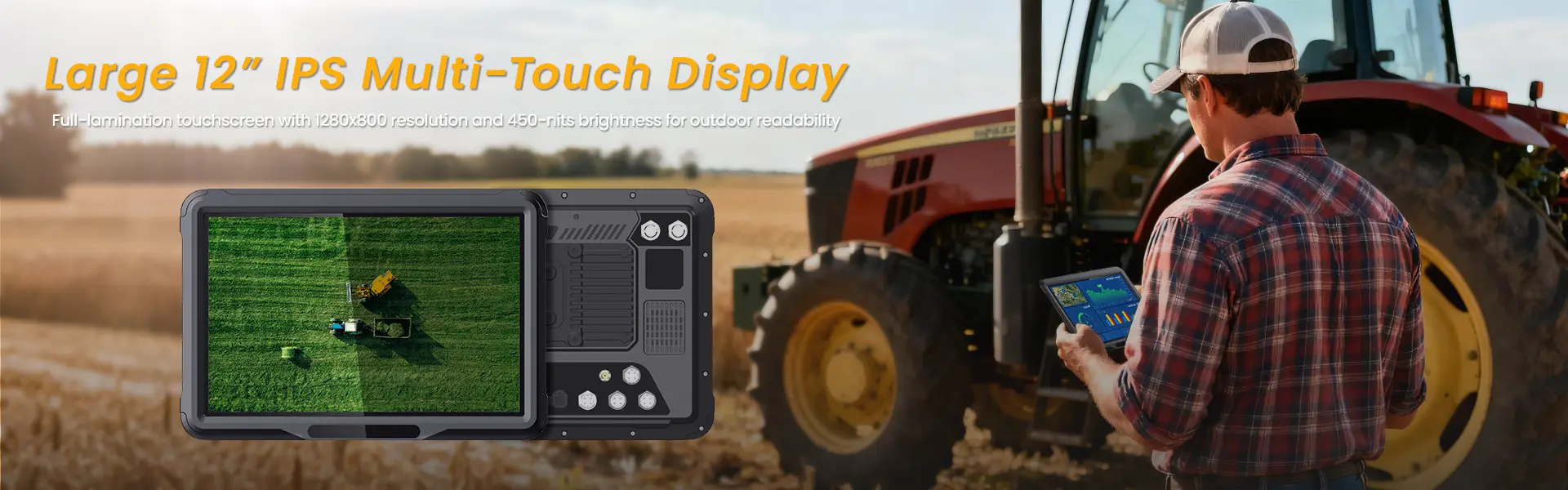
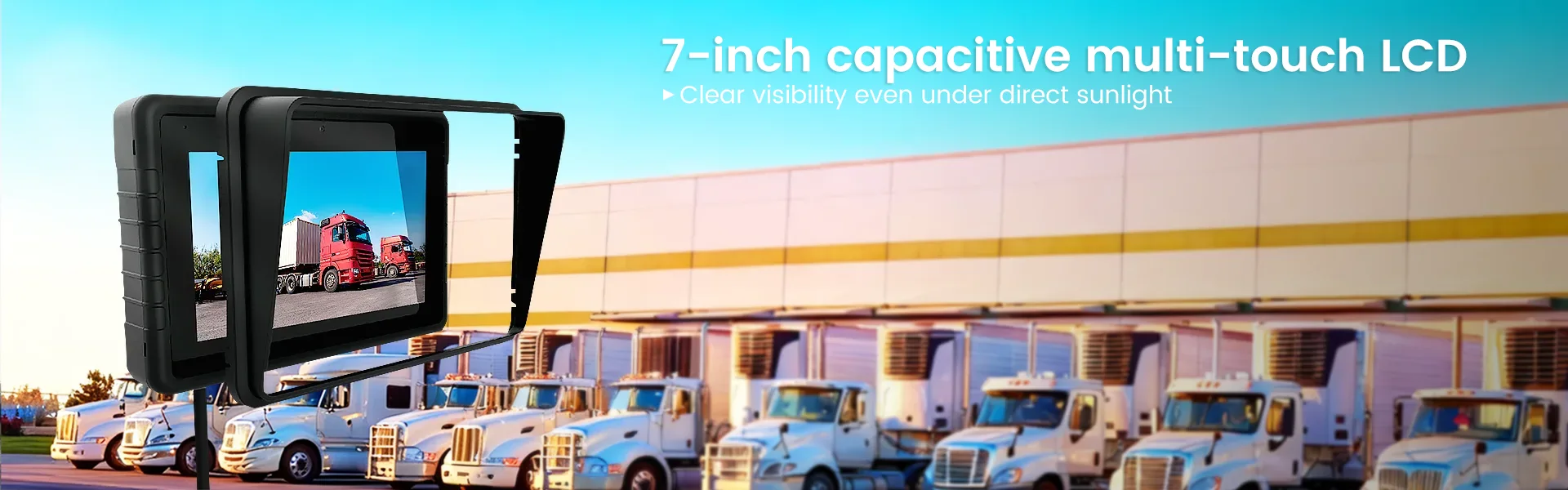
Truck drivers spend hours glancing at their screens while navigating. A 10-inch to 13-inch screen provides enough real estate to view GPS maps, load details, and logs without squinting. Sunlight readability is critical—look for displays with at least 600 nits of brightness. Standard consumer tablets become unreadable in direct sunlight through the windshield.
Cellular Connectivity
Wi-Fi-only tablets are useless on the road. The best tablet for truckers includes built-in 4G LTE or 5G cellular data. Many drivers add a tablet to their existing mobile plan or purchase a dedicated data plan. Some carriers offer specific plans for commercial drivers with nationwide coverage.
GPS Capabilities
All tablets have GPS, but tablet for truck driver with GPS should support truck route GPS that accounts for bridge heights, weight restrictions, and hazmat routes. Consumer navigation apps often direct trucks onto restricted roads. The right tablet paired with truck-specific navigation apps prevents costly violations.
Durability and Ruggedness
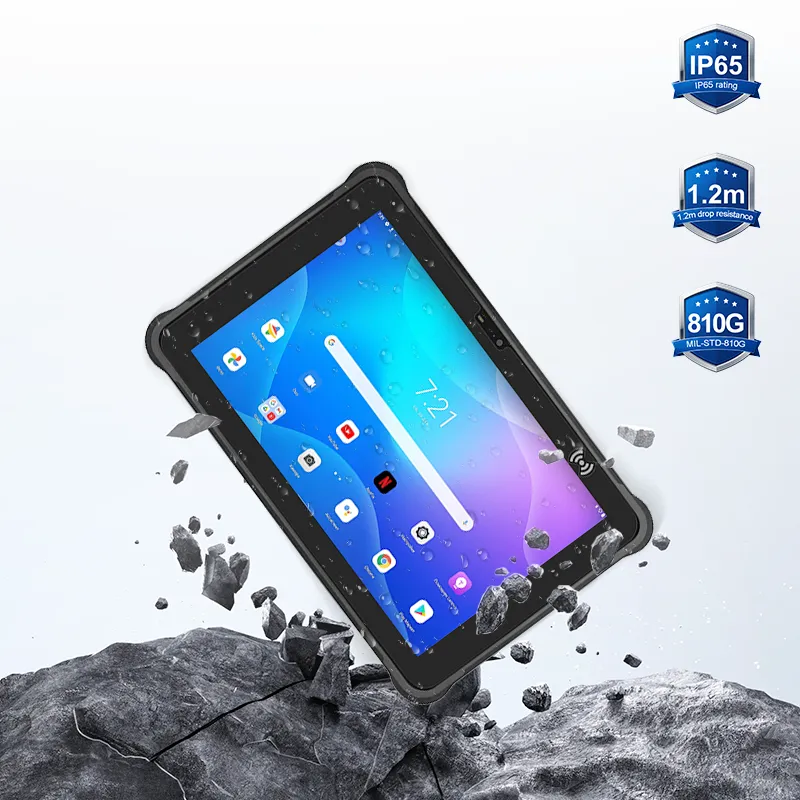
The cab environment is harsh. Tablets are exposed to temperature extremes, vibration, dust, and the occasional drop. While rugged tablet for semi truck drivers models exist, they carry a premium price. Many drivers compromise by using a consumer tablet inside a rugged case paired with a secure mount.
ELD Compatibility
FMCSA regulations require most commercial drivers to use an electronic logging device (ELD) . The tablet for logging truck driver hours must be compatible with your chosen ELD provider’s app. Most major ELD systems—KeepTruckin, Samsara, Omnitracs—offer apps for both iOS and Android tablets.
Top Tablet Recommendations for Truck Drivers
Apple iPad (10th Generation or iPad Air)
The iPad remains the most popular choice among truckers for its reliability, massive app ecosystem, and seamless integration with trucker apps. The iPad Air with cellular offers a bright 10.9-inch display, optional 5G connectivity, and all-day battery life. The primary drawback is the lack of built-in truck route GPS—drivers must rely on third-party apps. The glossy screen can also produce glare in direct sunlight.
Samsung Galaxy Tab Active5
For drivers who prioritize durability, the Samsung Galaxy Tab Active5 is the leading rugged tablet for semi truck drivers. It meets MIL-STD-810H durability standards, includes a glove-friendly touchscreen, and offers a removable battery—a critical feature for long-haul drivers who may not have constant charging access. The screen is sunlight-readable, and the device includes an S Pen for precise input while driving.
Samsung Galaxy Tab S9 FE
A middle-ground option, the Tab S9 FE combines a large 12.4-inch screen with water and dust resistance (IP68 rating). It supports 5G connectivity, includes an S Pen, and offers excellent battery life. While not as rugged as the Active5, it works well for most drivers when paired with a protective case and secure mount.
Amazon Fire HD 10 (Budget Option)
For drivers on a tight budget, the Amazon Fire HD 10 provides a large screen at a fraction of the price. The trade-offs include limited app availability (it runs Amazon’s Fire OS, not full Android), lower brightness, and no built-in cellular. Drivers using this option typically pair it with a mobile hotspot.
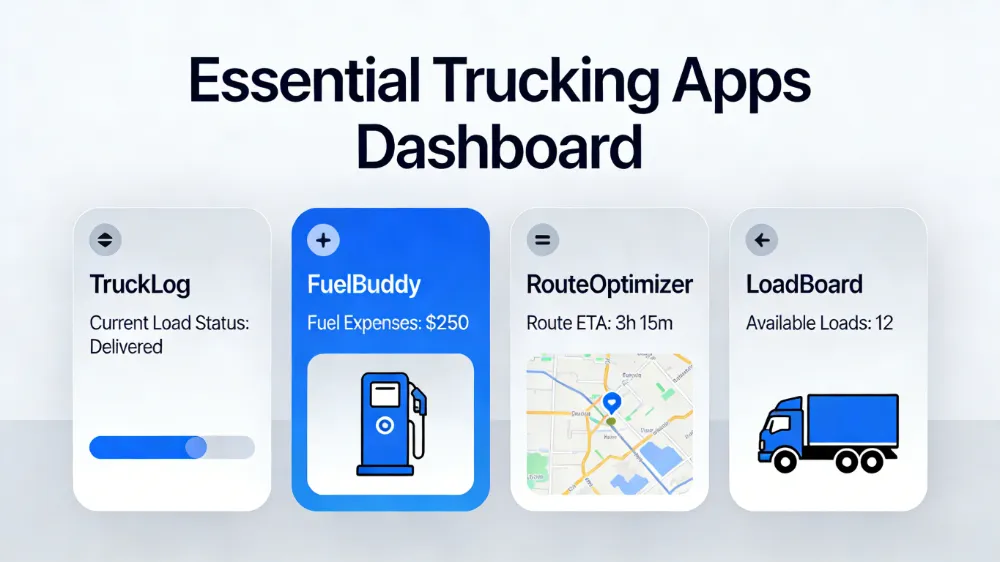
Essential Trucking Apps for Your Tablet
The hardware is only half the equation. The right trucker apps transform a tablet into a complete business tool.
GPS Navigation Apps
Consumer navigation apps like Google Maps and Apple Maps do not account for truck restrictions. Truck-specific navigation apps are essential:
- TruckerPath: The most popular app for truckers, providing truck-specific GPS, weigh station status, parking availability, and truck stop locations.
- Hammer Trucker GPS: A free truck GPS app with route planning for height, weight, and hazmat restrictions.
- CoPilot Truck: A premium truck navigation app with offline maps—critical for areas with poor cellular coverage.
ELD and Compliance Apps
The ELD mandate requires electronic logging. Your tablet must run your ELD provider’s app:
- KeepTruckin (now Motive): One of the most widely used ELD platforms with a well-designed tablet app.
- Samsara: Popular among fleets, offering integrated dash cams and real-time tracking.
- Omnitracs: An industry standard for larger fleets, with extensive integration capabilities.
Load Board Apps
For owner-operators, load board access is essential for finding freight:
- Truckstop Load Board: Extensive freight listings with mobile app access.
- DAT Load Board: The industry standard with millions of loads listed monthly.
- Uber Freight: A newer option with instant booking and transparent pricing.
Productivity and Weigh Station Apps
- Weigh My Truck (CAT Scale): Allows drivers to pay for scale tickets and view weigh history directly from the tablet.
- Drivewyze: Provides weigh station bypass services, saving time and fuel.
- Pre-Trip Inspection Apps: Digital checklists for documenting pre-trip inspections and maintaining compliance records.
Mounting Your Tablet: RAM Mounts and Dash Mount Solutions
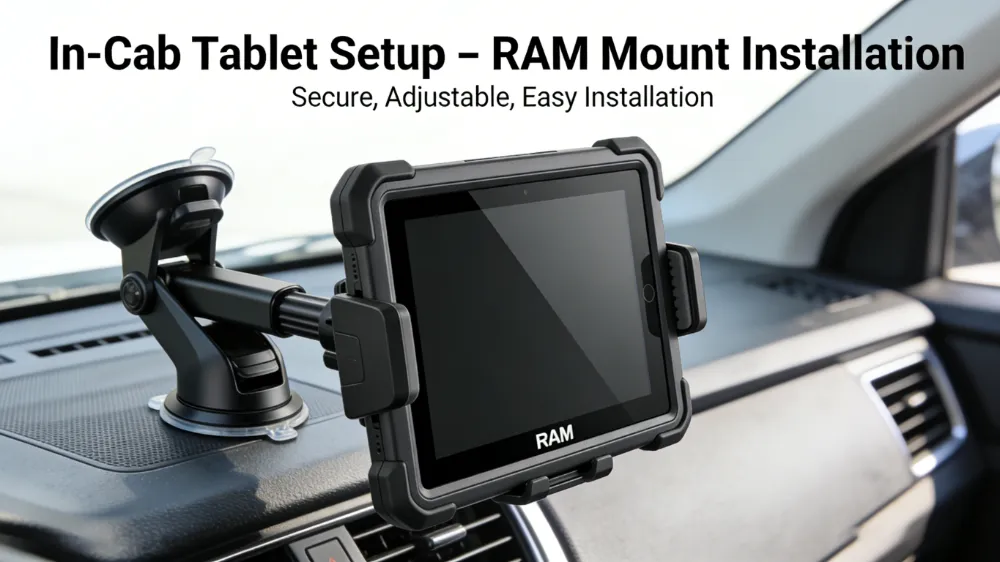
A tablet bouncing around the cab is dangerous and unusable. The right RAM mount or dash mount secures the device while keeping it accessible.
RAM Mount Systems
RAM mount is the industry standard for commercial vehicle mounting. The modular system uses rubber ball-and-socket joints that absorb vibration while allowing full adjustability. Components include:
- Base: Attaches to the vehicle—options include seat bolt mounts (no drilling), suction cup mounts (temporary), and floor mounts (permanent).
- Arm: Connects the base to the tablet holder, available in various lengths.
- Cradle: Holds the tablet securely; RAM offers tablet-specific cradles or universal spring-loaded options.
For most truck drivers, a seat bolt mount with a medium-length arm and tablet-specific cradle provides the ideal combination of stability and accessibility.
Alternative Mounting Options
- Dashboard Mounts: Adhesive mounts attach directly to the dashboard, positioning the tablet at eye level. These work well for drivers who prefer the tablet near the windshield.
- VESA Mounts: For tablets with VESA mounting patterns, these provide a cleaner, more integrated appearance.
- Headrest Mounts: Useful for team drivers or for rear-seat entertainment.
Mounting Best Practices
Never mount a tablet in an airbag deployment zone—the dashboard on the passenger side or directly in front of the steering wheel center. Position the tablet where it remains within the driver’s peripheral vision without obstructing the windshield or controls. Ensure cables are routed away from moving parts and secured to prevent tangling.
Power Management: Keeping Your Tablet Charged
A dead tablet is useless. Long-haul drivers need reliable power solutions.
Ignition Sensing
Ignition sensing allows the tablet to power on when the truck starts and enter sleep mode when the engine shuts off. This preserves the truck’s batteries and ensures the tablet is ready when the driver is.
Docking Stations
A docking station combines mounting with charging and connectivity. The tablet locks into the dock, which provides power, antenna connections (for improved GPS and cellular), and often includes ignition sensing. Docks are particularly useful for drivers who remove the tablet when away from the truck.
Battery Life Considerations
Drivers who run the tablet continuously during 14-hour shifts need devices with all-day battery life. The Samsung Galaxy Tab Active5 offers a removable battery—a critical feature for drivers who can swap batteries rather than waiting for charging.
ELD Compliance and FMCSA Rules
FMCSA compliance requires that ELD systems meet specific technical standards. When selecting a tablet for logging truck driver hours, verify that both the device and the ELD app meet these requirements.
What FMCSA Requires
The ELD must automatically record driving time, engine hours, and vehicle movement. It must display logs to enforcement officers and transfer data electronically. The tablet itself is not regulated—the ELD system is. Any tablet that runs the certified ELD app is compliant.
Can Truck Drivers Use Tablet for ELD?
Yes, most ELD systems use a tablet or smartphone as the driver interface. The tablet connects to a telematics device plugged into the truck’s diagnostic port. The combination meets FMCSA requirements.
Pre-Trip Inspection Integration
Many ELD apps include digital pre-trip inspection forms. Drivers complete inspections on the tablet, with records stored electronically for compliance audits. This eliminates paper forms and reduces administrative time.
Connectivity on the Road
Staying connected is essential for dispatchers, load boards, and family. Truck drivers have several connectivity options:
Cellular Data Plans
Most drivers add their tablet to an existing mobile plan or purchase a dedicated data plan. Major carriers offer unlimited plans suitable for heavy data use. Some plans include Canada and Mexico coverage for cross-border drivers.
Mobile Hotspots
For drivers who prefer not to add a tablet line, a mobile hotspot provides connectivity for multiple devices. The hotspot can stay plugged into a USB port for continuous charging.
In-Cab Wi-Fi
Some newer trucks include factory-installed Wi-Fi systems. Aftermarket options like the T-Mobile Inseego 5G hotspot provide high-speed connectivity for streaming, video calls, and load board access.
Day Cab vs. Sleeper Cab Considerations
The type of truck influences tablet setup:
Day Cab
Drivers who return home daily have simpler requirements. A permanently mounted tablet with a RAM mount and hardwired power suffices. The tablet may be used primarily for navigation and dispatch, with ELD logging active during the shift.
Sleeper Cab
Long-haul drivers living in the truck need more versatility. The tablet may serve multiple functions: navigation during driving, entertainment during downtime, and business management in the sleeper. A removable tablet that docks in the cab and works outside the truck offers flexibility. Drivers should consider a tablet with sufficient screen size for streaming movies during rest periods.
Tablet Accessories Every Truck Driver Needs
Beyond the tablet itself, several accessories improve functionality and durability:
Rugged Case
Even if the tablet is not mil-spec rugged, a heavy-duty case provides drop protection and improved grip. Look for cases with integrated kickstands for use in the sleeper.
Screen Protector
A tempered glass screen protector prevents scratches and cracks. For sunlight readability, consider a matte anti-glare screen protector that reduces reflections.
Bluetooth Headset
Hands-free communication is not just convenient—it’s required by law in many states. A Bluetooth headset allows drivers to accept dispatch calls and communicate with shippers and receivers without handling the tablet.
External GPS Antenna
For drivers in areas with poor cellular coverage, an external GPS antenna can improve positioning accuracy. Some docking stations include GPS antenna pass-through.
Budget Considerations: Owner-Operator vs. Fleet Driver
Owner-Operator
For drivers who own their truck and business, the tablet is a capital investment. Spending more for a durable, reliable device makes sense. The Samsung Galaxy Tab Active5 or iPad Pro with rugged case represent solid investments. The total setup—tablet, mount, docking station—typically ranges from $800 to $1,500.
Company Driver
Drivers operating under a fleet may have tablets provided by their employer. If using a personal device, a mid-range tablet like the Samsung Galaxy Tab S9 FE or iPad (10th generation) balances cost and capability. Company drivers should verify ELD compatibility before purchasing.
Common Mistakes to Avoid
Using Consumer Navigation Apps
Standard GPS apps route trucks onto restricted roads, resulting in tickets, bridge strikes, and expensive violations. Always use truck route GPS applications.
Skipping the Mount
A tablet resting on the passenger seat becomes a projectile in a sudden stop. A proper mount is not optional—it’s a safety requirement.
Ignoring Sunlight Readability
A glossy screen becomes invisible in direct sunlight. Tablets with low brightness ratings (under 500 nits) are frustrating to use during daytime driving.
Choosing Wi-Fi Only
A tablet without cellular data requires hotspot tethering, draining both devices’ batteries and adding connection complexity. Cellular-enabled tablets simplify operations.
Forgetting ELD Compatibility
Not all tablets run all ELD apps. Before purchasing, confirm that your chosen ELD provider supports the tablet’s operating system.
Conclusion: Building Your Ideal In-Cab Setup
The best tablet for truck drivers is not a single model—it’s a complete system that combines the right hardware, software, and mounting. For most drivers, the optimal setup includes:
- A cellular-enabled tablet with sunlight-readable display (iPad Air or Samsung Galaxy Tab Active5)
- RAM mount with seat bolt base for secure, vibration-dampened positioning
- Hardwired power with ignition sensing for automatic power management
- Truck route GPS (TruckerPath, Hammer, or CoPilot)
- ELD app compatible with your carrier’s system
- Load board app for freight discovery
Investing in the right commercial truck tablet setup pays dividends in reduced stress, improved compliance, and more efficient operations. The road is demanding enough—your technology should make life easier, not harder.
Frequently Asked Questions (FAQ)
Q1: What is the best tablet for truck drivers in 2026?
A: The best overall tablet for truck drivers is the Samsung Galaxy Tab Active5 for its rugged durability, removable battery, and sunlight-readable display. The iPad Air with cellular is the best choice for drivers who prefer iOS and value the extensive trucker app ecosystem.
Q2: Can truck drivers use a tablet for ELD logging?
A: Yes, most electronic logging device (ELD) systems use a tablet or smartphone as the driver interface. The tablet runs the ELD provider’s app and connects to a telematics device in the truck. As long as the ELD system is FMCSA-certified, using a tablet is fully compliant.
Q3: What GPS app should truck drivers use?
A: Truck drivers should use truck-specific GPS apps that account for bridge heights, weight restrictions, and hazmat routes. Top options include TruckerPath, Hammer Trucker GPS, and CoPilot Truck. Consumer apps like Google Maps and Apple Maps frequently route trucks onto restricted roads.
Q4: Do I need a rugged tablet for trucking?
A: A rugged tablet is not strictly necessary but highly recommended for long-haul drivers. Standard consumer tablets work when paired with a rugged case and secure mount. However, rugged tablets like the Samsung Galaxy Tab Active5 offer better durability, sunlight-readable displays, and removable batteries that justify the higher cost for professional drivers.
Q5: How should I mount my tablet in the truck?
A: The industry standard is a RAM mount with a seat bolt base. This provides a secure, vibration-dampened attachment without drilling holes. The mount positions the tablet alongside the driver’s seat where it remains accessible without obstructing controls or the windshield.
Q6: Can I use an iPad for trucking?
A: Yes, iPads are widely used by truck drivers. The iPad Air with cellular is a popular choice. The primary considerations are: adding a rugged case for protection, using a RAM mount for secure installation, and installing truck-specific GPS apps since Apple Maps does not support truck routing.
Q7: What is ignition sensing and why do I need it?
A: Ignition sensing powers the tablet on when the truck starts and enters sleep mode when the engine turns off. This prevents the tablet from draining the truck’s batteries and ensures the device is ready immediately when driving.
Q8: How much data does a truck driver need for a tablet?
A: Most truck drivers use 10-30 GB per month for navigation, ELD logging, load boards, and streaming during downtime. Unlimited data plans are recommended for drivers who stream video or run navigation apps continuously.
Q9: What load board apps work best on tablets?
A: The leading load board apps for owner-operators are Truckstop Load Board, DAT Load Board, and Uber Freight. All offer tablet-optimized apps with real-time freight listings, booking capabilities, and payment processing.
Q10: How do I keep my tablet charged in the truck?
A: Hardwire a power connection to the truck’s electrical system, preferably with ignition sensing. Docking stations provide both charging and secure mounting. For removable tablets, ensure the tablet’s battery lasts a full shift, or choose a model with a removable battery like the Samsung Galaxy Tab Active5.
相关推荐内容
Latest Content
- Rugged Tablets for Outdoor Use: Durable, Reliable Devices for Harsh Environments
- Ruggedized Tablets for Construction: Durable Solutions for Harsh Environments
- Rugged Tablets for Public Safety: Choosing the Right Device
- Mining Tablet Guide: Rugged, Reliable Tablets for Harsh Mining Environments
- 1000 Nits Brightness Rugged Tablet: The Essential Field Companion for Outdoor Conditions
Hot product
- WMT6UQ: 6-Inch 4G Android 12 Wireless Carplay Navigator Motorcycle PND
- WT10RX: 10.1 inch rugged tablet,10.1″ sunlight-readable display,10.1" ip67 rugged tablet
- WT10MX: 10.1 inch rugged tablet 12,000 mAh,10.1″ IPS display Rugged IP65 design
- WT08Q9Y: 8 inch 10000mAh long battery rugged tablet,1000-nit rugged tablet,
- WT08M8Y: 8 inch Android 14,700-nits rugged tablet