Industrial Tablet Manufacturer: Durable Solutions for Harsh Environments
Field engineers and factory floor managers face constant equipment failures when they deploy consumer-grade technology in harsh workspaces. Standard phones and tablets crack on concrete, overheat near furnaces, and fail when exposed to heavy rain or dust. An industrial tablet manufacturer builds purpose-built hardware that prevents costly downtime and keeps operations running smoothly. When you choose the right mobile computer, your teams avoid the repeated expenses of broken screens and failing batteries.
Engineering Mobile Computing for Extreme Workspaces
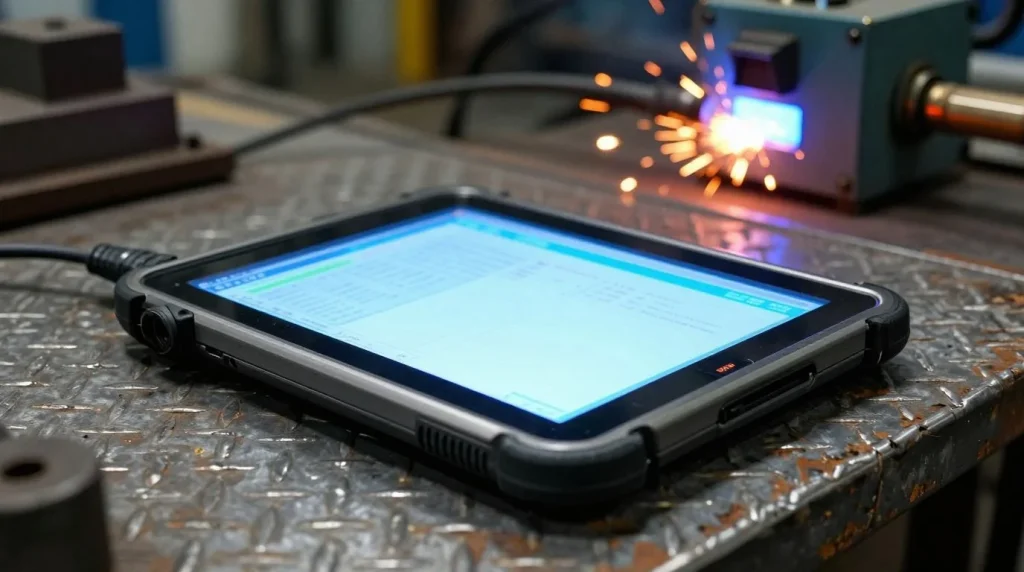
Consumer tablets fail in industrial settings due to thermal overload, screen shattering from drops, and liquid ingress. Your field staff might drop a standard device onto steel flooring or leave it in direct sunlight, which causes immediate processor throttling or battery failure. Buying cheap consumer gear seems smart at first, but frequent replacements and lost work hours add up fast. Investing in proper industrial hardware saves money over time because these units last for years in punishing conditions.
The modern industrial tablet differs from standard electronics through specific core hardware design choices. Manufacturers build these units with magnesium alloy frames, chemically strengthened glass, and fanless thermal cooling systems that keep dirt outside the case. Companies now transition from stationary desk terminals to mobile-first computer setups across entire warehouses and job sites. Workers carry these terminals anywhere they need data access without worrying about physical damage.
Core Engineering Standards for Rugged Hardware
True industrial hardware must pass strict testing protocols that separate tough tools from weak consumer alternatives. Manufacturers test physical strength through standardized drop, vibration, and thermal stress procedures. When you source these devices, you need to understand what these ratings actually mean for your daily operations.
Decoding Ingress Protection Ratings
Ingress Protection codes tell you how well a device keeps out dust and water. An IP65 rating means the unit is completely dust-tight and can handle low-pressure water jets from any direction. Devices with IP67 or IP68 ratings can survive accidental drops into puddles or even continuous water immersion. Chemical processing plants and offshore oil rigs require these high ratings because workers hose down equipment daily and deal with heavy particulate matter.
Military-Grade Durability Testing Protocols
Military standard testing, specifically MIL-STD-810H, puts hardware through rigorous drop, shock, and vibration trials to simulate decades of field use. Testing labs drop units repeatedly onto concrete from various heights while the device is powered on. Thermal shock testing checks if electronics survive rapid shifts from sub-zero cold storage rooms to high-heat steel mills. This testing ensures your field crews can rely on their gear in any climate without unexpected shutdowns.
Sunlight-Readable Display Technologies
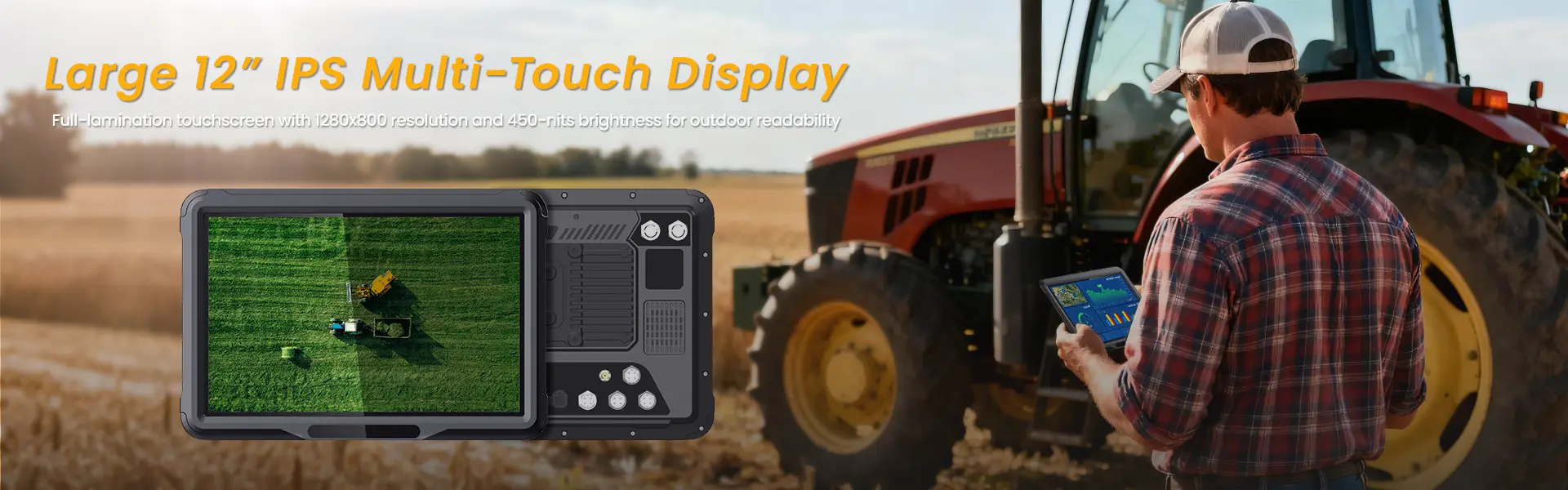
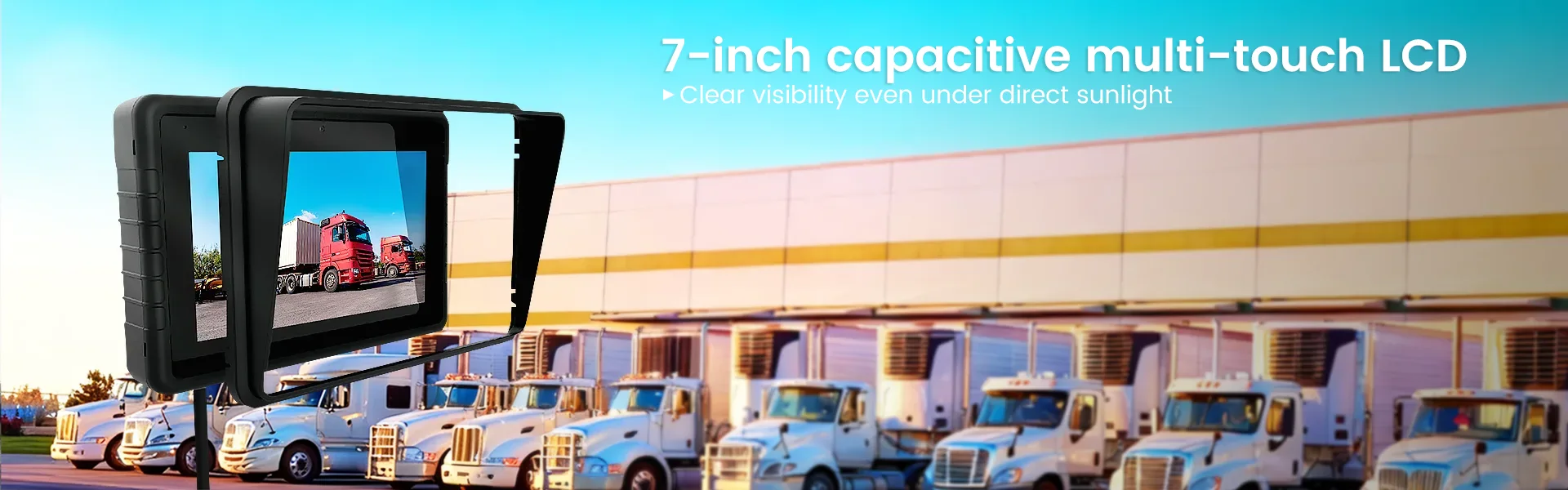
Outdoor utility work brings severe glare that makes standard screens impossible to read. Industrial screen manufacturers fix this issue by using optical bonding, high-nit LED backlights, and transflective LCD panels that stay clear in bright daylight. Workers can also use capacitive touchscreens smoothly while wearing thick work gloves or working in heavy rainstorms. Your team stays productive outdoors without squinting at washed-out screens or dealing with false touch inputs.
Critical Features to Evaluate When Sourcing Hardware
Procurement teams must evaluate several physical and technical factors before purchasing hardware for enterprise rollouts. Choosing the right features prevents user frustration and ensures the equipment matches your specific workflows.
Battery Architecture and Power Management
Hot-swappable battery systems let workers change power packs without turning off the device, which eliminates shift downtime in 24/7 factories. Extended temperature battery chemistry prevents rapid discharge when workers operate in freezing cold storage lockers. Your staff keeps working through long shifts without running to find a wall charger every few hours.
Enterprise Connectivity and Data Security
Warehouse automation depends on fast 5G, Wi-Fi 6, dedicated GPS modules, and legacy serial ports for older machinery. Hardware security features like TPM 2.0 chips, fingerprint scanners, and smart card readers protect sensitive company data from theft. You can lock down devices remotely and ensure only authorized personnel access secure internal networks.
Modular Expansion and Peripheral Integration
Logistics operations need built-in barcode scanners, RFID readers, and magnetic stripe modules to track inventory efficiently. Docking station ecosystems let workers snap terminals securely into forklift mounts, police vehicle cabs, or office desks. These modular options mean you can customize a single base model for different tasks across your entire company.
High-Impact Industry Deployments and Use Cases
Industrial tablets drive efficiency, compliance, and safety in specific sector applications where consumer gear cannot survive.
Smart Manufacturing and Factory Floor Automation
Factory workers use handheld terminals for real-time machine monitoring, quality control sign-offs, and digital work instructions instead of paper binders. These devices connect directly with manufacturing execution systems and enterprise resource planning software to speed up assembly line cycles. Managers track output accurately because operators log every step instantly on the floor.
Field Service and Utilities Management
Utility crews working in remote areas use mobile mapping, asset inspection apps, and digital ticketing to fix power lines during storms. High-definition cameras on the terminals let field workers call back office experts for remote help in hazardous zones. Your team solves complex problems faster and keeps accurate service records from the field.
Warehousing, Supply Chain, and Logistics
Forklift drivers use vehicle-mounted terminals to speed up pick-and-pack tasks in busy distribution centers. Yard management teams rely on drop-resistant hardware that endures constant truck vibrations, heavy dust, and multi-story drop risks. These tools help warehouses ship orders quickly with fewer inventory mistakes.
Evaluating and Partnering with Hardware Vendors
Procurement managers should look beyond the initial purchase price and focus on total cost of ownership over the entire deployment lifecycle.
Assessing Manufacturer Customization Capabilities
Original equipment manufacturer partnerships let businesses request custom software loads and unique physical port layouts for specialized tools. Reliable hardware suppliers guarantee product availability for several years so you can expand your device fleet without facing sudden model redesigns. This stability protects your software investments and keeps your deployment uniform.
Total Cost of Ownership Versus Upfront Savings
Cheap consumer devices cost more over time because you replace broken units constantly and lose billable hours during equipment failures. Industrial hardware reduces repair overhead, lowers failure rates, and lasts through multi-year deployment cycles. Enterprise support warranties and advance replacement policies ensure you get replacement units quickly if something breaks.
Maximizing ROI on Industrial Computing Deployments
Prioritizing certified durability over low upfront costs protects your budget and keeps your frontline workers productive in tough environments. You should match specific hardware configurations directly to the environmental extremes and daily tasks of your staff.
Run pilot programs in your harshest operational zones before you buy thousands of units for a full enterprise rollout. Set up centralized mobile device management protocols to push security updates, track locations, and troubleshoot remote hardware fleets easily. Careful planning and strong hardware choices give your business a reliable mobile setup that lasts for years.
相关推荐内容
Latest Content
- Can Rugged Tablets for Forklifts Really Transform Material Handling Efficiency and Durability?
- Why Choose Rugged Tablets for Construction: A Comprehensive Guide to Durability and Performance?
- What Are the Best 10 Inch Rugged Android Tablets for Durability and Performance?
- What is a school bus tablet? How does a school bus tablet improve safety?
- How to Choose Rugged Tablets for School Buses?
Hot product
- WMT6UQ: 6-Inch 4G Android 12 Wireless Carplay Navigator Motorcycle PND
- WT10RX: 10.1 inch rugged tablet,10.1″ sunlight-readable display,10.1" ip67 rugged tablet
- WT10MX: 10.1 inch rugged tablet 12,000 mAh,10.1″ IPS display Rugged IP65 design
- WT08Q9Y: 8 inch 10000mAh long battery rugged tablet,1000-nit rugged tablet,
- WT08M8Y: 8 inch Android 14,700-nits rugged tablet