Rugged Tablets for Taxi Fleets: 2026 Selection Guide & TCO Analysis
Stop buying consumer tablets for your fleet. They break. They overheat. They fail the moment the AC kicks on or a door slams shut. For a taxi or rideshare operation, your in-vehicle technology is not an accessory; it is critical infrastructure. A broken tablet means a lost fare, a frustrated passenger, and a stranded driver.
This guide cuts through the marketing noise. It focuses on the specific engineering requirements for in-vehicle computing, moving beyond “drop tests” to look at thermal management, mounting physics, and software stability. Below is what you need to know to choose hardware that survives the daily grind of urban transport.
1. Why Consumer Electronics Fail in a Car
The biggest mistake fleet managers make is assuming a standard Android tablet or an iPad is “rugged enough.” It isn’t. Cars are harsh environments that consumer electronics weren’t designed to handle.
Thermal Shock and Battery Swelling
- The Problem: A taxi parked in a 40°C (104°F) sun-soaked lot has a dashboard temperature reaching 60°C+. Consumer batteries degrade rapidly above 45°C.
- The Result: In 2026, fleet data shows that 40% of battery failures in taxi fleets are due to thermal stress, not age. Rugged tablets use industrial-grade lithium-ion cells with temperature cutoffs and better thermal isolation.
- Key Spec: Look for operating temperature ranges of -20°C to 60°C (or higher). If the spec sheet says “0-35°C,” it will fail in summer.
Vibration and Mounting Physics
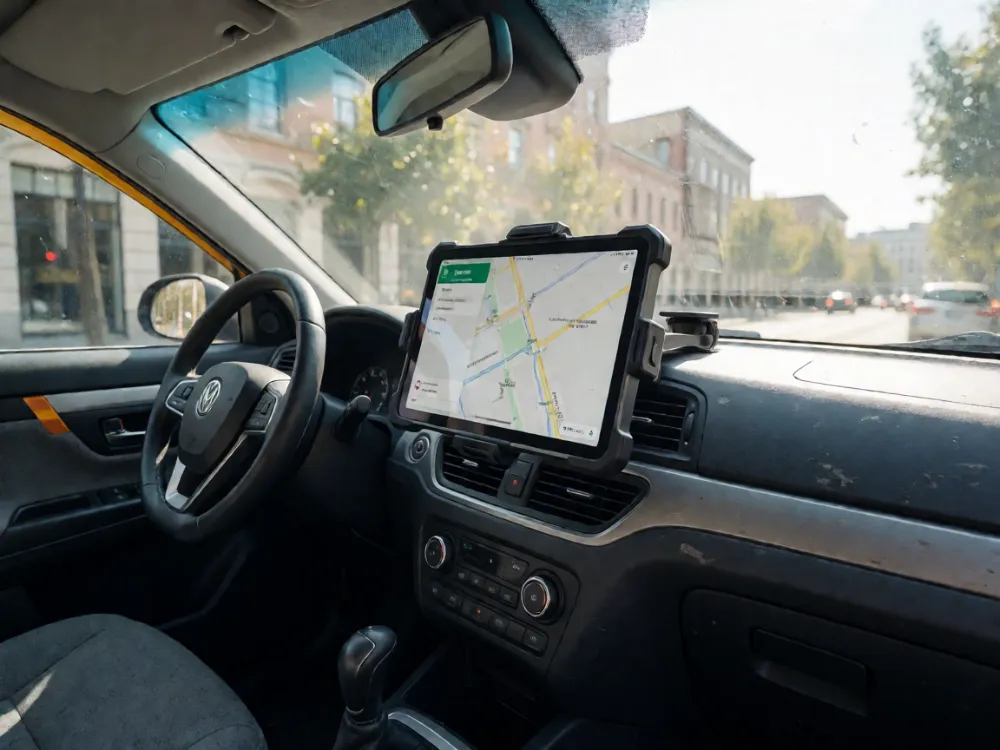
- The Problem: Constant road vibration loosens standard screw mounts. Suction cup mounts fail after a few hard bounces.
- The Solution: Industrial tablets use V-band mounts or proprietary VESA-style in-vehicle brackets with shock-absorbing grommets. These distribute the device’s weight across the dashboard structure, not just the screen frame.
- Spec Check: Ensure the device chassis has IP68 certification (dust tight, submersible to 1.5m for 30 mins). This protects against spilled drinks and rain ingress through cracked windows.
2. Critical Hardware Specs for Taxi Operations
You don’t need the most expensive processor. You need the most stable one. Here’s where to prioritize your budget.
Display: Anti-Glare is Non-Negotiable
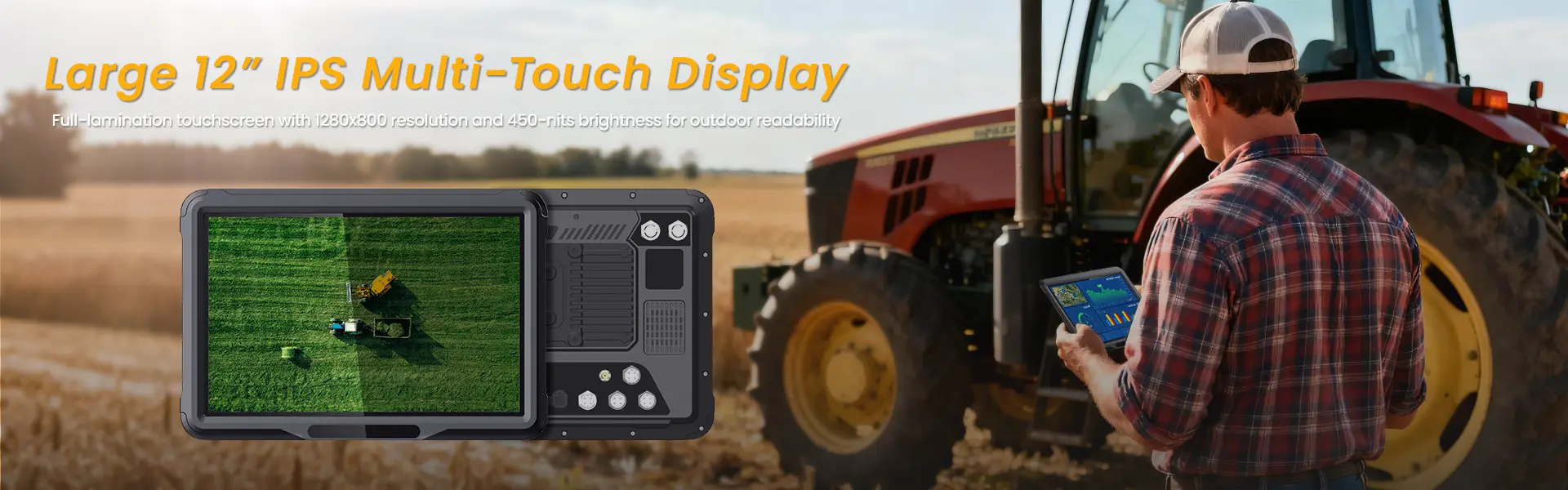
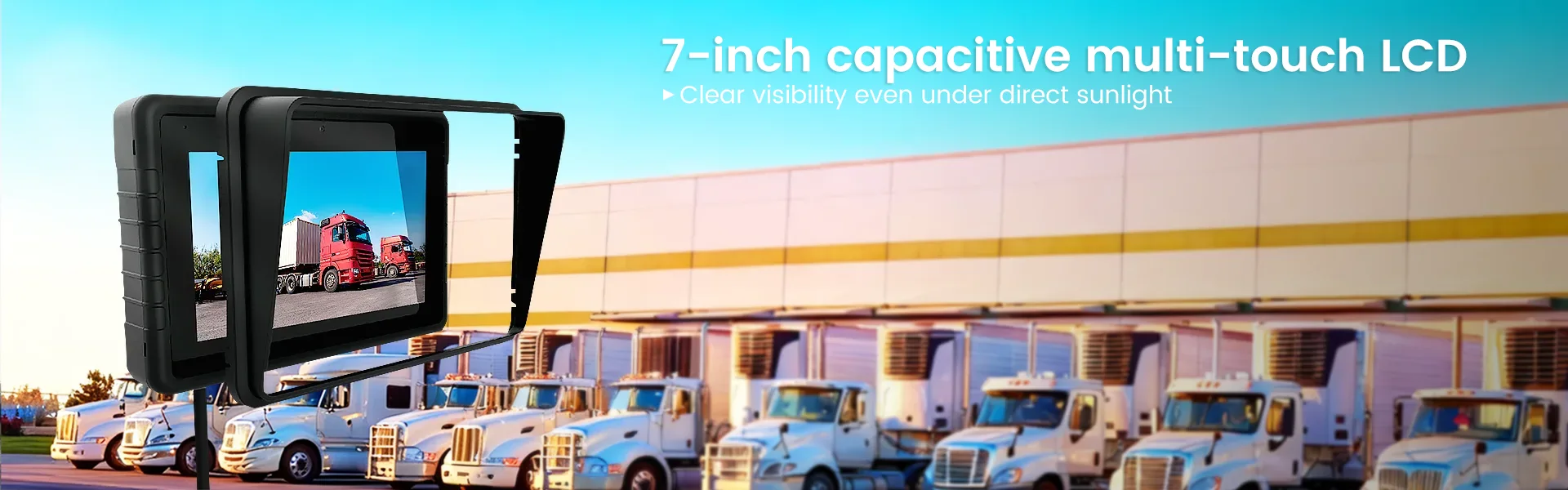
- Reflectivity: Choose a low-reflective, anti-glare screen with a reflectivity rating under 8%. Standard glossy screens are unreadable in direct sunlight.
- Brightness: Minimum 1000 nits peak brightness. Drivers often operate during dawn/dusk transition; if the screen isn’t bright enough, they will tilt it, losing visibility.
- Size: 10.1 inches is the sweet spot. Anything smaller requires excessive eye movement; anything larger obstructs the driver’s view of the side mirrors.
Connectivity: The “Dead Zone” Solution
- 5G Modems: In 2026, 5G coverage is dense in cities, but tunnels and underground garages remain dead zones. Ensure the tablet has an integrated 5G/4G LTE modem with dual-SIM support.
- Wi-Fi 6E: For offloading large data (video logs, telemetry) when parked in depots.
- GNSS: Must support GPS, GLONASS, and Galileo simultaneously. Relying on GPS alone causes location drift in urban canyons (tall buildings). Multi-constellation support ensures accurate dispatching.
Build Materials
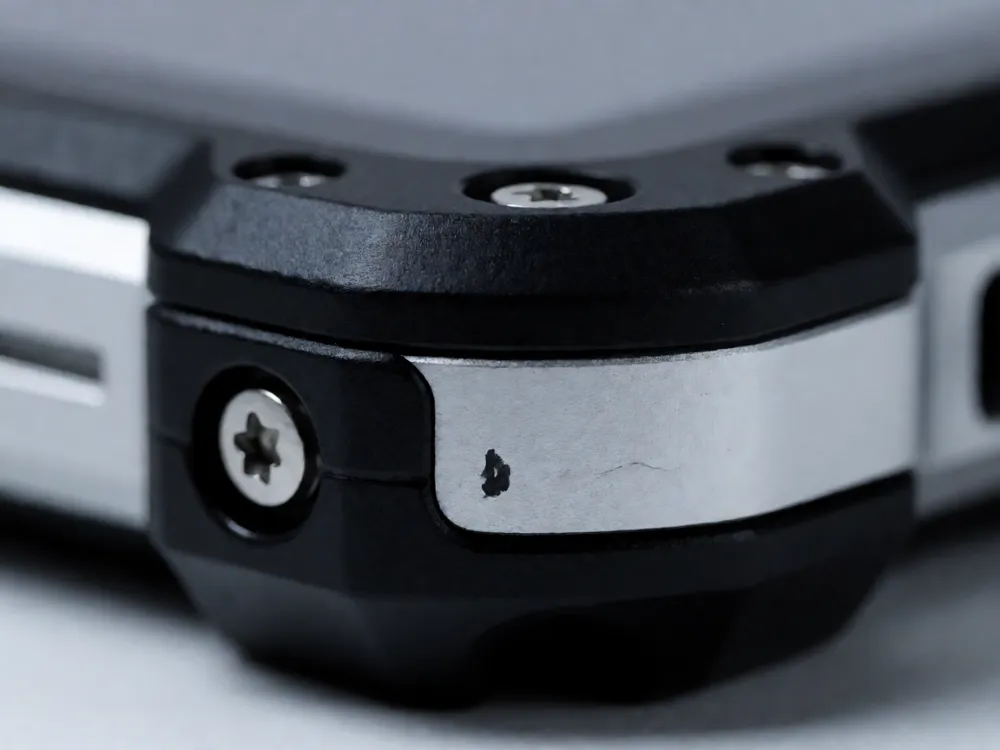
- Polycarbonate/Aluminum Hybrid: Avoid all-plastic frames. They warp in heat. A magnesium or aluminum core with polycarbonate armor provides rigidity without excessive weight.
- Front Panel: Gorilla Glass Victus 2 or equivalent. This is the first line of defense against keys, coins, and accidental drops.
3. Software and Integration: The Hidden Cost
Hardware is only half the equation. If the OS fights your dispatch software, your drivers will ignore the tablet.
Operating System Lockdown
- Android Enterprise (AEM) or Windows IoT: Do not run consumer-grade Android. You need enterprise-grade management.
- MDM (Mobile Device Management): Must be able to remotely wipe, update, and lock devices.
- Kiosk Mode: Locks the tablet to specific apps (dispatch, meter, customer rating). This prevents drivers from installing unapproved apps or accessing unsecured Wi-Fi.
- Customization: In 2026, leading rugged tablet vendors offer pre-loaded, optimized images for major taxi platforms (Uber, Lyft, local metering systems). This reduces setup time from hours to minutes.
Payment Integration
- NFC/EMV: If your taxi requires card payments, the tablet must have a secure element or support a Bluetooth EMV reader reliably. Look for devices that integrate with PCI-compliant payment gateways natively to reduce liability.
4. Total Cost of Ownership (TCO) Analysis
Don’t just look at the sticker price. Look at the 3-year TCO.
| Factor | Consumer Tablet | Rugged Industrial Tablet |
|---|---|---|
| Upfront Cost | Low ($300-$500) | High ($800-$1,200) |
| Lifespan | 1-2 years | 4-6 years |
| Replacement Rate | High (breakage) | Low |
| Downtime Cost | High (driver idle) | Minimal |
| Support | Consumer Hotline | SLA-backed Field Service |
The Math: If a consumer tablet fails every 18 months, you are replacing it 4 times in 3 years, plus paying for support and driver downtime. A rugged tablet, lasting 4 years, costs less per mile when accounting for uptime. Uptime is your revenue.
5. Practical Deployment Checklist
Before rolling out to 500 vehicles, test these scenarios:
- The “Door Slam” Test: Mount the tablet. Have a driver open and close the car door violently 10 times. Check for loose mounts or screen cracks.
- Thermal Cycling: Leave the car in a garage, then drive it in a hot/sunny environment for 4 hours. Check battery health and screen readability.
- App Stability: Run your dispatch app for 12 hours continuously. Does it crash? Does it leak memory? Industrial tablets handle long-running processes better than consumer ones.
- Driver Ergonomics: Have your most critical drivers (and your most skeptical ones) use the device for a week. If they complain about the font size or button placement, fix it before the mass rollout.
6. 2026 Industry Trends to Watch
- Edge AI: Newer rugged tablets now include Neural Processing Units (NPUs). This allows on-device processing for real-time license plate recognition (LPR) or safety monitoring, reducing cloud latency and data costs.
- Swappable Batteries: Some industrial models offer hot-swappable batteries. This means you can swap a dying battery with a fresh one in 10 seconds without powering down the dispatch system, ensuring zero downtime during a shift.
- E-Ink Secondary Screens: Some fleets are adding small E-Ink strips to the dashboard for essential info (time, temp, route) to save main screen power and reduce driver distraction.
Conclusion: Stop Treating Tablets as Accessories
A taxi fleet is a data and logistics operation. Your in-vehicle terminals are the primary sensors and actuators of that operation. Choosing a rugged tablet is not about buying a “stronger phone.” It is about buying a mission-critical compute unit designed for the specific chaos of urban transport.
Prioritize thermal stability and mounting integrity over raw processing power. Prioritize enterprise management over consumer features. Do this, and your hardware will stop being a source of operational headaches and become a reliable asset that drives revenue.
Step 3: Call to Action
Optimize Your Fleet Hardware Strategy
Are you still running consumer tablets and paying for downtime?
- Request a Spec Sheet Comparison: We can provide a detailed TCO breakdown comparing top rugged vs. consumer models for your specific vehicle types.
- Schedule a Pilot Test: We can set up a 30-day pilot program with 5-10 vehicles to test real-world durability and software integration before you commit to a fleet-wide purchase.
Click here to contact our fleet solutions team for a consultation.
相关推荐内容
Latest Content
- Rugged Tablet for Digital Mining: The Essential Guide to Durability in the Field
- Sunlight Readable Tablet: The Ultimate Guide to Choosing the Right Display for Outdoor Work
- Mobile Device Management (MDM) Solutions: The Complete Guide for 2026
- Rugged Tablet for Mining: Specs, Comparison & Buyers Guide
- Rugged Tablet for Fleet Management: The 2026 Guide to Choosing the Right Device
Hot product
- WMT6UQ: 6-Inch 4G Android 12 Wireless Carplay Navigator Motorcycle PND
- WT10RX: 10.1 inch rugged tablet,10.1″ sunlight-readable display,10.1" ip67 rugged tablet
- WT10MX: 10.1 inch rugged tablet 12,000 mAh,10.1″ IPS display Rugged IP65 design
- WT08Q9Y: 8 inch 10000mAh long battery rugged tablet,1000-nit rugged tablet,
- WT08M8Y: 8 inch Android 14,700-nits rugged tablet