Sunlight Readable Tablet: The Ultimate Guide to Choosing the Right Display for Outdoor Work
Stop Struggling with Glare: The Reality of Outdoor Digital Work
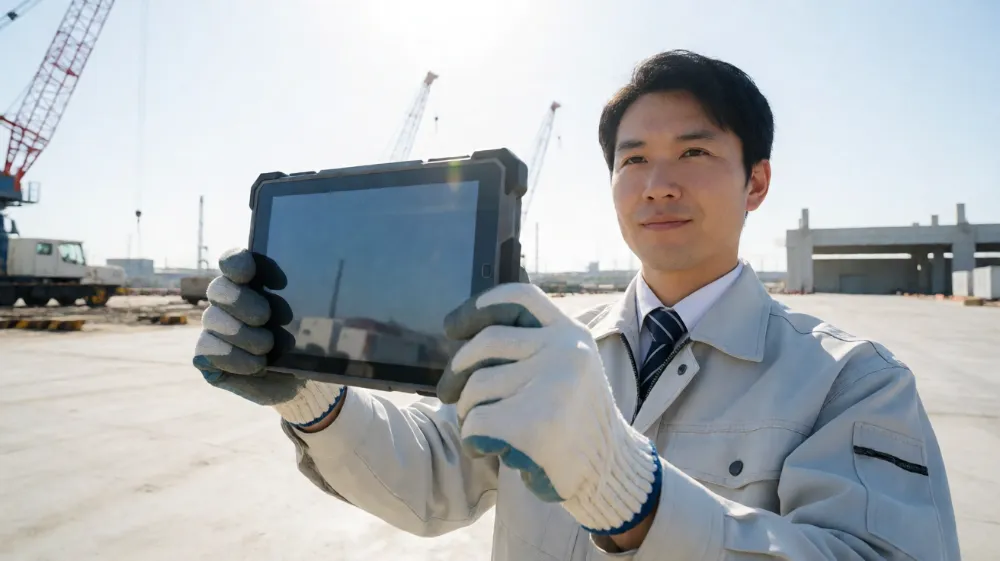
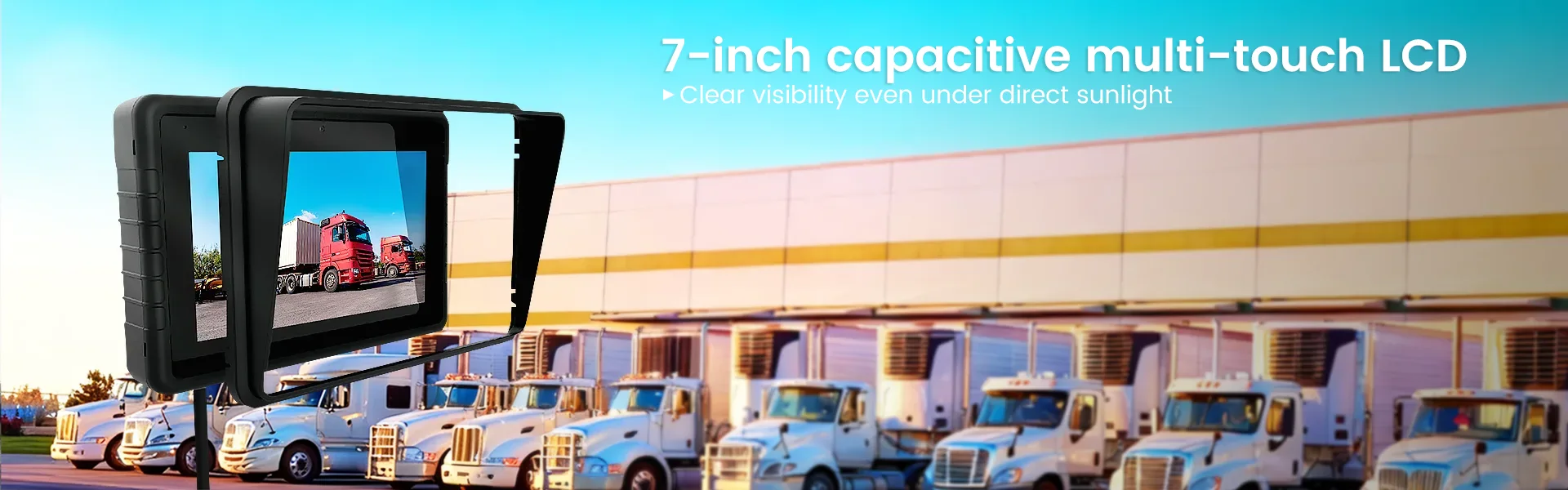
If you are a field engineer, a warehouse manager, a healthcare professional administering records outdoors, or a logistics coordinator tracking inventory under harsh midday sun, you know the specific frustration of holding a standard tablet. No matter how you tilt the device, the screen becomes an unreadable mirror. You squint. You cup your hands around the bezel. You lose critical data. This is not just an inconvenience; it is a safety hazard and a productivity killer. The solution is not a bigger screen or more RAM; it is a display technology specifically engineered for high ambient light environments. A sunlight readable tablet is not a luxury item; it is an operational necessity for industries where work happens under the open sky.
This guide breaks down exactly what makes a tablet “sunlight readable,” the specific technical parameters you must verify before purchase, and how to select the right device for your workflow. We will move beyond marketing buzzwords and look at the physics of light reflection, specific lumen requirements, and the real-world performance of the top industrial and consumer-grade options.
Understanding the Technology: How True Sunlight Readability Works
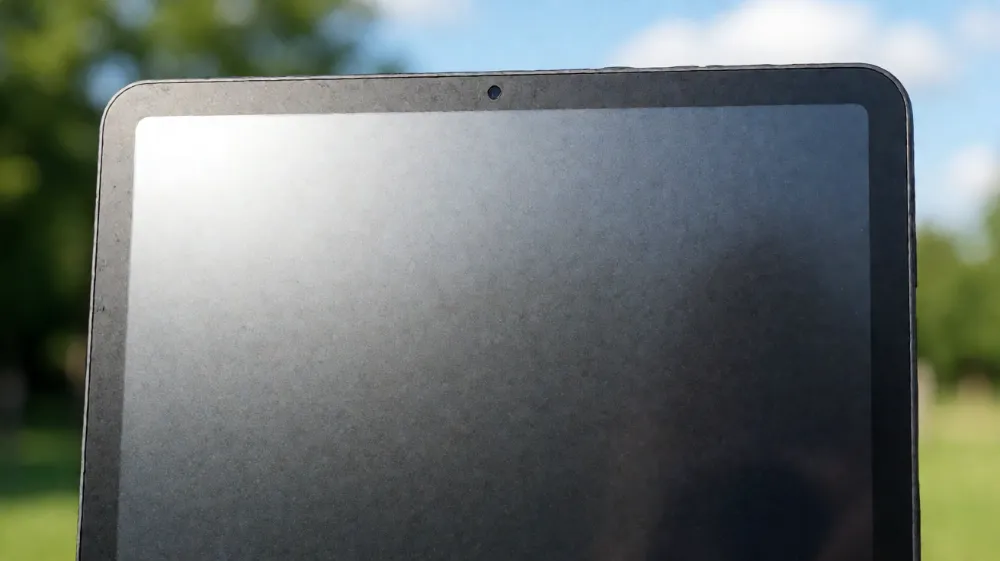
Most consumers believe that increasing the brightness of a screen makes it readable in sunlight. This is a fundamental misunderstanding of display physics. A standard high-brightness tablet emits light, but it also reflects ambient light. When the sun shines on a glossy glass panel, the reflected light intensity often exceeds the light emitted from the LCD layer, effectively washing out the image.
A true sunlight readable tablet employs a multi-layered approach to solve this problem.
1. Anti-Glare and Anti-Reflective Coatings
The first line of defense is the surface finish. Industrial-grade tablets use hardened glass with a matte, low-reflective coating. This diffuse reflection breaks up the sharp, mirror-like glare caused by direct sunlight, scattering the light rather than reflecting it back into the user’s eyes. Look for terms like “AG/AR” (Anti-Glare/Anti-Reflective) in the specifications. However, coating alone is insufficient for direct sun exposure; it is merely the first step.
2. High Luminance Display Panels
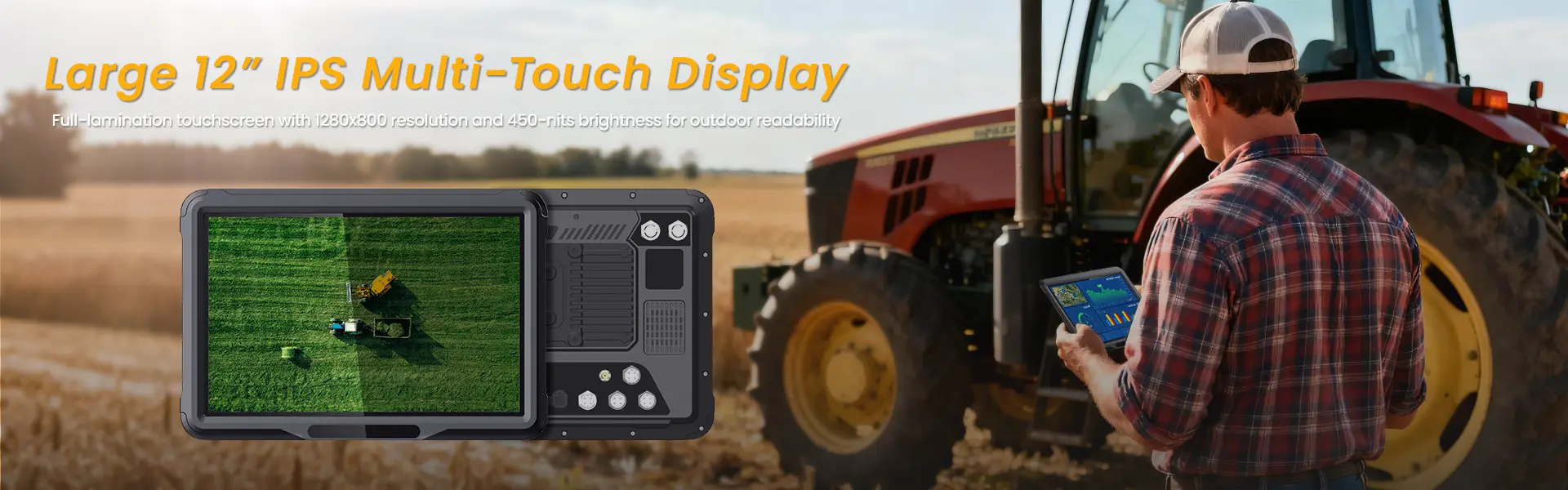
The core requirement for outdoor visibility is sheer light output. Standard office tablets range from 300 to 500 nits (cd/m²). This is sufficient for indoor lighting but fails in daylight.
- 300-400 nits: Readable on cloudy days or in shaded areas.
- 500-700 nits: Readable in morning/evening sun.
- 800+ nits: Required for mid-day direct sunlight.
- 1000-1500+ nits: Extreme outdoor conditions, such as desert environments or high-altitude work with intense UV exposure.
When evaluating a sunlight readable tablet, verify the peak brightness, not just the “typical” brightness. Marketing sheets often list typical brightness, which is lower than what is achievable at full power.
3. High Contrast Ratio
Brightness is only half the equation. A bright white screen will still look washed out if the blacks are gray. High-contrast displays (often exceeding 3000:1) ensure that text and icons remain sharp against the white background. IPS (In-Plane Switching) technology is preferred for industrial tablets because it maintains color accuracy and viewing angles even in high-temperature outdoor environments, unlike cheaper TN panels that suffer from thermal degradation.
4. E-Ink Alternatives for Niche Applications
For applications where color is not critical, such as e-readers for outdoor training manuals or digital signage, E-Ink (electronic ink) displays offer infinite outdoor readability. E-Ink panels do not emit light; they reflect ambient light like paper. This makes them superior to any LCD in direct sunlight, provided you do not need video playback or instant screen refresh.
Critical Specifications for Outdoor Rugged Tablets
When sourcing a sunlight readable tablet for enterprise deployment, you must look beyond display specs. The environment that demands a bright screen also demands durability. The following parameters define a true outdoor-grade device.
Display and Optical Parameters
- Panel Type: IPS LCD or E-Ink. Avoid OLED for heavy outdoor use due to potential burn-in and higher heat generation, though OLED offers better contrast in shade.
- Resolution: 1920 x 1200 (WQXGA) is the minimum recommended resolution for legibility at arm’s length in bright light. Low-resolution pixels blur together in high ambient light.
- Glass Protection: Gorilla Glass Victus or DragonTrail glass with MIL-STD-810H drop protection.
- Capacitive Touch Layers: At least 10-point multi-touch that functions with industrial gloves. Standard capacitive screens fail when the user is wearing heavy-duty work gloves, a common requirement in manufacturing and logistics.
Environmental Resilience
- IP Rating: IP65 or IP68. IP65 protects against dust and low-pressure water jets. IP68 allows for submersion, essential for food processing or marine applications.
- Operating Temperature Range: -20°C to 60°C. Standard consumer tablets fail in temperatures above 45°C. The battery and processor throttle performance, causing the screen to dim or shut down.
- Ingress Protection: Sealed edges to prevent sand, dust, and chemical exposure.
Power Management
High-brightness screens drain batteries rapidly. An outdoor tablet must balance lumen output with power efficiency.
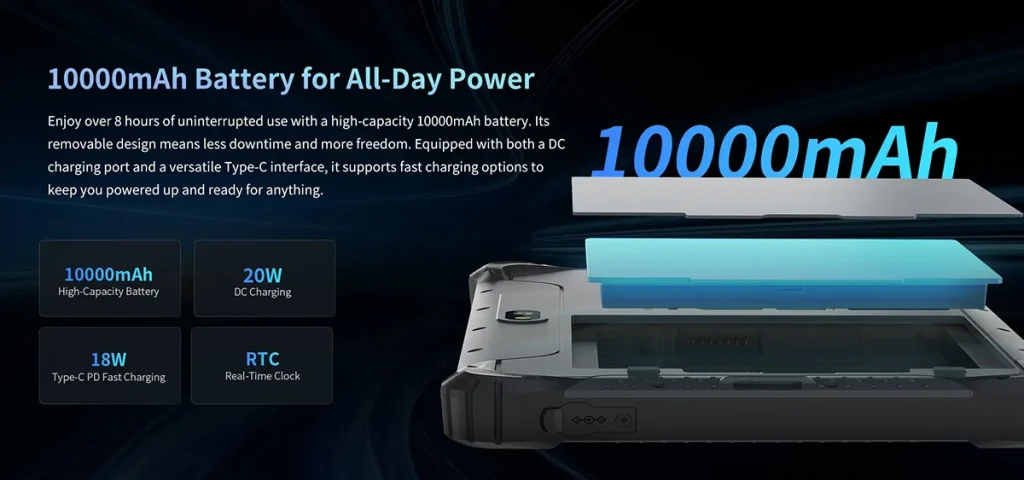
- Battery Capacity: Minimum 6,000 mAh for 10-inch class devices.
- Hot-Swap Capability: The ability to swap batteries in the field without powering down the device.
- Solar Recharging: Niche addition. Some rugged tablets integrate solar panels into the back casing, extending operational life in remote locations.
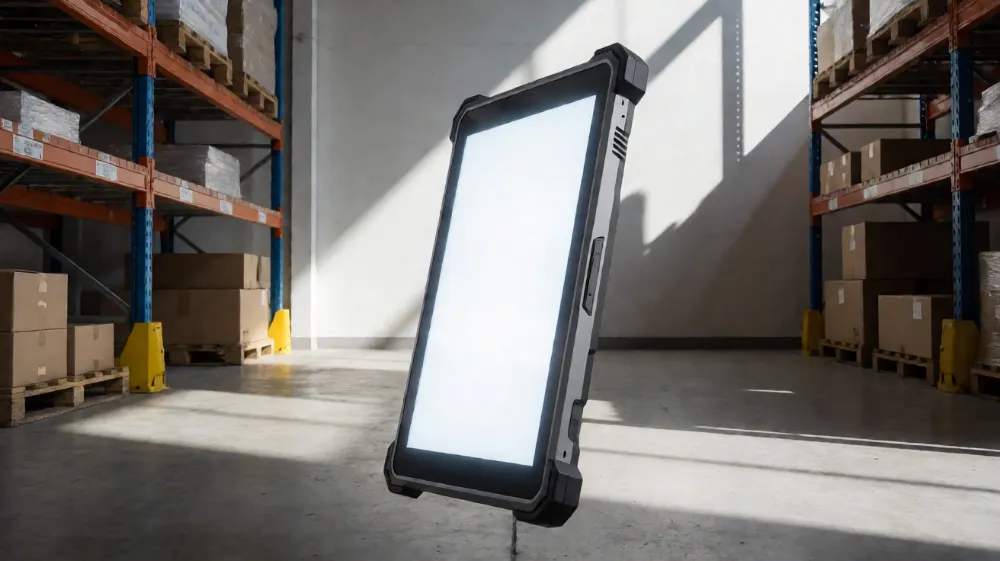
Comparative Analysis: Top Rugged Tablet Categories
To help you narrow your selection, the table below compares three distinct tiers of sunlight readable tablets. Each tier serves a different operational need, budget constraint, and durability requirement.
| Feature | Consumer-Grade “Outdoor” Tablet | Entry-Level Industrial Rugged | Premium Industrial Rugged |
|---|---|---|---|
| Example Models | Samsung Tab Active 4, Lenovo Tab K12 (Outdoor) | Zebra TC53, Motorola DuraXL | Panasonic FZ-T1, Zebra XT8 Series |
| Display Brightness | 600-700 nits (Peak) | 800-1000 nits (Peak) | 1000-1500+ nits (Peak) |
| Sunlight Readability | Good for shade/cloudy | Excellent in direct sun | Superior in extreme conditions |
| Touch Capability | Glove Touch (Light weight) | Glove Touch (Medium weight) | Glove Touch (Heavy industrial) |
| IP Rating | IP68 (Splash/Dust) | IP67/IP68 | IP68 (Submersion capable) |
| Drop Rating | MIL-STD-810H (Limited) | MIL-STD-810H (Strict) | MIL-STD-810H (Severe Environments) |
| OS Support | Android 12+ | Android 13+ / ChromeOS | Android 13+ / Windows 11 IoT |
| Battery Life | 10-12 hours | 12-16 hours | 16-24 hours (Hot-swap) |
| Price Range | $300 – $600 | $1,200 – $2,000 | $2,500 – $4,000+ |
| Best Use Case | Personal outdoor recreation, light field reporting | Warehouse, Field Service, Construction | Marine, Military, Oil & Gas, Heavy Industry |
Key Takeaways from the Comparison
If your team works in a shaded warehouse or on a construction site during early mornings, the Entry-Level Industrial Rugged category offers the best cost-benefit ratio. You get 800+ nits brightness and glove compatibility without the premium price tag of marine-grade equipment.
However, if your operators are exposed to direct afternoon sun in open fields or docks, or if the devices are subject to severe chemical exposure or extreme temperature swings, the Premium Industrial Rugged tier is the only viable option. The 1000+ nits displays in this category are engineered with higher-quality liquid crystal materials that maintain consistency under thermal stress.
Addressing Common User Objections and Pain Points
“Is a Brighter Screen Better?”
Not always. Excessive brightness causes eye strain and battery drain. The ideal sunlight readable tablet features an ambient light sensor that dynamically adjusts brightness. In bright sun, it should push to peak lumens. In shade, it should dial down to save power. Ensure the device you select has an automated ambient light adjustment feature. Manual adjustment leads to inconsistent user experience and faster battery depletion.
“Can I Use a Phone instead of a Tablet?”
While high-end smartphones now offer 1000+ nits peak brightness, the form factor is wrong for most industrial applications. A smartphone is difficult to operate with gloves, offers a smaller canvas for data entry, and lacks the mounting options (magnetic, pole, vehicle dash) that tablets provide. Furthermore, replacing a lost or broken $1,000 smartphone is cheaper than replacing a $3,000 rugged tablet, but the productivity loss from a smaller screen outweighs the hardware cost difference for data-heavy tasks.
“What About Battery Life in the Heat?”
High ambient temperatures are the enemy of battery life. A sunlight readable tablet used in a 40°C environment will naturally have reduced capacity. When calculating battery life for outdoor shifts, assume a 20% reduction compared to indoor conditions. If your shift is 8 hours, you need a device that lasts 10 hours indoors to be safe. This is why premium rugged tablets offer hot-swappable batteries; if one cools down or fails, the operator can swap it out without downtime.
Industry-Specific Use Cases for Sunlight Readable Tablets
1. Maritime and Offshore Logistics
Marine environments present three threats: saltwater corrosion, extreme UV exposure, and rough handling. A sunlight readable tablet must be IP68 certified with a specific coating to resist salt fog. The high lumen display ensures that deck crews can read manifests in full sun. Look for devices with a “shock-absorbing” frame made of polyurethane or similar materials that withstand 1.2-meter drops onto concrete.
2. Agriculture and Farm Management
Farmers and agricultural technicians often work in fields with no cloud cover. The challenge here is dust and moisture. A standard tablet will fail within months due to particulate ingress. Industrial tablets with IP65 ratings and high-brightness screens are essential for remote monitoring of crops, drone control, and soil analysis. The glove-touch feature is critical, as workers rarely remove gloves in the field.
3. Healthcare and Elder Care
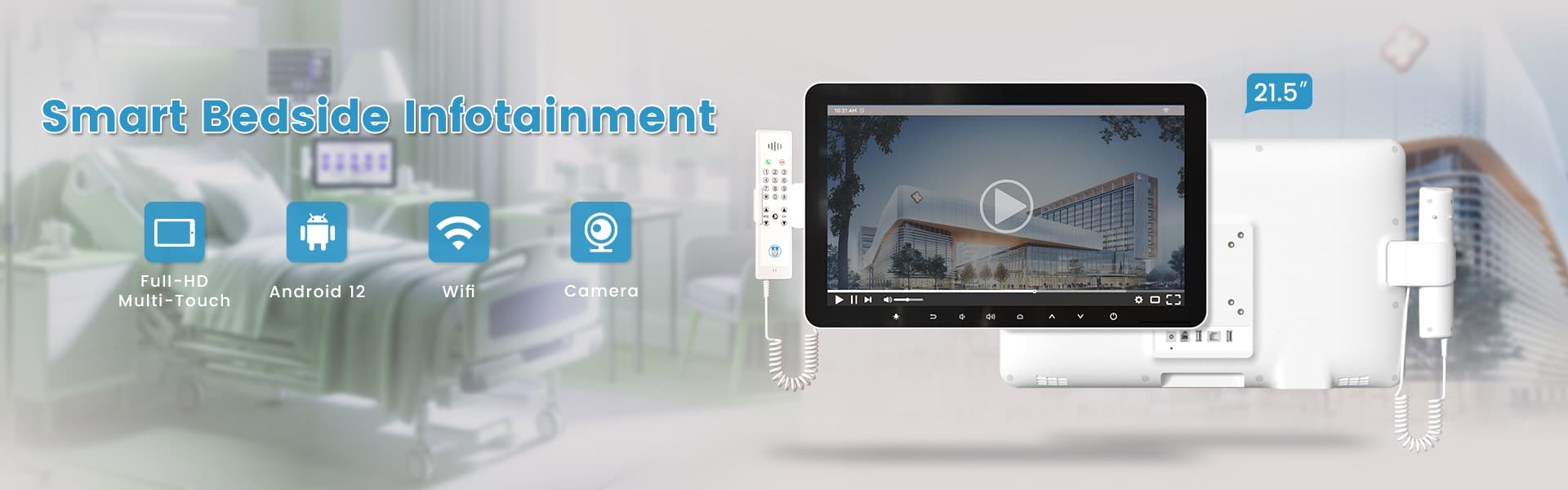
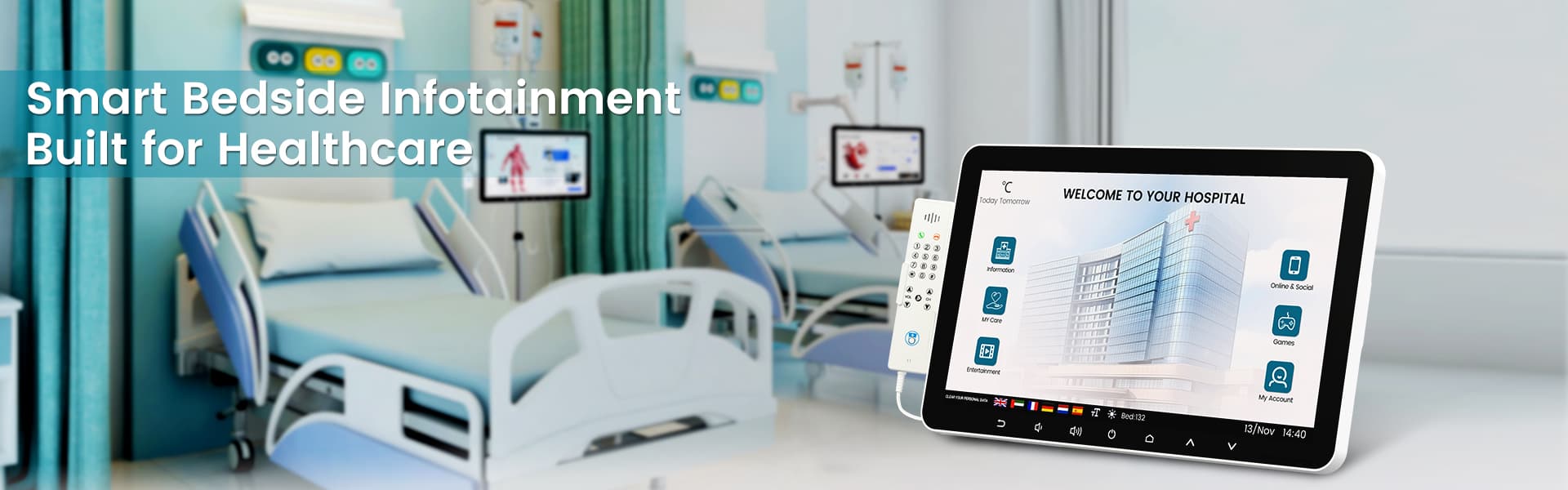
Mobility clinics and outdoor therapy sessions require devices that are hygienic and readable. A sunlight readable tablet in this context should have a chemical-resistant coating that allows for frequent disinfection with harsh hospital-grade cleaners. High readability ensures that patients can view treatment plans or interactive exercises clearly, improving engagement and outcomes.
4. Emergency Services and Public Safety
First responders need devices that work in rain, snow, and direct sun. Durability is paramount, but so is speed. These tablets often come pre-integrated with two-way radio capabilities and GPS for location tracking. The display must remain legible during critical decision-making moments when seconds count.
Maintenance and Care for Outdoor Displays
To maintain the readability and lifespan of your sunlight readable tablet, adhere to these maintenance protocols:
- Cleaning Routine: Use only lint-free microfiber cloths. Avoid alcohol-based cleaners on anti-reflective coatings, as they can degrade the texture over time. Use specific industrial display cleaning solutions designed for AG/AR glass.
- Storage Temperatures: Even if the device operates in high heat, store it in a cool, dry place when not in use. Extreme thermal cycling (rapid shifts from hot to cold) causes condensation inside the casing, leading to short circuits.
- Screen Protector: Apply a high-impact, UV-resistant screen protector. While it adds a slight layer, it protects the underlying AG coating from micro-abrasions caused by sand and dust.
- Calibration: Regularly calibrate the ambient light sensor. Dust accumulation on the sensor lens can cause the device to fail to adjust brightness properly.
Making the Right Purchase Decision
Selecting a sunlight readable tablet is not about buying the most expensive device; it is about matching the device’s optical and ruggedness capabilities to your specific environmental conditions. If you are a fleet manager, start with a pilot program of 5-10 units in the harshest environment your team faces. Track battery life, screen legibility scores, and user complaints for one full month.
Consider the total cost of ownership (TCO). A cheap consumer tablet may cost $400, but if it breaks in two months, you are paying for it four times a year, plus the cost of downtime. A $2,000 industrial tablet that lasts three years offers a lower TCO and zero productivity loss.
Focus on the following three pillars when finalizing your spec sheet:
- Peak Brightness: Minimum 800 nits for general outdoor use.
- Glove Compatibility: Must function with the specific thickness of gloves your team wears.
- Ingress Protection: IP65 minimum; IP68 recommended for wet environments.
Do not compromise on the display. The screen is the primary interface between the worker and the data. If they cannot read it, the data is useless. Invest in a display that fights the sun, not one that battles with it.
Frequently Asked Questions (FAQ)
How many nits does a tablet need to be readable in direct sunlight?
While 500 nits is adequate for overcast days, a tablet requires a minimum of 800 to 1000 nits of peak brightness to be comfortably readable in direct, mid-day sunlight. High-end industrial devices may reach up to 1500 nits for extreme conditions.
Can I use standard gloves with a sunlight readable tablet?
Most standard capacitive touchscreens do not register input through heavy-duty industrial gloves. You must look for tablets specifically labeled as “glove-capable” or “work-glove touch.” These devices use advanced multi-touch technology that senses capacitance through thicker materials, ensuring functionality in manufacturing and logistics environments.
Do sunlight readable tablets get significantly hotter than indoor tablets?
Yes. To achieve high lumen outputs, the display backlights run at high power, generating heat. Combined with outdoor ambient temperatures, this can cause the device to throttle performance to prevent overheating. This is why industrial tablets feature passive cooling designs (ventilation without moving parts) and processors rated for high thermal loads.
Ready to Deploy the Right Device for Your Team?
Stop compromising on visibility and reliability. Whether you are outfitting a warehouse fleet or sending field engineers into the elements, the right display technology changes how your team works. Our team of industrial hardware specialists can help you match the specific lumen, IP, and durability requirements to your operational environment.
[Request a Free Consultation and Quote] – Tell us about your outdoor conditions, and we will recommend the optimal sunlight readable tablet configuration, including bulk pricing and warranty options. Don’t let the sun stand between you and your data.
相关推荐内容
Latest Content
- Mobile Device Management (MDM) Solutions: The Complete Guide for 2026
- Rugged Tablet for Mining: Specs, Comparison & Buyers Guide
- Rugged Tablet for Fleet Management: The 2026 Guide to Choosing the Right Device
- Tablet Management for Trucking Fleets 2026 – Best Practices, Software & ROI Guide
- Is an 8-Inch Android Tablet Worth Buying in 2026?
Hot product
- WMT6UQ: 6-Inch 4G Android 12 Wireless Carplay Navigator Motorcycle PND
- WT10RX: 10.1 inch rugged tablet,10.1″ sunlight-readable display,10.1" ip67 rugged tablet
- WT10MX: 10.1 inch rugged tablet 12,000 mAh,10.1″ IPS display Rugged IP65 design
- WT08Q9Y: 8 inch 10000mAh long battery rugged tablet,1000-nit rugged tablet,
- WT08M8Y: 8 inch Android 14,700-nits rugged tablet