Rugged Tablet for Fleet Management: The 2026 Guide to Choosing the Right Device
You are running a fleet operation, whether it consists of 50 delivery vans or 500 heavy-duty construction trucks. You know that standard consumer tablets break within months in the harshest operating environments. Vibration, dust, rain, extreme heat, and accidental drops from truck cabs are the daily reality for your drivers. If you have been searching for a rugged tablet for fleet management, you are not just looking for a device; you are looking for operational continuity. A failed tablet means a driver cannot complete a delivery proof, a mechanic cannot log maintenance issues, and your dispatch center loses real-time telemetry data. The cost of downtime is not just the hardware replacement fee; it is the lost revenue, customer dissatisfaction, and administrative backlog.
This guide cuts through the marketing fluff to help you identify the specific hardware specifications that matter for commercial vehicle operations. We will analyze why standard tablets fail in fleet scenarios, break down the essential industrial features you must demand from a manufacturer, and provide a comparative framework to help you select the right unit for your specific use case. We are focusing on durability, connectivity, and total cost of ownership (TCO) because those are the factors that determine whether a device helps your business or hurts it.
Why Standard Tablets Fail in Fleet Environments
Most fleet managers start by purchasing off-the-shelf consumer tablets like iPads or Samsung Galaxy Tabs. These devices are designed for homes and offices. They feature glass backs, thin plastic bezels, and standard charging ports that degrade quickly with frequent plugging and unplugging. In a fleet context, these devices face three primary threats that consumer designs cannot handle.
Environmental Stressors
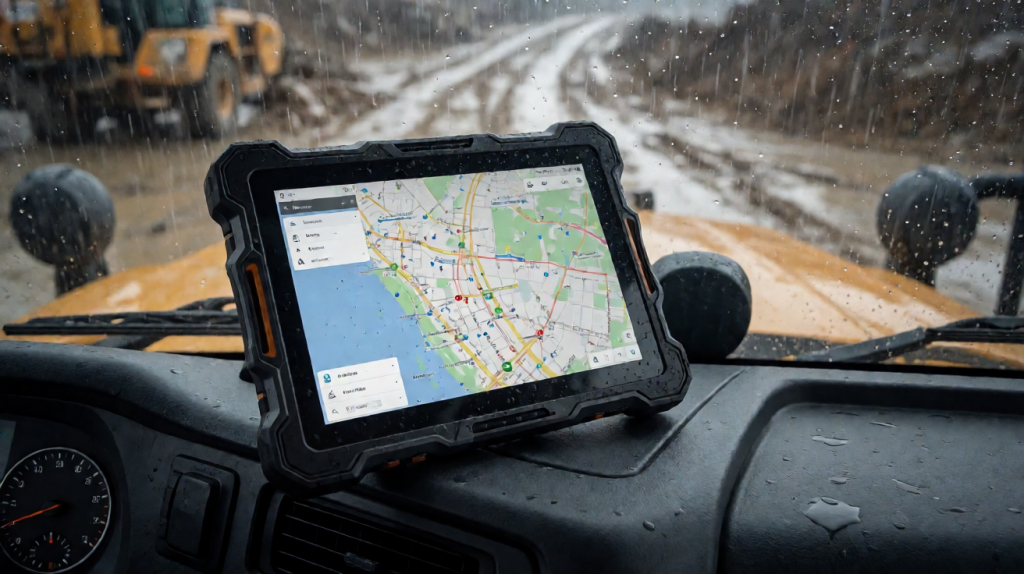
Fleet vehicles operate in conditions that exceed the operating temperature range of consumer electronics. Engine bays can reach temperatures above 60°C, while cargo containers in winter can drop below -10°C. Consumer tablets typically cease to function or suffer battery degradation outside of a 0°C to 35°C range. Rugged tablets for fleet management are engineered with wide-temperature battery cells and thermal shielding to withstand these extremes.
Physical Impact
Drivers are not careful with expensive electronics. A tablet left in a cab is subject to constant vibration from the suspension, shocks from uneven roads, and accidental drops when the driver moves between the cab and the cargo area. Consumer tablets typically survive drops of 1.5 meters onto carpet. Industrial-grade devices are tested to MIL-STD-810H standards, surviving drops of up to 1.2 meters onto concrete. This difference in impact resistance is the single most important factor in extending hardware lifespan.
Dust and Liquid Ingress
In construction, mining, or agricultural fleets, dust is a constant presence. Fine particulate matter can clog speaker grilles, block thermal vents, and short-circuit ports. Rugged devices feature IP67 or IP68 ratings, meaning they are protected against dust and can withstand immersion in water. This ensures that a driver can work in heavy rain or in a dusty quarry without damaging the unit.
Critical Specifications for a Rugged Tablet for Fleet Management
When evaluating a rugged tablet for fleet management, you must look beyond basic processor speed. The following parameters dictate whether the device will integrate smoothly with your existing fleet management software (FMS) and survive the job site.
1. Industrial Display Technology
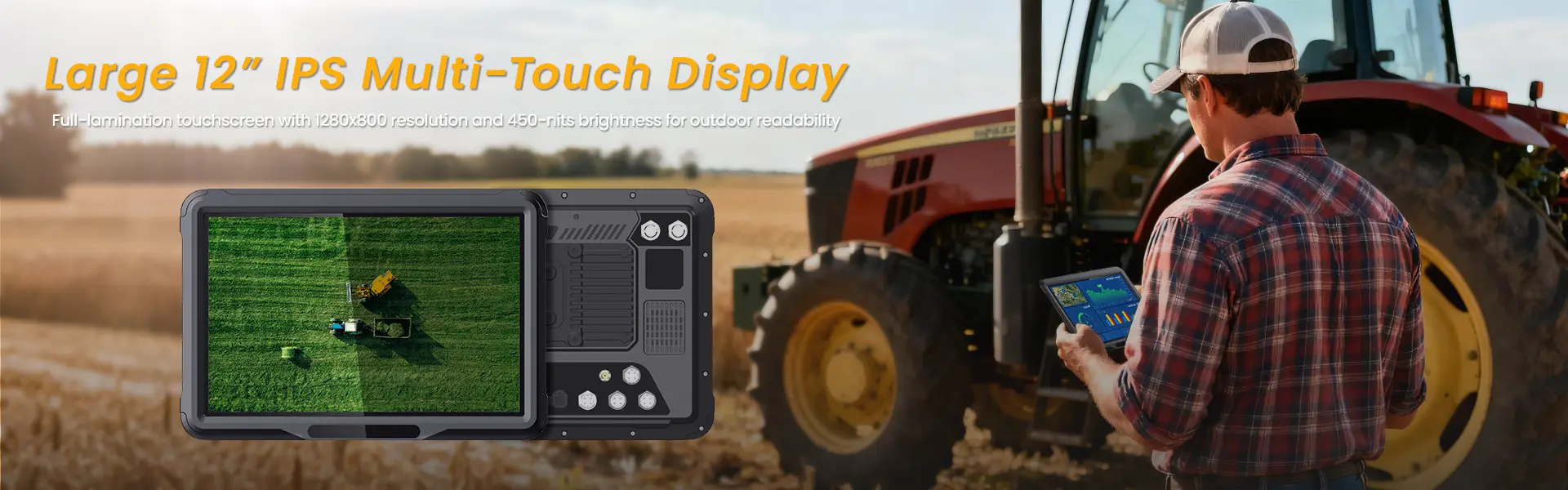
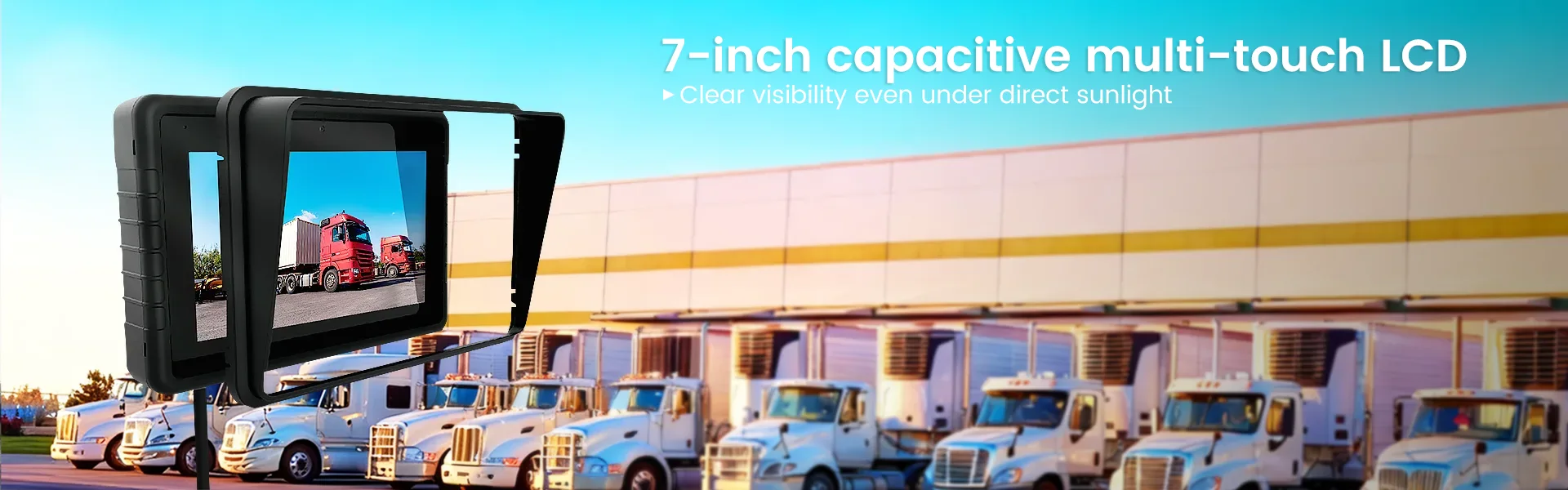
Fleet drivers often work outdoors in direct sunlight. A standard LCD screen becomes a black mirror in high-contrast environments. You need a display with high brightness and anti-glare capabilities.
- Brightness: Minimum 1,000 nits for outdoor visibility.
- Glove Mode: The touchscreen must respond to conductive work gloves, which is critical for mechanics and drivers who do not remove their gloves.
- Sunlight Readability: High-contrast ratio and anti-reflective coating to prevent reflections from the cab window or sun.
2. Connectivity and Telematics
A tablet is only as good as its connection to your dispatch center. Integrated cellular and Wi-Fi capabilities are non-negotiable.
- 4G LTE/5G Modem: Integrated cellular modems with SIM slots ensure data connectivity even when Wi-Fi is unavailable on the road. 5G readiness is becoming standard for real-time video telematics.
- Wi-Fi 6: For faster data transfers when connecting to on-board vehicle diagnostic systems or office networks.
- Bluetooth 5.0+: For pairing with OBD-II dongles, digital mirrors, and wireless peripherals.
3. Battery and Power Management
Fleet shifts can last 10 to 14 hours. The battery must last the entire shift without needing a charge.
- Capacity: Minimum 8,000 mAh to 12,000 mAh depending on the screen size.
- Hot Swapping: Some high-end units allow the battery to be swapped without turning off the device, a critical feature for continuous logging.
- Cold-Start Capability: The battery must be able to power on the device at -20°C, which is essential for winter operations in northern climates.
4. Operating System and Ecosystem
- Android Enterprise: Most fleet management solutions are built on Android Enterprise because of its ease of deployment, MDM (Mobile Device Management) compatibility, and cost-effectiveness. It allows for zero-touch enrollment, meaning you can ship the device to a new driver, and it will automatically configure itself with your company’s apps and security policies.
- iOS: While some fleets use iPads, the cost of ruggedized enclosures and limited customization options usually makes Android the preferred choice for heavy-duty industrial applications.
Comparison of Rugged Tablet Tiers for Fleet Use
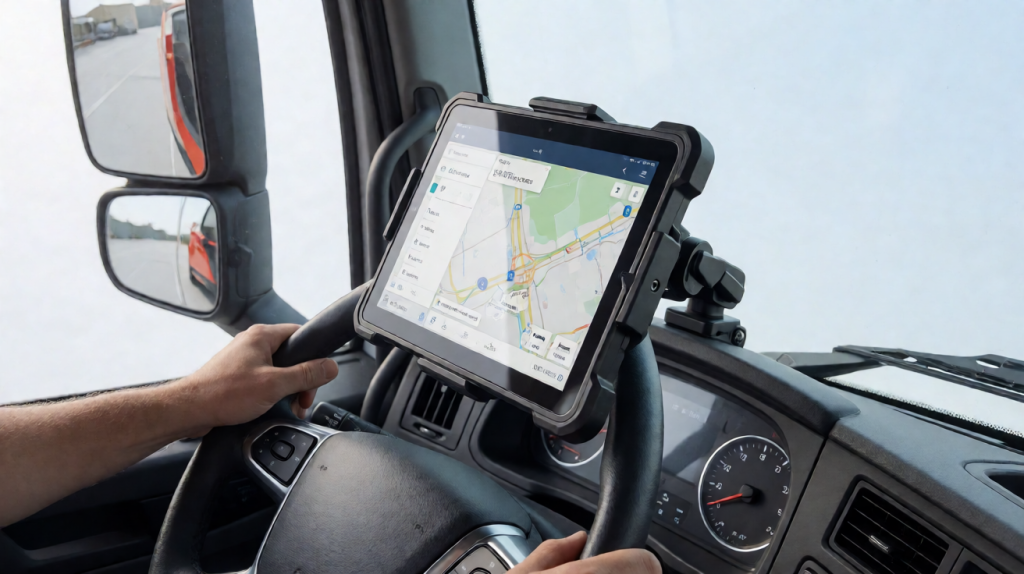
Not all rugged tablets are created equal. There are different tiers based on form factor, processing power, and price point. The following table compares three common tiers to help you decide which fits your fleet’s needs.
| Feature | Entry-Level Handheld | Mid-Range Tablet | High-End Integrated Mount |
|---|---|---|---|
| Typical Use Case | Delivery couriers, light logistics | Heavy-duty maintenance, construction | Passenger transport, long-haul trucking |
| Screen Size | 5.5″ to 7″ | 10″ to 12″ | 12″ to 15.6″ |
| Durability Rating | IP65 / MIL-STD-810G | IP67 / MIL-STD-810H | IP68 / IP69K |
| Connectivity | 4G LTE | 4G/5G LTE | 5G, Wi-Fi 6, Ethernet |
| Battery Life | 8-10 Hours | 12-16 Hours | 12-24 Hours (Mount powered) |
| Mounting Options | Handheld, Belt Clip | Universal Mounts, Cradle | Fixed Mount, Cradle |
| Avg. Cost (USD) | $500 – $800 | $800 – $1,200 | $1,500 – $2,500+ |
| Best For | Cost-sensitive high-volume fleets | Balanced performance and durability | Premium operations requiring max uptime |
Note: Prices are estimates for hardware only, excluding software licenses and MDM subscriptions.
Practical Use Cases in Fleet Operations
Understanding how the tablet interacts with your daily workflow helps you determine which features are “nice-to-have” versus “must-have.”
Proof of Delivery (POD) and Document Management
Drivers spend significant time capturing signatures and photos of delivered goods. A rugged tablet with a high-resolution camera (12MP or higher) and a fast shutter button allows for quick capture. Integrated barcode scanners (either built-in laser or Bluetooth) speed up the verification process by 40% compared to manual entry. The device must have local storage of at least 64GB to hold high-resolution images and PDFs when cellular signal is weak.
Predictive Maintenance and Diagnostics
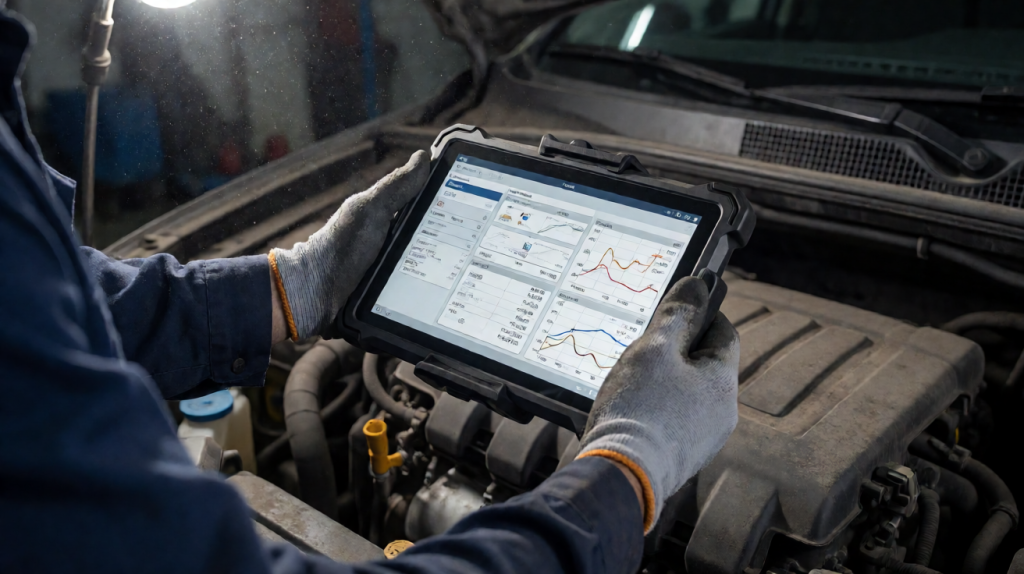
Mechanics use rugged tablets for fleet management to connect to OBD-II ports via Bluetooth dongles. The tablet displays real-time engine codes, fuel consumption data, and brake wear levels. This data is sent directly to your fleet software, allowing your maintenance team to schedule repairs before a breakdown occurs. For this use case, a 10-inch or larger screen is preferred to read detailed diagnostic trees comfortably.
Driver Safety and Coaching
Modern fleet management systems use AI to analyze driving behavior. A tablet mounted in the cab can display real-time feedback, such as harsh braking or speeding alerts. While some systems use dedicated dashcams, a tablet can display this data after the trip for driver coaching sessions. The durability of the device ensures it withstands the vibration of the engine while recording and transmitting video data.
Total Cost of Ownership (TCO) Analysis
Buying a cheap rugged tablet is often the most expensive mistake a fleet manager can make. TCO includes the hardware cost, software licenses, maintenance, and replacement cycles.
Hardware Replacement Cycle
Consumer tablets in a fleet environment typically last 12 to 18 months due to physical damage and battery degradation. A high-quality rugged tablet is designed to last 3 to 5 years. If you buy a $400 consumer tablet and replace it every 18 months, you pay $800/year. If you buy a $1,000 rugged tablet that lasts 4 years, you pay $250/year. The rugged option is 3x more cost-effective in the long run.
Downtime Costs
If a tablet fails, the driver may be unable to complete the day’s route. If the average driver earns $100/hour in revenue, a two-hour delay due to technical issues is a $200 loss. A rugged tablet reduces failure rates by over 80%, directly protecting your revenue stream.
Support and Warranty
Industrial vendors offer 3-year on-site or depot warranties. If a device fails, the vendor replaces it within 48 hours, minimizing downtime. Consumer warranties often exclude “accidental damage,” which is the primary cause of failure in fleet environments.
Selection Checklist: How to Vet a Rugged Tablet for Fleet Management
Before you sign a purchase order, run the candidate device through this checklist.
- Confirm IP Rating: Does the spec sheet explicitly state IP67 or IP68? Does it include IP69K for high-pressure washing? If your fleet operates in agriculture or food delivery, IP69K is mandatory.
- Verify Temperature Specs: Check the “Operating Temperature” range, not just the “Storage Temperature.” The device must operate efficiently at both -20°C and +60°C.
- MDM Compatibility: Ensure the tablet supports your current Mobile Device Management platform (e.g., VMware Workspace ONE, Hexnode, or ManageEngine). If the MDM cannot enforce policies, you are stuck with manual configuration, which is impossible for a large fleet.
- Mounting Ecosystem: Does the vendor offer a universal mounting bracket that fits your specific truck make and model? Custom mounts can cost more than the tablet itself.
- Camera Quality: If you use the tablet for photo documentation, ensure the main camera is at least 12MP with a wide-angle lens. Low-light performance is also crucial for night deliveries.
- SIM Slot Accessibility: For multi-carrier support, check if the device has a dual-SIM slot or a nano-SIM plus eSIM configuration. This allows drivers to use personal data plans or corporate SIMs without swapping physical cards.
Frequently Asked Questions
Do rugged tablets require specialized software to run fleet management apps?
No. Most rugged tablets run standard Android Enterprise or Windows 10/11 IoT. Your fleet management software (such as Samsara, Motive, or Teltonika) will run natively on these operating systems. The specialized aspect is not the software itself, but the hardware integration. The rugged tablet allows the software to function in extreme conditions where a consumer phone or tablet would fail. You do not need to rewrite your apps; you just need to ensure they are distributed via your MDM platform to the devices.
Can I mount a rugged tablet in the cab of a truck, or is it strictly handheld?
Most modern rugged tablets for fleet management are designed to be both handheld and mountable. Vendors typically offer two types of accessories: cradles (which charge the tablet and secure it in place) and magnetic mounts (which are lightweight and allow for quick removal). For long-haul trucking, a wall-mounted cradle in the sleeper berth or dashboard is common. For delivery vans, a dash-mounted bracket is preferred. The tablet must have a locking mechanism that engages with the mount to prevent it from flying out during sharp turns or hard braking.
What is the difference between MIL-STD-810G and MIL-STD-810H?
MIL-STD-810 is the U.S. military standard for environmental engineering. The “G” revision is from 1996, and the “H” revision is from 2019. The H revision includes updated test methods for newer technologies, such as more rigorous drop tests and updated vibration profiles. If a vendor advertises MIL-STD-810H, it is more current and indicates a higher standard of testing. However, for the vast majority of commercial fleet applications, a device rated for MIL-STD-810G is still sufficient. The key is to ask for the actual test results, not just the label, to ensure the device was tested for the specific drop heights and temperature ranges relevant to your industry.
相关推荐内容
Latest Content
- Advanced Bedside Terminal Solutions: The Backbone of Modern Patient Care
- Bedside Terminal Selection Guide: Key Specs, Benefits & OEM Solutions for Hospitals
- Fleet Management Canada: 2026 Guide to Telematics & Compliance
- Rugged Tablets for Taxi Fleets: 2026 Selection Guide & TCO Analysis
- Rugged Tablet for Digital Mining: The Essential Guide to Durability in the Field
Hot product
- WMT6UQ: 6-Inch 4G Android 12 Wireless Carplay Navigator Motorcycle PND
- WT10RX: 10.1 inch rugged tablet,10.1″ sunlight-readable display,10.1" ip67 rugged tablet
- WT10MX: 10.1 inch rugged tablet 12,000 mAh,10.1″ IPS display Rugged IP65 design
- WT08Q9Y: 8 inch 10000mAh long battery rugged tablet,1000-nit rugged tablet,
- WT08M8Y: 8 inch Android 14,700-nits rugged tablet