Tablet Management for Trucking Fleets 2026 – Best Practices, Software & ROI Guide
Trucking companies are under pressure to improve safety, cut fuel waste, and stay compliant with ever‑tightening Hours‑of‑Service (HOS) regulations. The right tablet—paired with a solid management strategy—can turn a costly headache into a measurable competitive advantage.
Below we break down who is looking for this information, what they truly need, and how to deliver it in a way that outranks the existing “management for trucking tablet” article.
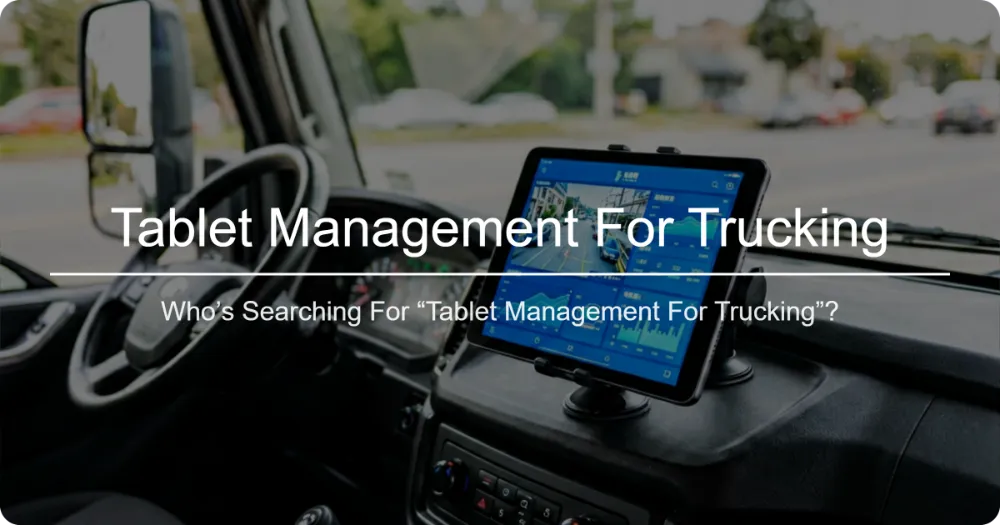
1. Who’s Searching for “Tablet Management for Trucking”?
| Audience Segment | Core Motivation | Typical Pain Points |
|---|---|---|
| Fleet Managers / Operations Directors | Optimize asset utilization & ensure regulatory compliance | High admin overhead, paper‑log errors, difficulty proving ELD compliance during audits |
| Safety & Compliance Officers | Reduce CSA scores, avoid fines, protect driver health | Inconsistent driver adoption of tablets, missed HOS alerts, data security concerns |
| IT / Technology Leaders | Deploy rugged, secure devices that integrate with existing TMS | Device fragility in cab environments, MDM complexity, limited bandwidth for OTA updates |
| Owner‑Operators & Small Fleet Owners | Low‑cost, easy‑to‑use solution that doesn’t require a big IT team | Budget constraints, fear of steep learning curve, need for plug‑and‑play |
| Drivers (end‑users) | Simple, reliable tool that helps them stay legal and earn more | Small screens, confusing UI, battery life worries, distraction while driving |
Understanding these motivations lets us craft content that answers the real questions behind the keyword:
- “Which tablet survives the vibration and temperature extremes of a semi‑cab?”
- “How do I keep the tablet updated and secure without overburdening my IT staff?”
- “What features guarantee I stay ELD‑compliant and avoid CSA penalties?”
- “What’s the true cost‑of‑ownership versus the savings in fuel, paperwork, and fines?”
2. Solving the User’s Intent: A Step‑by‑Step Framework
2.1 Define the Use Case & Required Specs
| Requirement | Why It Matters | Minimum Spec (2025) |
|---|---|---|
| Ruggedness | Constant vibration, temperature swings (‑20 °F to 140 °F), occasional drops | MIL‑STD‑810H, IP65/IP67, Gorilla Glass 6 |
| Screen Size & Visibility | Drivers need to read maps, ELD logs, and dispatch messages without glare | 8‑10″ sunlight‑readable display (≥ 600 nits) |
| Battery Life | Long hauls with limited charging opportunities | ≥ 12 hrs continuous use; hot‑swap battery optional |
| Connectivity | Real‑time GPS, ELD data transfer, OTA updates | LTE‑Cat 4/5, dual‑SIM, optional 5G fallback; Wi‑Fi 6 |
| Processing Power | Run ELD software, TMS apps, dashcam video simultaneously | Qualcomm Snapdragon 7‑series or equivalent, ≥ 4 GB RAM |
| Security & MDM Readiness | Protect PII, enforce compliance policies, remote wipe | Android Enterprise Recommended, TPM 2.0, built‑in MDM agent |
| Mounting & Ergonomics | Reduce driver distraction, keep hands on wheel | VESA‑compatible mount, anti‑vibration damping, adjustable tilt |
2.2 Choose the Right Tablet (2026 Market Snapshot)
| Model | Rugged Rating | Battery | Price (USD) | Key Strengths |
|---|---|---|---|---|
| Zebra ET56 | MIL‑STD‑810H, IP65 | 12 hrs (hot‑swap) | $699 | Zebra Mobility DNA, excellent barcode scanning (useful for dock‑yard checks) |
| Panasonic Toughpad FZ‑G1 | MIL‑STD‑810H, IP66 | 10 hrs | $1,199 | Intel Core i5, Windows 10 Pro – ideal for fleets needing full‑desktop TMS |
| Samsung Galaxy Tab Active4 Pro | MIL‑STD‑810H, IP68 | 11 hrs | $649 | Knox security, DeX mode for desktop‑like experience, strong Android ecosystem |
| Getac ZX70 | MIL‑STD‑810H, IP65 | 13 hrs | $899 | Dual‑mode (Android/Windows) via Getac VMS, hot‑swap batteries |
| DT Research DT312R | MIL‑STD‑810H, IP65 | 12 hrs | $749 | Integrated RFID reader, optional LTE‑Advanced Pro |
Tip: For most mid‑size fleets, the Samsung Tab Active4 Pro + a Knox Manage MDM license delivers the best balance of cost, security, and ease of use.
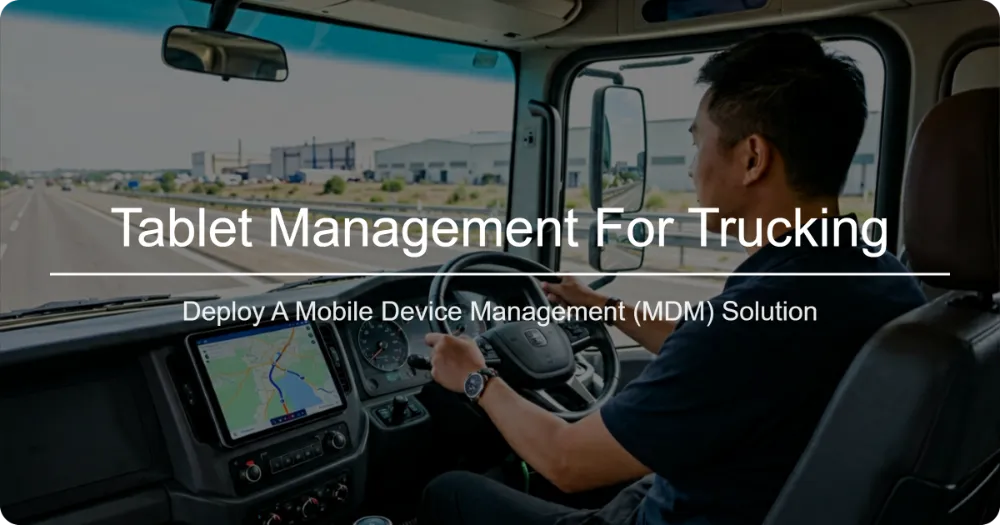
2.3 Deploy a Mobile Device Management (MDM) Solution
| MDM Feature | Benefit for Trucking |
|---|---|
| Zero‑Touch Enrollment | Devices arrive pre‑configured; drivers simply power on and sign in. |
| App Whitelisting / Blacklisting | Only allow ELD, TMS, navigation, and approved communication apps – eliminates distractions. |
| Ota Firmware & Security Patches | Keeps devices compliant with FCC/CE regulations and protects against vulnerabilities. |
| Geofencing & Remote Lock/Wipe | If a tablet is reported stolen, lock it immediately and wipe data after a set time. |
| Usage Analytics | Track battery health, app crashes, and screen‑on time to predict maintenance needs. |
| Compliance Reporting | Auto‑generate logs for audits (e.g., showing that ELD app was never disabled). |
Recommended MDMs (2026):
- Microsoft Intune (best for Windows‑based rugged tablets)
- VMware Workspace ONE UEM (strong Android Enterprise support)
- Knox Manage (optimized for Samsung devices, includes containerization for personal/work separation)
2.4 Ensure ELD Compliance & Data Integrity
- Select an FMCSA‑certified ELD app that runs natively on the tablet’s OS (most major providers now offer Android/iOS versions).
- Enable tamper‑proof mode in the ELD app – prevents drivers from exiting or disabling logging.
- Sync to the cloud every 15 minutes (or per regulation) to guarantee data availability during roadside inspections.
- Backup locally (encrypted) for areas with spotty cellular coverage; the MDM can enforce auto‑sync when signal returns.
- Run monthly compliance reports from the ELD portal and cross‑check with MDM device‑status reports to catch any discrepancies early.
2.5 Optimize Driver Experience & Reduce Distraction
- Lock‑screen shortcuts to the ELD app and one‑tap dispatch messaging.
- Voice‑enabled commands (via Android Auto or Apple CarPlay) for hands‑free navigation and status updates.
- Adjustable brightness & anti‑glare screen protectors for night‑driving comfort.
- Vibration‑dampening mounts (RAM® Mounts with shock‑absorbing bases) to keep the tablet steady on rough roads.
- Regular micro‑training (5‑minute video) on tablet basics, ELD workflow, and what to do if the device freezes.
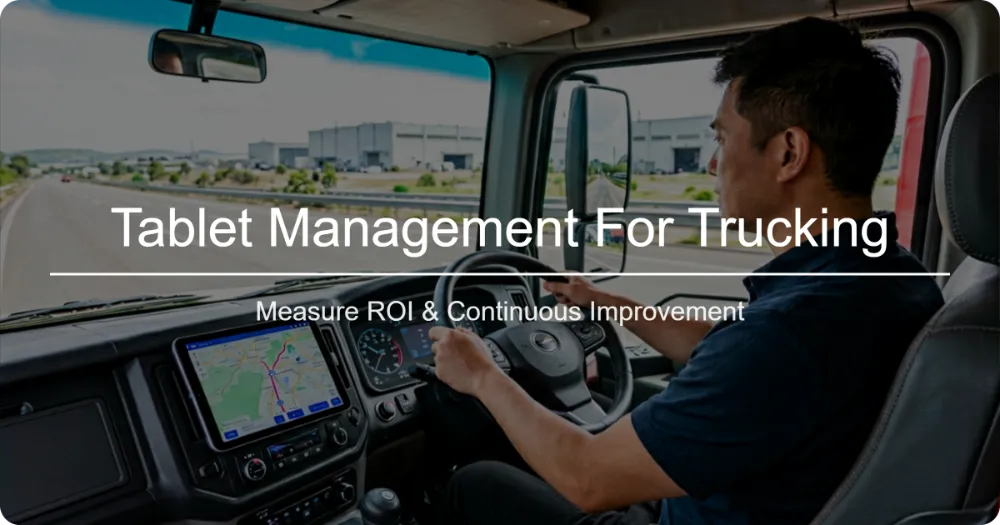
2.6 Measure ROI & Continuous Improvement
| Metric | How to Track | Target Improvement (6‑month) |
|---|---|---|
| ELD violation rate | CSA portal vs. pre‑tablet baseline | ↓ 40 % |
| Paper‑log processing time | Admin hours per week | ↓ 80 % |
| Fuel efficiency | Telematics MPG before/after tablet‑based routing | ↑ 3‑5 % |
| Device downtime | MDM-reported crashes/reboots | ↓ 70 % |
| Driver satisfaction | Quarterly survey (scale 1‑5) | ≥ 4.2 |
| Total Cost of Ownership (TCO) | Device + MDM + data plan vs. savings | Payback ≤ 12 months |
Create a simple dashboard (Google Data Studio, Power BI, or your TMS’s built‑in analytics) that pulls these KPIs from the ELD provider, MDM console, and telematics system. Review it monthly with the operations team to justify further investments (e.g., adding dashcam video or predictive maintenance modules).
3. Actionable Checklist for Fleet Leaders
[ ] Map out primary use case (ELD, dispatch, maintenance, etc.)
[ ] Define rugged, battery, and connectivity specs required
[ ] Shortlist 2‑3 tablet models that meet specs & budget
[ ] Pilot 5‑10 devices with selected MDM for 4‑weeks
[ ] Validate ELD app certification & data sync reliability
[ ] Train drivers & admin staff (hands‑on + video refresher)
[ ] Roll out fleet‑wide with zero‑touch enrollment via MDM
[ ] Set up geofencing alerts for depot entry/exit & unauthorized removal
[ ] Schedule monthly compliance & device‑health reviews
[ ] Calculate ROI after 90 days; adjust plan as needed
4. Frequently Asked Questions (FAQ)
Q: Do I need a separate data plan for each tablet?
A: Most MDMs allow pooling of data across a SIM‑management platform. Look for carriers offering “fleet‑share” plans (e.g., Verizon Fleet Management, AT&T IoT) to reduce per‑device cost.
Q: Can I use the same tablet for both ELD and customer‑facing invoicing?
A: Yes—if you enable a work profile (Android Enterprise) or Windows Autopilot with separate apps. Keep the ELD app in a locked, non‑removable profile to stay compliant.
Q: What happens if the tablet loses cellular signal?
A: Choose a tablet with store‑and‑forward capability in the ELD app. It will save logs locally and upload when the connection returns. Pair this with an MDM policy that forces a Wi‑Fi sync when the truck is at the depot.
Q: Are there any hidden costs beyond the device and MDM license?
A: Potential extra costs include: mounting hardware, extended warranties, optional accessories (barcode scanner, RFID reader), and data overage fees if you exceed pooled limits.
5. Conclusion
Tablet management for trucking isn’t just about buying a rugged screen—it’s about aligning hardware, software, policy, and driver behavior to achieve compliance, safety, and profit. By following the framework above—specifying the right rugged tablet, deploying a zero‑touch MDM, locking down ELD software, and continuously measuring results—you’ll turn a potential liability into a powerful competitive edge.
Ready to take the next step? Download our free Tablet‑Management‑for‑Trucking ROI Calculator (Excel) to see exactly how much your fleet could save in the first year.
Invest in the right tablet strategy today, and watch your fleet run smoother, safer, and more profitable tomorrow.
Author: [newision], Senior Fleet Technology Consultant – 2026
Last Updated: September 2026
相关推荐内容
Latest Content
- Advanced Bedside Terminal Solutions: The Backbone of Modern Patient Care
- Bedside Terminal Selection Guide: Key Specs, Benefits & OEM Solutions for Hospitals
- Fleet Management Canada: 2026 Guide to Telematics & Compliance
- Rugged Tablets for Taxi Fleets: 2026 Selection Guide & TCO Analysis
- Rugged Tablet for Digital Mining: The Essential Guide to Durability in the Field
Hot product
- WMT6UQ: 6-Inch 4G Android 12 Wireless Carplay Navigator Motorcycle PND
- WT10RX: 10.1 inch rugged tablet,10.1″ sunlight-readable display,10.1" ip67 rugged tablet
- WT10MX: 10.1 inch rugged tablet 12,000 mAh,10.1″ IPS display Rugged IP65 design
- WT08Q9Y: 8 inch 10000mAh long battery rugged tablet,1000-nit rugged tablet,
- WT08M8Y: 8 inch Android 14,700-nits rugged tablet