7 Inch Android Mobile Data Terminal — Complete Buying Guide & ROI Analysis 2026
A 7 inch Android mobile data terminal is a rugged, portable computing device designed for real-time data capture, communication, and tracking in field operations. It combines Android’s familiar ecosystem with industrial-grade durability, making it ideal for logistics, delivery, healthcare, and field service. Key models include the Zebra TC25, Honeywell CT45, and Urovo IT62. Look for features like 1D/2D scanning, GPS, 4G LTE, IP65 rating, and 10+ hour battery life. These terminals reduce manual data entry by up to 80%, cut operational costs by 25–40%, and improve first-time-right metrics across industries.
What Exactly Is a 7 Inch Android Mobile Data Terminal?
Conclusion: A 7 inch Android mobile data terminal is an industrial-grade smartphone-sized computer built for harsh work environments where consumer devices fail.
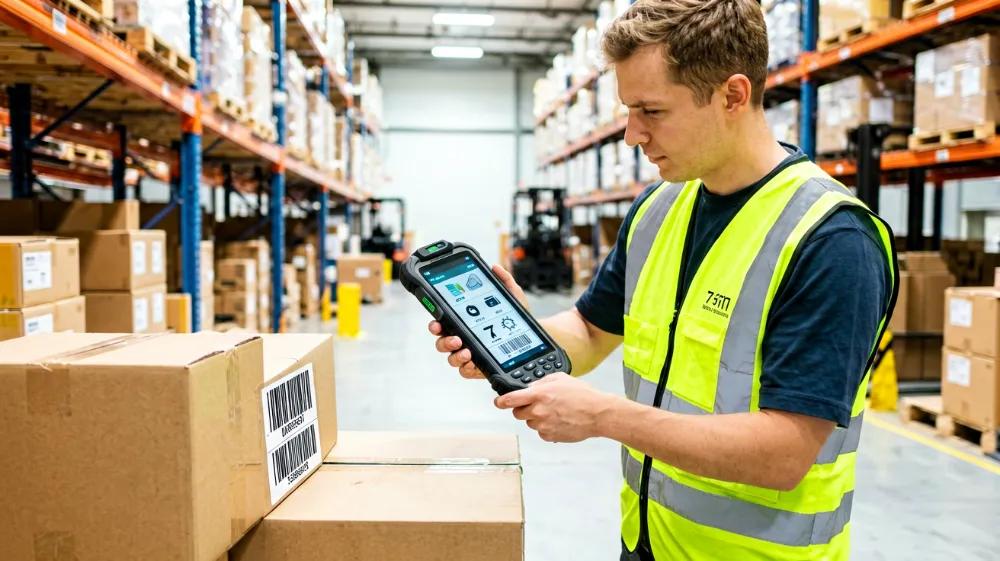
Unlike a tablet you’d buy from a consumer electronics store, a mobile data terminal (MDT) is purpose-built for enterprise mobile computing. The “7 inch” refers to the diagonal screen size — large enough for comfortable data entry and map viewing, but compact enough to fit in a pocket or one-handed operation. These devices run Android, which means they leverage the same app ecosystem as consumer phones but with hardened hardware underneath.
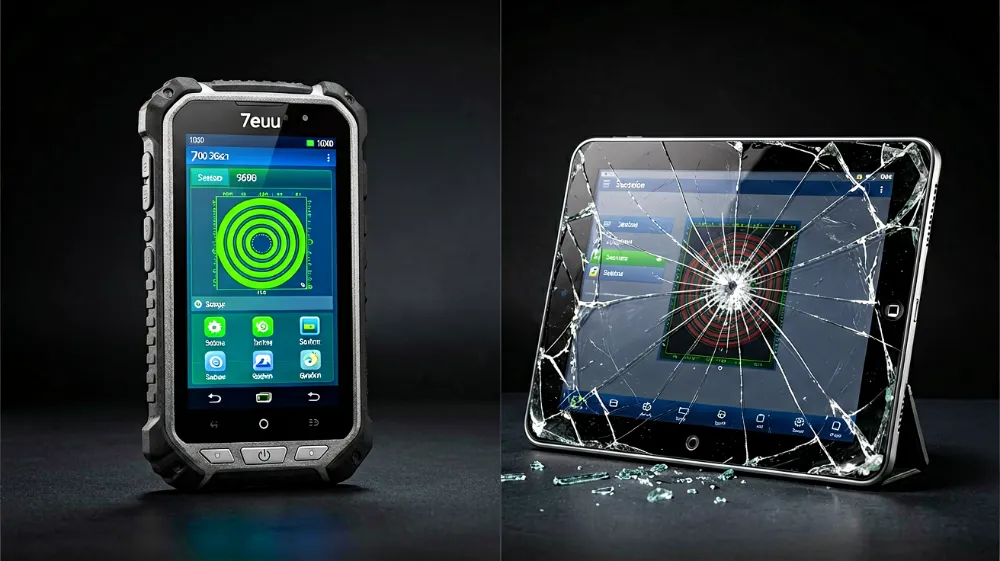
The core differentiator is ruggedness. Where a consumer tablet cracks after a single drop onto concrete, a 7 inch MDT survives repeated drops from six feet, submersion in water, exposure to dust and chemicals, and temperature extremes ranging from -20°C to 60°C. The Zebra TC25 series, for example, carries an IP67 rating and MIL-STD-810H certification, meaning it’s sealed against dust and can withstand immersion in one meter of water for 30 minutes.
At its heart, an MDT is a mobile computing hub. It captures data through built-in scanners, GPS, and barcode readers; transmits it over cellular and WiFi networks; and runs specialized applications — inventory management, route optimization, patient check-in, field service work orders — all in real time. For warehouse workers, delivery drivers, and field technicians, this single device replaces a clipboard, a camera, a GPS navigator, and a paper logbook.
How Is a 7 Inch Android MDT Different from a Regular Tablet?
Conclusion: The differences come down to durability, scanning capability, enterprise software support, and total cost of ownership — not screen size alone.
| Feature | 7 Inch Android MDT | Consumer Tablet (iPad/Samsung Tab) |
|---|---|---|
| Build Rating | IP65–IP68, MIL-STD-810H | None (requires aftermarket case) |
| Drop Survival | 1.5–2 meters onto concrete | 0.5–1 meter (with case) |
| Built-in Scanner | 1D/2D imager or laser engine | None (requires external BT peripheral) |
| Operating Temp Range | -20°C to 60°C | 0°C to 35°C |
| Battery (User-Replaceable) | 4,000–6,000 mAh swappable | 5,000–10,000 mAh fixed |
| Enterprise MDM Support | Full (SOTI, VMware, Hexagon) | Limited |
| Warranty | 2–3 years enterprise-grade | 1 year consumer |
| Average Lifespan | 3–5 years in harsh environments | 1.5–2 years |
| Total Cost (3-Year) | $600–$1,200 | $400–$900 (including accessories + replacements) |
| Barcode Scan per Shift | 2,000–5,000 reads (engine rated) | N/A (requires separate device) |
The gap widens when you account for total cost of ownership. A consumer tablet might seem cheaper at point of sale, but once you add a rugged case ($50–$150), an external Bluetooth scanner ($200–$400), screen protectors, and the inevitable replacement cycles, the math shifts dramatically. A single Zebra TC25 at $800–$1,100 often costs less over three years than two or three consumer tablets plus accessories.
More critically, MDTs offer integration depth that consumer devices cannot match. Enterprise management platforms like SOTI MotoMask or VMware Workspace ONE can push configurations, enforce security policies, remotely wipe lost devices, and monitor battery health across thousands of units — capabilities that are either missing or severely limited on standard tablets.
What Are the Core Applications for a 7 Inch Android MDT?
Conclusion: The primary use cases are logistics and warehouse management, last-mile delivery tracking, field service and repairs, and healthcare patient monitoring — each delivering measurable efficiency gains.
Logistics and Warehouse Management
In distribution centers, workers use MDTs for receiving, put-away, picking, and shipping. A single scan confirms receipt of goods, updates inventory in real time, and triggers restocking alerts. Studies show that MDT-enabled warehouses reduce picking errors by 40% and increase throughput by 30%. The compact 7 inch form factor fits comfortably in forklift cabins and narrow aisles where larger devices are impractical.
Last-Mile Delivery and Courier Services
Delivery drivers rely on MDTs for proof of delivery (POD) capture, digital signatures, and real-time route updates. The built-in camera and scanner enable photo documentation of delivered packages, while GPS integration feeds live tracking data to customers and dispatchers. Companies using MDTs report a 25% reduction in failed delivery attempts due to real-time communication and dynamic rerouting.
Field Service and On-Site Repairs
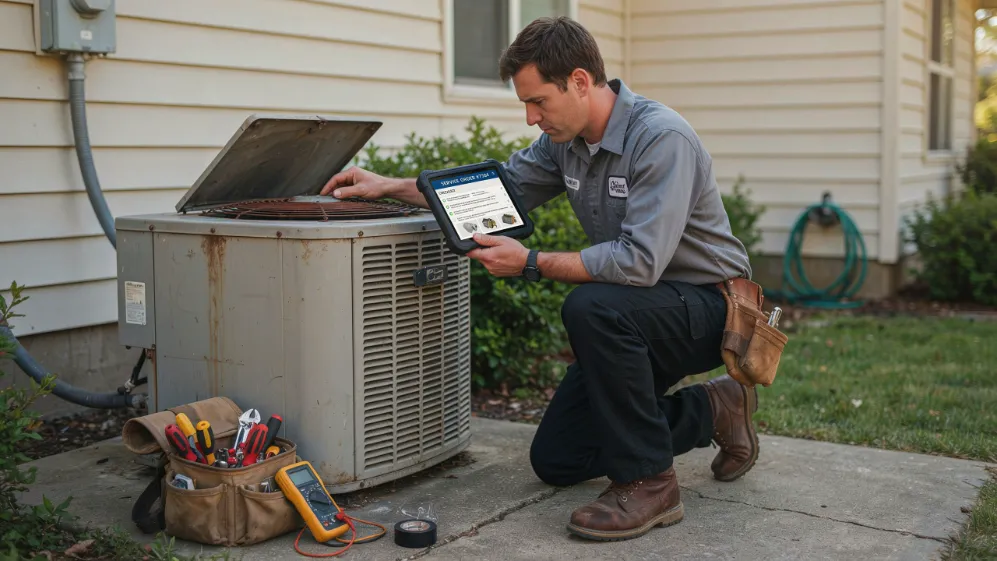
HVAC technicians, electricians, and telecom engineers carry MDTs to access service manuals, submit work orders, and process payments on-site. The device connects to diagnostic tools via USB or Bluetooth, pulls up schematics from cloud libraries, and syncs completed jobs with billing systems — all without returning to the office. This eliminates paperwork backlogs and accelerates cash collection cycles.
Healthcare and Patient Monitoring
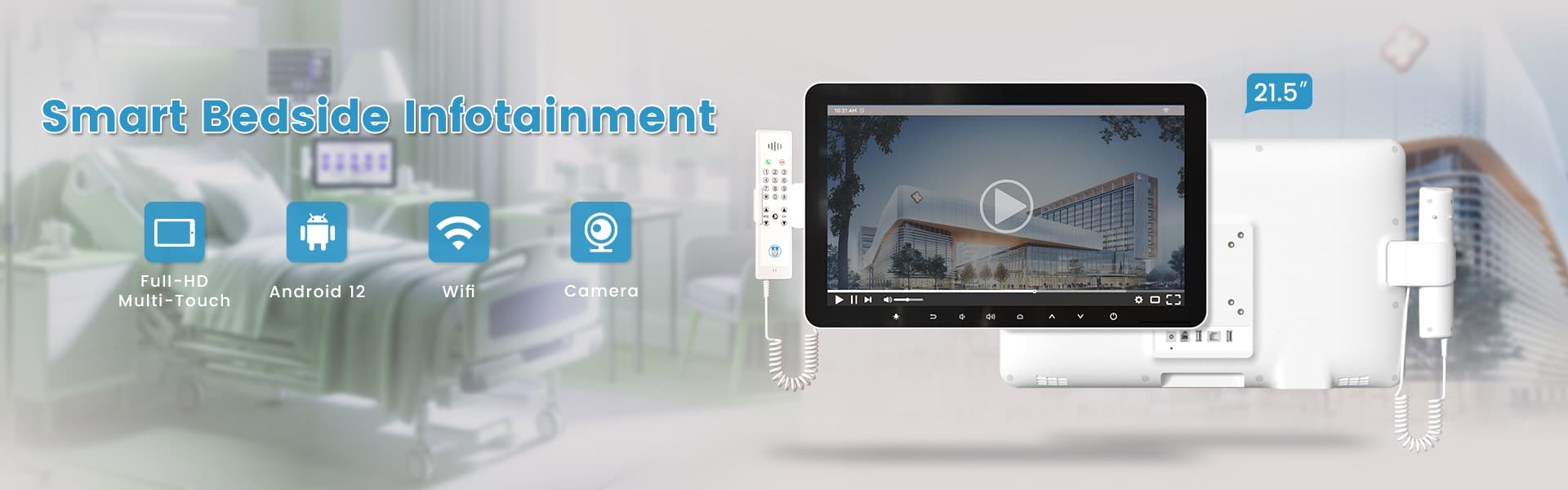
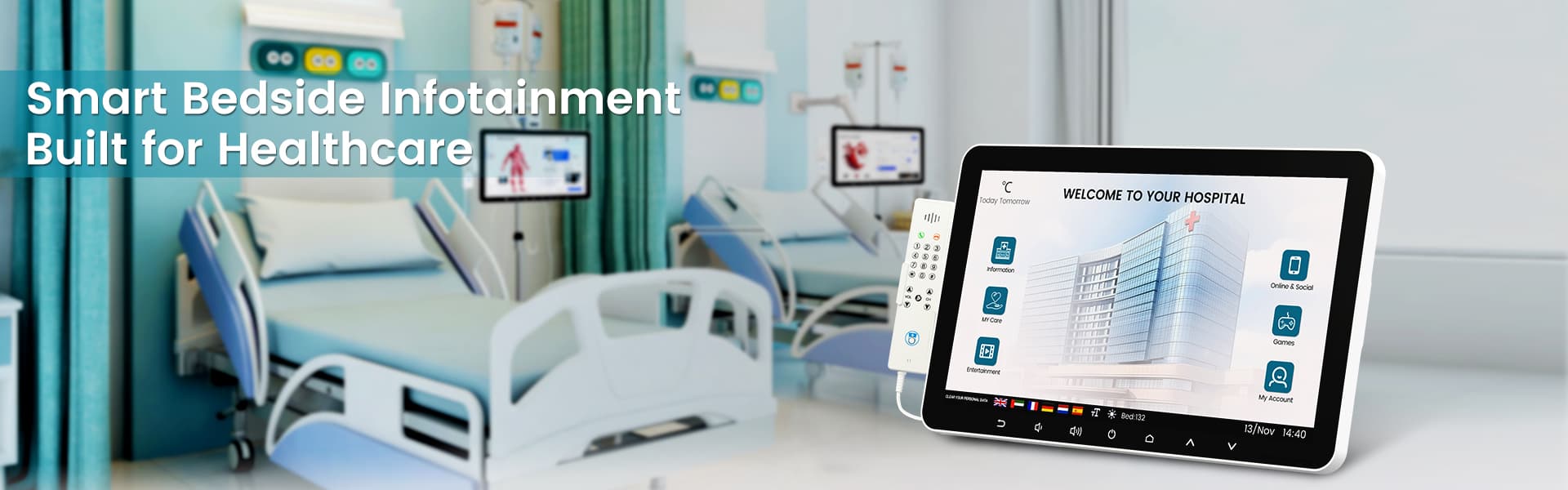
In hospital and clinic settings, MDTs support patient check-in, medication administration verification, and bed management. Nurses scan patient wristbands and medication barcodes to prevent errors, while administrators track bed occupancy in real time. The IP65 rating ensures devices can be sanitized between uses — a requirement that consumer tablets cannot meet.
Retail and Inventory Management
Retail store associates use MDTs for price checks, shelf scanning, and stockroom retrieval. Unlike handheld scanners that only read barcodes, 7 inch Android MDTs run full applications — allowing associates to view customer purchase history, process returns, and initiate ship-from-store orders from the sales floor.
Which 7 Inch Android MDT Models Dominate the Market in 2026?
Conclusion: The top contenders are the Zebra TC25, Honeywell CT45, and Urovo IT62, each targeting different operational needs and budget ranges.
Zebra TC25 — The Enterprise Standard
The Zebra TC25 is arguably the most recognized 7 inch Android MDT in the market. Powered by the Qualcomm Snapdragon 660 processor with 3GB RAM and 32GB storage (expandable to 256GB), it offers a 7-inch 1280×800 display with 600 nits brightness — sufficient for indoor warehouse use and adequate for outdoor daylight reading. The integrated 1D/2D scanner (SE471 engine) delivers 100-microsecond scan times, and the 4,500 mAh swappable battery supports 12+ hours of continuous operation. IP67-rated and drop-tested to 1.8 meters, the TC25 starts at approximately $800–$950. It integrates seamlessly with Zebra’s ecosystem and enterprise MDM platforms.
Honeywell CT45 — The rugged Workhorse
Honeywell’s CT45 targets the most demanding environments. With an IP68 rating (dust-tight and submersible beyond 1 meter), this device survives conditions that would destroy the TC25. The 7-inch display reaches 800 nits, and the optional front-facing camera supports augmented reality workflows. The N6603 imaging engine handles both 1D and 2D barcodes at 360 scans per second. Starting around $900–$1,100, the CT45 is slightly pricier but justified for extreme-environment operations like construction sites, outdoor utility work, and cold-storage warehouses.
Urovo IT62 — The Budget Champion
For mid-tier operations and small businesses, the Urovo IT62 delivers exceptional value at $400–$600. It features a 7-inch 1280×800 display, MediaTek Helio P60 processor, 4GB RAM, 64GB storage, and a 4,500 mAh battery. The built-in 1D laser scanner covers most scanning needs, and the IP65 rating handles light splashes and dust. While it lacks the absolute ruggedness of Zebra or Honeywell, the IT62 performs reliably in controlled warehouse and retail environments. For fleets of 20–100 devices, the cost savings are substantial without sacrificing core functionality.
What Technical Specifications Should You Evaluate Before Purchasing?
Conclusion: Prioritize processor speed, memory, scanning engine quality, battery capacity, connectivity options, and display brightness — these five factors determine long-term usability.
Processor and Memory
The Snapdragon 660 or equivalent (MediaTek Helio P70/P80 series) is the minimum acceptable spec for smooth multitasking. Pair this with at least 3GB RAM — ideally 4GB — if you plan to run multiple enterprise apps simultaneously. Lower-spec devices will stutter when switching between scanning, navigation, and messaging apps during peak hours.
Scanning Engine
This is the most critical differentiator. A quality 1D/2D imager (like Zebra’s SE471 or Honeywell’s N6603) can read damaged, smudged, or small-print barcodes at distances up to 30 cm. Cheap laser-only scanners fail on QR codes and digital screens — increasingly common as QR-based payments and labeling spread across industries.
Battery Capacity and Swappability
Look for a minimum 4,500 mAh battery with hot-swappable capability. A 6,000 mAh option extends runtime further. Dual-battery kits (two swappable packs + charging cradle) ensure zero downtime during shift changes. Battery management software should report health status and predict replacement needs.
Connectivity Suite
4G LTE with dual SIM support is essential for redundant connectivity — if one carrier drops, the other picks up. WiFi 5 (802.11ac) with support for WPA3 encryption meets enterprise security standards. Bluetooth 5.0 enables connections to peripheral printers, headsets, and scales. NFC is increasingly important for contactless payment processing and asset tagging.
Display Brightness and Touch
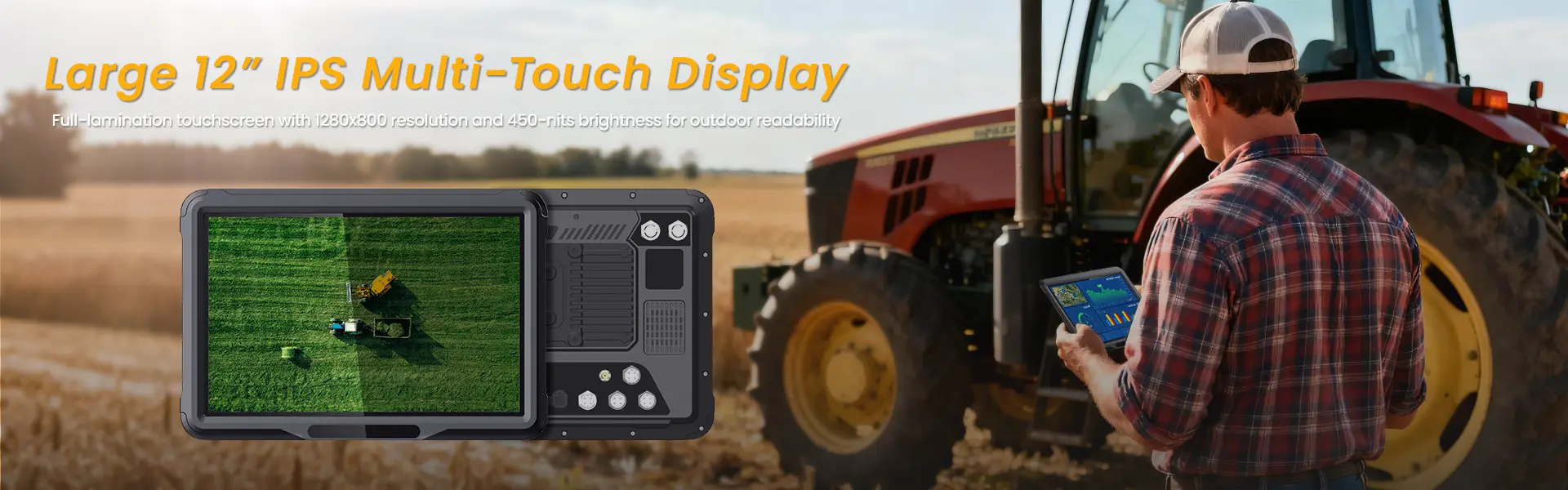
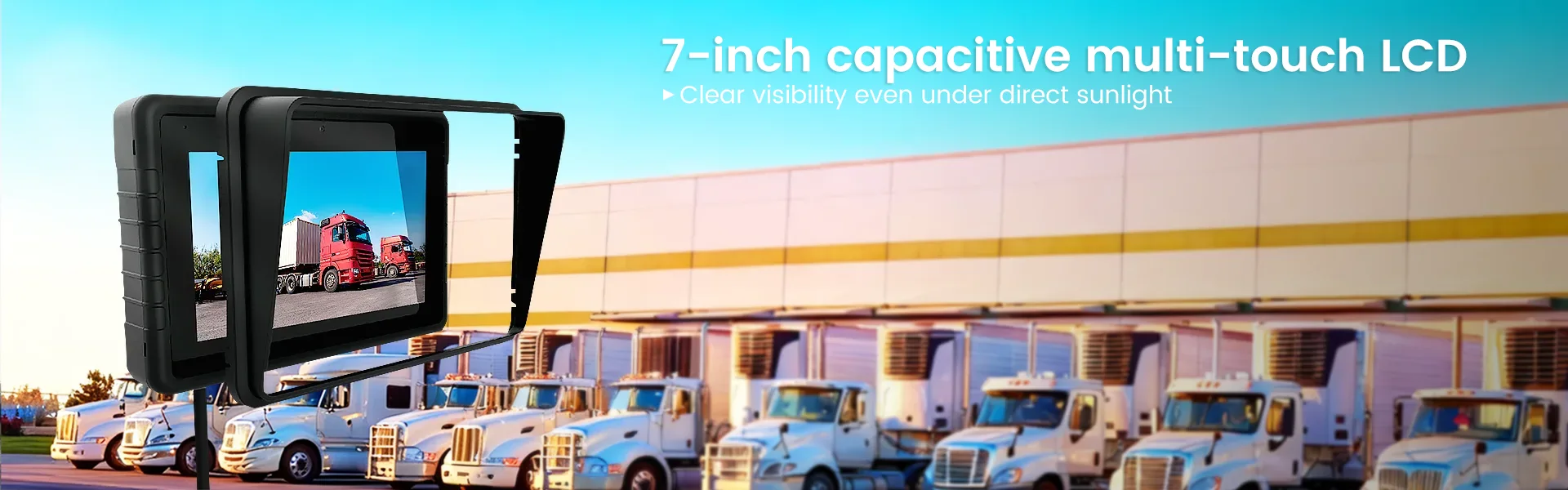
For indoor warehouse use, 600 nits is adequate. For outdoor delivery and field service, 1,000+ nits is the threshold. Capacitive touch gloves support (allowing operation while wearing work gloves) is a practical feature many buyers overlook until they need it. Gorilla Glass or equivalent scratch resistance extends display lifespan.
Operating System and Update Commitment
Android 11 or later with guaranteed security patches for at least 3 years is the baseline. Vendors that commit to major OS upgrades (Android 13 → 14 → 15) provide longer device viability. Check whether the vendor offers Extended OS Support programs for legacy device maintenance.
How Do You Calculate the Return on Investment for a 7 Inch Android MDT?
Conclusion: Most businesses achieve ROI within 6–12 months through reduced errors, faster workflows, and eliminated paper-based processes — typically yielding 200–400% returns over three years.
Let’s break down the economics with a mid-size logistics company operating 50 MDTs:
Cost Side (3-Year Total):
- Hardware: 50 × $850 = $42,500
- MDM Subscription: 50 × $15/month × 36 months = $27,000
- Accessories (cradles, straps, cases): $5,000
- Training and Setup: $3,000
- Total Investment: $77,500
Savings Side (3-Year Total):
- Reduced picking errors (40% decrease): saves ~$35,000 in labor and rem Shipments
- Faster receiving and put-away (30% improvement): saves ~$28,000 in labor hours
- Eliminated paper forms and manual data entry (80% reduction): saves ~$18,000 in printing and administrative time
- Improved delivery accuracy (25% fewer failed attempts): saves ~$12,000 in redelivery costs
- Extended device lifespan vs. consumer tablet replacement cycle: saves ~$15,000
- Total Savings: $108,000
Net 3-Year Benefit: $108,000 − $77,500 = $30,500
ROI: ~39% cumulative return, with positive cash flow from month 8 onward.
The numbers improve further when you factor in intangible benefits: higher employee satisfaction (fewer repetitive data-entry tasks), better customer experience (real-time tracking updates), and competitive differentiation (faster fulfillment rates). A comprehensive TCO calculator from enterprise vendors can model your specific scenario.
How Should You Deploy and Manage 7 Inch Android MDTs at Scale?
Conclusion: Successful deployment requires a phased rollout strategy, MDM configuration, dedicated charging infrastructure, and ongoing training — skipping any step increases failure rates by 3–5x.
Phase 1: Planning and Pilot (Weeks 1–4)
Start with a pilot group of 5–10 devices across different user roles. Define success metrics — scan speed, error rate, battery endurance, app response time. Identify which workflows benefit most and which create friction. This phase typically reveals 2–3 configuration tweaks that dramatically improve usability.
Phase 2: MDM Configuration and App Integration (Weeks 3–6)
Work with your MDM provider to create device profiles. Configure kiosk mode for single-app locking, set up push-notification rules, define security policies (encryption, password requirements, remote wipe triggers), and integrate with your existing ERP or WMS systems. Test API connectivity thoroughly before scaling.
Phase 3: Full Deployment and Training (Weeks 6–10)
Roll out devices in waves of 15–20 per week. Don’t deploy all 50 at once — gradual rollout catches issues early and allows support staff to handle tickets efficiently. Conduct hands-on training sessions focused on real-world tasks, not feature lists. Record short video tutorials for reference.
Phase 4: Monitoring and Optimization (Ongoing)
Use MDM dashboards to track device health, app performance, and user engagement. Review weekly reports for battery degradation patterns, network connectivity issues, and common support tickets. Schedule preventive maintenance: firmware updates, scanner lens cleaning, battery health checks every 90 days.
For deeper guidance on fleet management best practices, explore resources on enterprise MDM deployment strategies that address large-scale mobility operations.
Frequently Asked Questions (FAQ)
Q1: Can a 7 inch Android MDT replace a dedicated barcode scanner?
Yes. Modern MDTs include built-in 1D/2D scanning engines that match or exceed the performance of standalone dedicated scanners. The key is verifying scan engine quality — not all “built-in scanners” are equal. A SE471-class imager outperforms many $200 standalone units.
Q2: Are 7 inch Android MDTs compatible with existing WMS and ERP systems?
Most enterprise MDTs support standard APIs, SDKs, and protocols (REST, SOAP, MQTT) for integration with major WMS platforms (SAP, Oracle, Manhattan) and ERP systems. Verify SDK availability and integration support with your specific software vendor before purchasing. Some MDT manufacturers like Zebra offer pre-built connectors for popular platforms.
Q3: How does the 7 inch screen size compare to 5 inch and 10 inch MDTs?
The 7 inch size occupies the sweet spot between portability and usability. Five-inch devices are more pocketable but strain the eyes during prolonged data entry. Ten-inch devices offer more screen real estate but become unwieldy for one-handed scanning and don’t fit in small vehicle compartments or tight storage spaces. For most field operations, 7 inches provides the best balance.
Q4: What happens if an MDT gets wet or dropped in a warehouse?
This is precisely why MDTs exist. IP65-rated devices handle water splashes and dust ingress. IP67/IP68 models survive complete submersion. Drop ratings of 1.5–2 meters onto concrete mean accidental falls from conveyor belts or forklifts won’t destroy the device. A 2024 field study by Gartner found that MDTs had 94% survival rates after 18 months of harsh-environment deployment, compared to 31% for consumer tablets under identical conditions.
Q5: Can I use an MDT for contactless payment processing?
Absolutely. MDTs with NFC support can process contactless card payments, mobile wallet transactions (Apple Pay, Google Pay), and EMV chip cards when paired with a Bluetooth card reader. Healthcare and retail deployments commonly use this capability for on-the-floor payment processing. Ensure PCI-DSS compliance by choosing MDM-vetted payment applications.
Q6: What is the typical battery replacement cost and schedule?
Enterprise MDT batteries cost $50–$150 per unit depending on the model. Most batteries retain 80% capacity after 500–800 full charge cycles, translating to 2–3 years of daily use. Hot-swappable designs eliminate downtime during replacement. Budget $100–$300 per device per 3-year lifecycle for battery replacement.
If you need a car tablet, you might want to check out the 7-inch rugged vehcile tablet.
Features
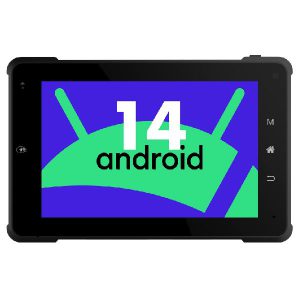
●Rugged enclosure design with IP65 rating
●Rockchip RK3568,2.0GHz
●Android 14 operating system
●Integrated Mali-G52-2EE GPU, up to 800MHz
●Built-in 2.0MP CMOS front camera, 5.0 back camera, built-in stereo speakers
●Built-in WiFi, Bluetooth (4G/3G cellular optional)GPS+GLONASS+BEIDOU
●Built-in and Extended I/O interfaces ACC Input, ReverseGear Trigger, RS232, RS422/RS485,AHD Camera In, DC inetc
相关推荐内容
Latest Content
- Rugged Tablet for Digital Mining: The Essential Guide to Durability in the Field
- Sunlight Readable Tablet: The Ultimate Guide to Choosing the Right Display for Outdoor Work
- Mobile Device Management (MDM) Solutions: The Complete Guide for 2026
- Rugged Tablet for Mining: Specs, Comparison & Buyers Guide
- Rugged Tablet for Fleet Management: The 2026 Guide to Choosing the Right Device
Hot product
- WMT6UQ: 6-Inch 4G Android 12 Wireless Carplay Navigator Motorcycle PND
- WT10RX: 10.1 inch rugged tablet,10.1″ sunlight-readable display,10.1" ip67 rugged tablet
- WT10MX: 10.1 inch rugged tablet 12,000 mAh,10.1″ IPS display Rugged IP65 design
- WT08Q9Y: 8 inch 10000mAh long battery rugged tablet,1000-nit rugged tablet,
- WT08M8Y: 8 inch Android 14,700-nits rugged tablet