Mobile Data Terminal: The Complete Guide to MDT Systems
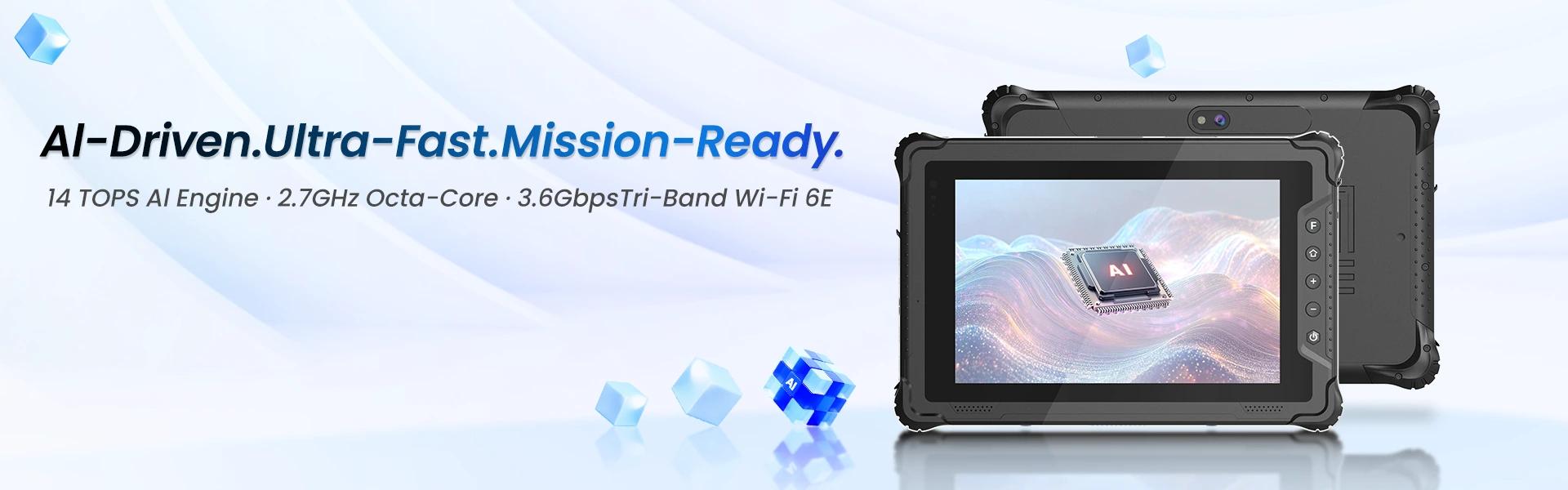
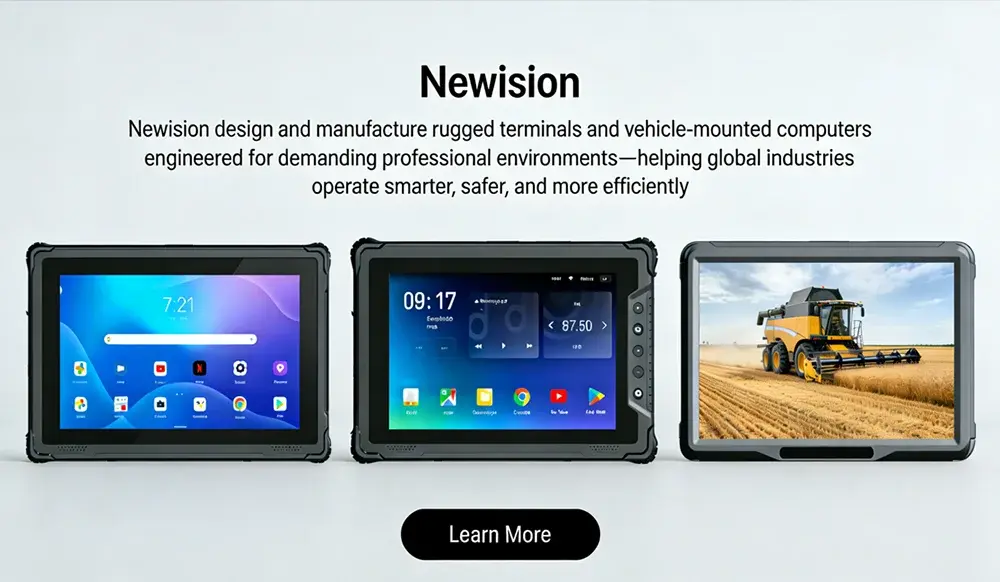
A mobile data terminal, commonly called an MDT, is a rugged computer or communication device used by vehicles, field workers, emergency services and fleet operators to exchange real-time information with a central system.
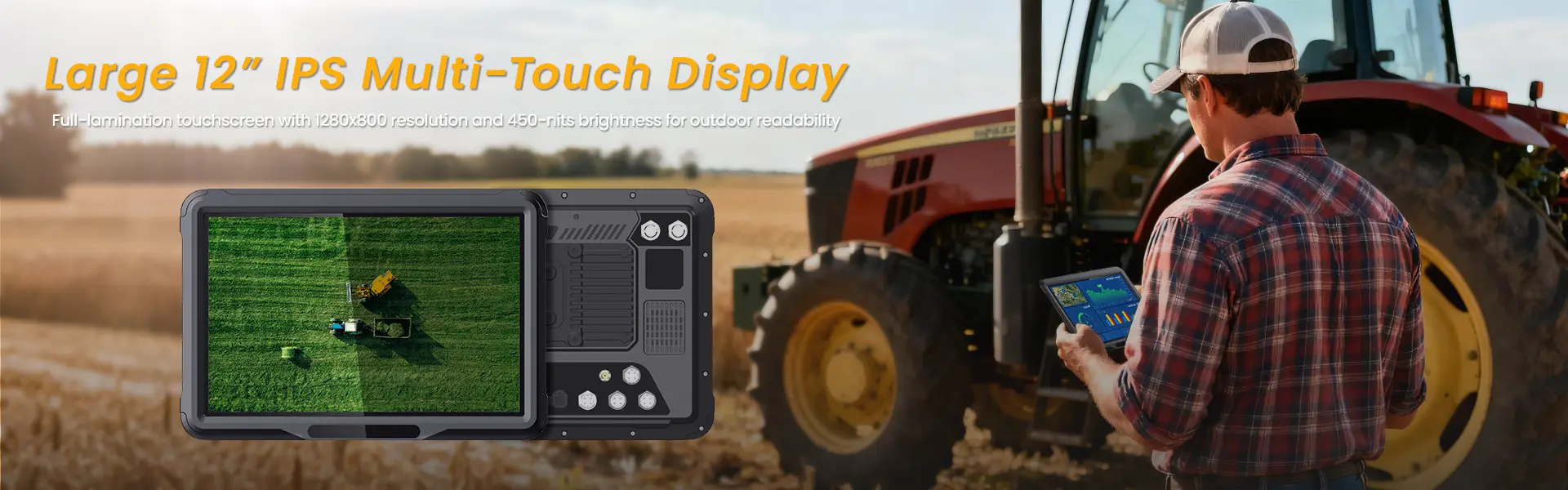
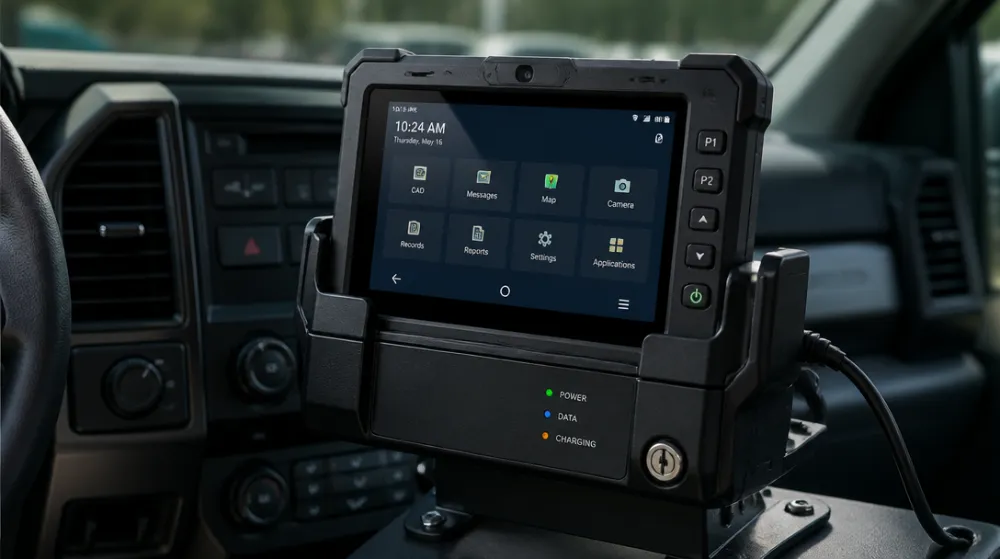
Unlike a standard consumer tablet, a mobile data terminal is designed for professional environments. It can be mounted inside a vehicle, connected to vehicle power, integrated with dispatch or fleet-management software, and used in conditions involving vibration, dust, temperature changes, direct sunlight and continuous operation.
MDT systems are widely used in public safety, logistics, public transportation, utilities, field service, emergency response and industrial operations. Depending on the deployment, an MDT can support dispatching, GPS tracking, navigation, electronic forms, barcode scanning, vehicle diagnostics, secure messaging and remote device management.
This guide explains what a mobile data terminal is, how it works, its main features, common applications, advantages, limitations and the factors businesses should consider before purchasing one.
What Is a Mobile Data Terminal?
A mobile data terminal is a rugged mobile computer that allows vehicles or mobile workers to receive, process and transmit operational data in real time.
An MDT may be installed permanently in a vehicle or used as a portable device by a field operator. It normally connects to a central dispatch platform, cloud application, enterprise software system or fleet-management solution through cellular networks, Wi-Fi or a private wireless network.
A typical MDT system can be used to:
- Receive tasks and dispatch instructions
- Send messages to a control center
- Track vehicle location
- Display maps and routes
- Complete electronic forms
- Upload photos, signatures and documents
- Scan barcodes or RFID tags
- Connect to vehicle sensors
- Access business applications
- Report vehicle or job status
- Support emergency communication
The exact definition of an MDT can vary between industries. In police and emergency-service environments, the device may connect to computer-aided dispatch systems. In logistics, it may function as a driver communication and delivery-management terminal. In field service, it may provide access to work orders, customer records and inspection forms.
How Does an MDT System Work?
An MDT system combines hardware, software, wireless communication and back-office systems.
1. A Central System Creates a Task
A dispatcher, fleet manager or operations platform creates a work order, delivery assignment, emergency call or service request.
2. The Task Is Sent Over a Wireless Network
The information is transmitted through one or more available connections, such as:
- 4G LTE
- 5G
- Wi-Fi
- Private LTE
- Public safety networks
- Satellite communication in specialized applications
3. The MDT Receives and Displays the Information
The driver or field worker can view the task on the terminal. Depending on the software, the screen may show:
- Job details
- Customer information
- Location
- Navigation instructions
- Priority level
- Safety notices
- Required equipment
- Delivery or service instructions
4. The Operator Updates the Status
The user can accept the assignment, change the job status, complete a checklist, send a message or upload supporting information.
5. The Central System Receives the Response
The back-office platform records the update. Managers can then monitor progress, adjust schedules and maintain an electronic record of the task.
6. Additional Devices Provide More Data
An MDT can also receive information from:
- GPS/GNSS modules
- Vehicle CAN bus
- OBD-II interfaces
- Barcode scanners
- RFID readers
- Cameras
- Temperature sensors
- Door sensors
- Printers
- Payment terminals
This makes an MDT more than a simple screen. It can serve as the operational interface between a vehicle, a mobile worker and a company’s digital systems.
Main Components of a Mobile Data Terminal System
A complete MDT solution usually includes more than the terminal itself.
MDT Hardware
The terminal includes the display, processor, memory, storage, communication modules and operating system. For professional use, the hardware should be selected according to the working environment rather than only its consumer specifications.
Vehicle Mount or Docking Station
Vehicle-mounted MDTs may use:
- Fixed brackets
- Lockable docking stations
- RAM-style mounting systems
- Dashboard mounts
- Forklift mounts
- Custom vehicle brackets
A proper mount should hold the device securely while allowing the operator to view and use it safely.
Power System
The terminal may receive power from:
- Vehicle DC input
- A docking station
- An external power adapter
- An internal battery
- A backup battery or supercapacitor
The power solution should support ignition detection, voltage protection and controlled shutdown where necessary.
Communication Network
The network connects the MDT to the central platform. Cellular connectivity is often used for mobile coverage, while Wi-Fi may be suitable at depots, warehouses or service locations.
Application Software
The software layer may include:
- Dispatch applications
- Fleet-management software
- Route-planning applications
- Computer-aided dispatch systems
- Transport-management systems
- Warehouse-management systems
- Field-service applications
- Electronic inspection forms
- Proof-of-delivery software
Device Management Platform
A mobile device management or enterprise mobility management platform can help administrators:
- Configure devices remotely
- Deploy applications
- Apply security policies
- Monitor device status
- Restrict unauthorized software
- Lock or wipe lost devices
- Schedule updates
- Troubleshoot remotely
Key Features of a Mobile Data Terminal
The right features depend on the application, but the following capabilities are important for many MDT deployments.
Rugged Construction
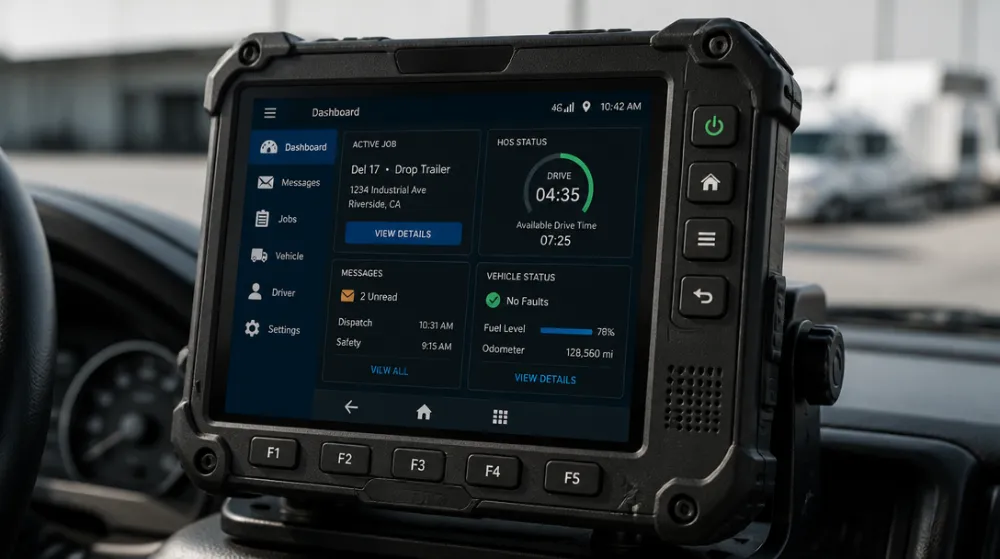
A rugged mobile data terminal is designed for more demanding conditions than a consumer tablet.For applications that do not require permanent vehicle installation, a rugged tablet may also be a practical option.
Important specifications may include:
- IP-rated protection against dust and water
- Resistance to vibration and shock
- Drop resistance
- Wide operating temperature range
- Reinforced housing
- Sealed connectors
- Anti-glare display protection
The required protection level should be based on the actual environment. A terminal used inside a city vehicle may have different requirements from one used in mining, construction, ports or utility operations.
Do not select a device only because it is described as “rugged.” Review the manufacturer’s test conditions, certification documents and warranty terms.
Cellular Connectivity
4G LTE and 5G allow an MDT to remain connected while a vehicle is moving between locations.
Features to consider include:
- Supported frequency bands
- 4G or 5G capability
- Dual-SIM support
- eSIM support
- Private network compatibility
- External cellular antenna
- Network failover
- Remote SIM management
Network performance depends on local coverage, carrier support, antenna design and deployment conditions. A device with advanced connectivity may not improve operations if the network infrastructure is inadequate.
Wi-Fi and Bluetooth
Wi-Fi is useful at offices, warehouses, depots and service centers. Bluetooth enables connections to accessories such as:
- Wireless scanners
- Headsets
- Keyboards
- Printers
- Sensors
- Payment devices
For larger deployments, buyers should verify Wi-Fi standards, roaming performance and compatibility with existing network equipment.
GPS and GNSS Positioning
Location capability allows companies to monitor vehicle and workforce activity.
GPS/GNSS data may support:
- Real-time vehicle tracking
- Route guidance
- Geofencing
- Arrival and departure records
- Dispatch optimization
- Mileage reporting
- Emergency location sharing
- Proof of service
Location features should be used transparently and in compliance with applicable employment, privacy and data-protection requirements.
High-Brightness Display
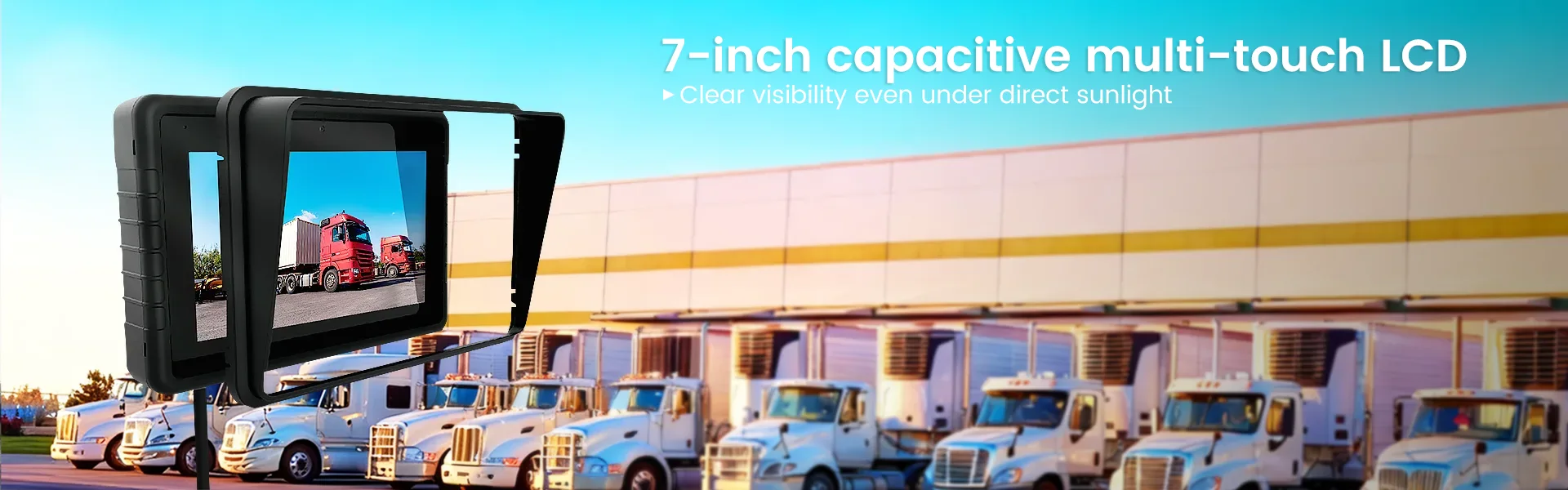
Vehicles and outdoor workers often operate under direct sunlight. A high-brightness screen with anti-glare treatment can improve visibility and reduce driver distraction.
Display factors include:
- Screen size
- Resolution
- Brightness
- Viewing angle
- Glove-touch support
- Wet-touch performance
- Anti-reflective glass
- Landscape or portrait orientation
- Physical shortcut buttons
The largest screen is not always the best option. The display should fit the vehicle interior and allow the operator to view information without obstructing visibility.
Vehicle Power and Ignition Integration
A vehicle mobile data terminal may need to detect the ignition state and manage power automatically.
Useful capabilities include:
- Ignition sensing
- Automatic startup
- Controlled shutdown
- Overvoltage protection
- Undervoltage protection
- Vehicle-compatible DC input
- Sleep mode
- Battery backup
- External power management
Before installation, confirm the vehicle’s voltage range, available mounting space, wiring requirements and electrical protection needs.
Vehicle and Sensor Integration
Advanced MDT systems may connect to a vehicle’s electronic systems through:
- CAN bus
- OBD-II
- RS-232
- USB
- Ethernet
- Digital input/output
- GPIO interfaces
These connections can provide information about vehicle status, engine data, doors, refrigeration units, alarms or other equipment.
Compatibility should be confirmed with the vehicle manufacturer, system integrator or software provider. Vehicle integration may require additional hardware or custom software.
Security Features
MDTs may contain sensitive customer, operational, personnel or emergency-service data. Security should therefore be considered at both device and software levels.
Potential security controls include:
- Secure boot
- Storage encryption
- User authentication
- Role-based access
- VPN support
- Application whitelisting
- Automatic screen locking
- Remote lock and wipe
- Certificate management
- Security update support
- Centralized device monitoring
Organizations should also establish policies for passwords, lost devices, data access, software updates and user permissions.
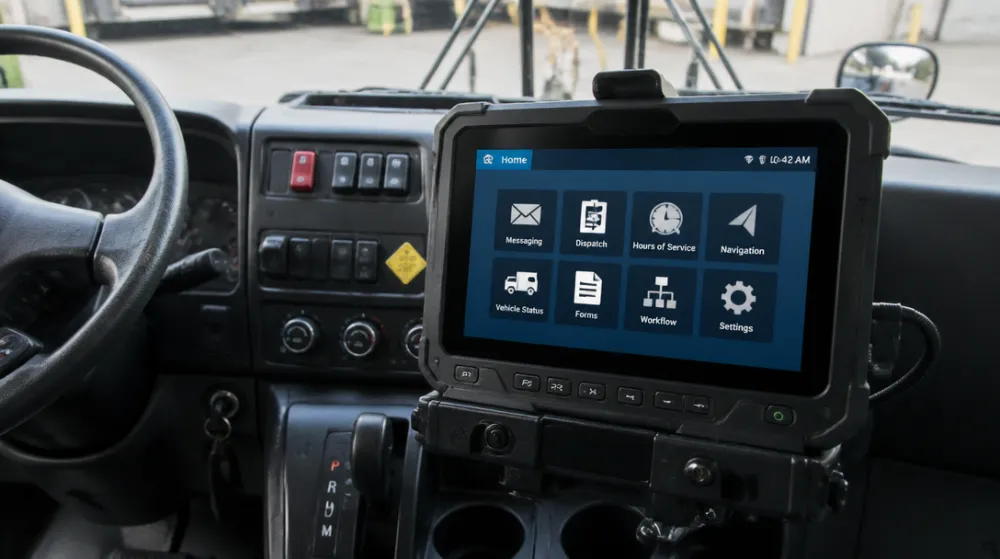
Mobile Data Terminal Applications by Industry
Police and Public Safety
Police departments may use MDTs to connect officers with dispatch centers and public-safety databases.
Typical functions include:
- Receiving dispatch assignments
- Viewing incident details
- Accessing maps and location data
- Checking vehicle or person records
- Sending secure messages
- Uploading photographs and reports
- Accessing computer-aided dispatch systems
- Recording incident status
Public-safety deployments require careful attention to cybersecurity, availability, privacy and software compatibility.
Ambulance and Emergency Medical Services
Ambulance teams can use MDTs to receive emergency calls, navigate to locations and communicate with hospitals or dispatch centers.
Possible functions include:
- Emergency call notification
- Route guidance
- Hospital information
- Patient data access
- Electronic patient records
- Vehicle status reporting
- Secure communication
- Supply or equipment tracking
The terminal should be easy to operate under pressure and should remain readable in changing lighting conditions.
Fire Departments
Fire-service MDT applications may include:
- Incident dispatch
- Route and navigation support
- Building information
- Hazardous-material information
- Water-source locations
- Crew communication
- Incident status updates
- Vehicle and equipment checks
In this environment, ruggedness, fast communication and visibility are particularly important.
Logistics and Delivery Fleets
Logistics companies commonly use MDTs for driver communication, route management and delivery confirmation.
A logistics MDT may support:
- Delivery assignments
- Route optimization
- Electronic proof of delivery
- Customer signatures
- Barcode scanning
- Photo capture
- Driver messaging
- Vehicle tracking
- Exception reporting
- Temperature-monitoring integration
The system can reduce reliance on paper records and provide dispatch teams with more timely information.
Public Transportation
Bus, rail and transport operators may use MDTs to manage vehicles and communicate with drivers.
Applications include:
- Route and timetable information
- Vehicle status
- Driver sign-in
- Service updates
- Dispatch communication
- Incident reporting
- Passenger-information integration
- Maintenance notifications
Devices used in public transport should be designed for long operating hours and frequent vehicle movement.
Field Service and Utilities
Electricity, water, telecommunications, HVAC and maintenance companies can use MDTs to connect field workers with work-order systems.
A field-service MDT can help workers:
- Receive service calls
- View customer details
- Access technical documents
- Complete inspection forms
- Scan equipment
- Upload photographs
- Record meter readings
- Collect signatures
- Update inventory
- Close work orders
This can improve information flow between the field and office while reducing manual data entry.
Warehousing, Ports and Industrial Operations
In warehouses, ports and industrial facilities, mobile terminals may be installed on forklifts, service vehicles or industrial carts.
Use cases include:
- Inventory management
- Load verification
- Barcode and RFID scanning
- Yard management
- Equipment inspection
- Work-order access
- Safety checklists
- Asset tracking
The required device configuration will depend on dust, vibration, temperature, mounting and connectivity conditions.
Benefits of Using a Mobile Data Terminal
Faster Communication
Dispatchers and mobile workers can exchange information without relying on phone calls or paper instructions.
Better Operational Visibility
Managers can view task status, vehicle location and exceptions more quickly.
Fewer Manual Errors
Electronic forms, barcode scanning and software validation can reduce errors associated with handwritten records and repeated data entry.
Improved Driver and Worker Productivity
Workers can access the information they need from the vehicle or job site instead of returning to an office or using multiple devices.
More Complete Digital Records
MDTs can record timestamps, locations, signatures, images and task updates in a centralized system.
Better Integration
An MDT can bring together dispatching, navigation, vehicle data, customer information and field-service software on one professional platform.
Long-Term Reliability
Although a rugged terminal may cost more initially than a consumer tablet, it may be more suitable for continuous operation and demanding environments. The final comparison should be based on total cost of ownership rather than purchase price alone.
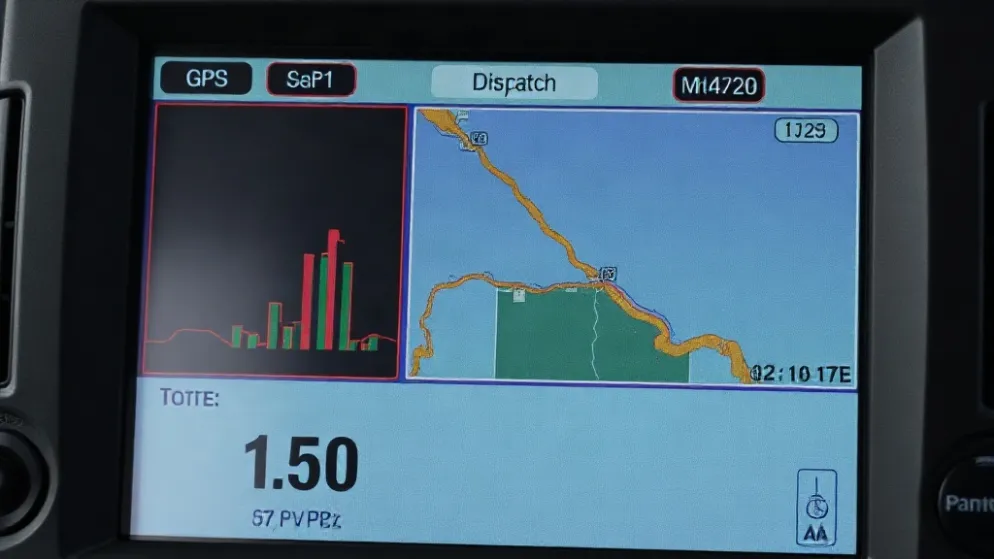
Mobile Data Terminal vs. Tablet: What Is the Difference?
A tablet may be appropriate for basic mobile applications, but it is not automatically a replacement for an MDT.
| Factor | Mobile Data Terminal | Consumer or Business Tablet |
|---|---|---|
| Main purpose | Professional mobile and vehicle operations | General computing and communication |
| Durability | Designed for demanding environments | Varies by model |
| Vehicle installation | Often supports dedicated mounts and docks | Usually requires additional accessories |
| Power integration | May support ignition and vehicle power management | Often relies on a charger or standard dock |
| Sunlight readability | Frequently optimized for outdoor use | Varies considerably |
| Vehicle integration | May support CAN bus, serial or GPIO interfaces | Often limited |
| Peripheral support | Designed for scanners, printers and sensors | Usually depends on adapters |
| Device management | Enterprise deployment options | Depends on operating system and model |
| Initial cost | Usually higher | Usually lower |
| Best use case | Fleets, public safety and harsh environments | General-purpose mobile work |
A tablet may be suitable when:
- The device is used indoors or in mild conditions;
- Vehicle integration is not required;
- The application is relatively simple;
- Occasional use is acceptable;
- A commercial replacement cycle is manageable.
An MDT is usually more suitable when the device must operate continuously in a vehicle, withstand vibration or temperature changes, remain readable outdoors and connect to specialized equipment.
How to Choose the Right Mobile Data Terminal
1. Define the Operating Environment
Identify:
- Indoor or outdoor use
- Vehicle type
- Exposure to dust and water
- Expected vibration and shock
- Operating temperature
- Direct sunlight exposure
- Glove or wet-touch requirements
- Daily operating hours
2. Determine the Required Screen Size
A larger screen improves readability but requires more dashboard or mounting space. Consider the amount of information displayed, viewing distance and vehicle layout.
3. Select the Right Connectivity
Confirm whether the deployment needs:
- 4G LTE
- 5G
- Wi-Fi
- Bluetooth
- GNSS
- Dual-SIM
- Private LTE
- External antennas
Review network coverage in the actual deployment region rather than relying only on theoretical specifications.
4. Check Software Compatibility
The MDT should support the required applications and APIs. Verify compatibility with:
- Dispatch software
- Fleet-management platforms
- CAD systems
- TMS or WMS platforms
- ERP and CRM systems
- Navigation applications
- Android Enterprise or Windows management tools
- Custom business software
5. Review Vehicle Installation Requirements
Check:
- Mounting location
- Device dimensions
- Power input
- Ignition integration
- Cable routing
- Docking mechanism
- External antenna placement
- Driver visibility and safety
Installation should be performed according to vehicle and electrical safety requirements.
6. Evaluate Lifecycle Support
Ask the supplier about:
- Warranty period
- Repair procedures
- Spare parts
- Battery replacement
- Operating-system updates
- Security support
- Product availability
- Customization options
- Technical support
- Long-term supply planning
For fleet deployments, lifecycle support can be as important as the initial hardware specification.
Mobile Data Terminal Cost and Total Cost of Ownership
The total cost of an MDT deployment may include:
- Hardware
- Mounting brackets
- Docking stations
- Vehicle wiring
- Installation labor
- Software licenses
- Cellular data plans
- Device-management software
- Accessories
- Training
- Maintenance
- Repairs
- Replacement units
- Integration and customization
A simple total-cost model is:
Total Cost of Ownership =
Hardware
+ Installation
+ Software
+ Connectivity
+ Maintenance
+ Training
+ Replacement
+ Integration
A low-cost tablet may appear attractive at the purchasing stage, but frequent replacements, damaged connectors, poor sunlight visibility, limited mounting options or compatibility problems may increase the long-term cost.
At the same time, an expensive rugged terminal is not automatically the right choice. The best option is the device that meets the operational requirements without unnecessary specifications.
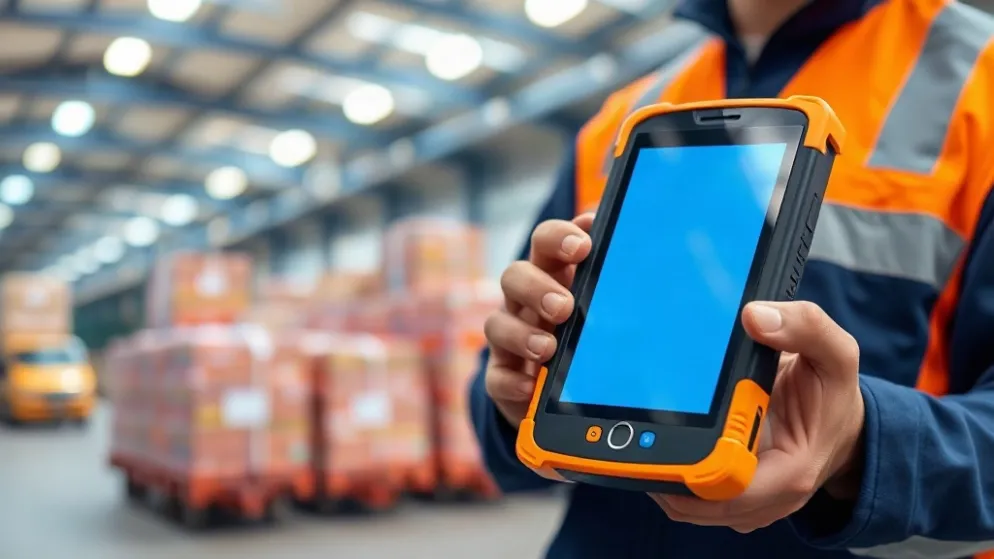
MDT Deployment Best Practices
Pilot Before Full Deployment
Test the terminal in a small number of vehicles or work locations before purchasing for the entire fleet.
Test Connectivity in Real Locations
Check network performance in garages, tunnels, rural areas, warehouses and service zones.
Confirm Mounting Safety
The terminal should not block the driver’s view, interfere with airbags or create loose cables.
Create a Device Management Policy
Define procedures for:
- User access
- Software updates
- Lost devices
- Repairs
- Replacement
- Data deletion
- Passwords
- Security incidents
Train Users
Training should cover:
- Daily operation
- Vehicle docking
- Safe use while driving
- Reporting faults
- Charging and power management
- Data-security requirements
Monitor Performance
Track device failures, connectivity issues, application errors, battery condition and user feedback after deployment.
Frequently Asked Questions About Mobile Data Terminals
What does MDT stand for?
MDT stands for Mobile Data Terminal. It usually refers to a mobile computer or communication device used by vehicles and field workers to exchange operational data with a central system.
Is an MDT the same as a rugged tablet?
Not exactly. A rugged tablet is a type of hardware, while an MDT generally describes a device and its role within a mobile data or dispatch system. Some rugged tablets can be configured to function as MDTs.
Can an MDT work without an internet connection?
Some MDT applications support offline operation and synchronize data when the connection is restored. Real-time dispatch, tracking and communication generally require cellular, Wi-Fi or another wireless connection.
Are mobile data terminals only used by police departments?
No. MDTs are also used in emergency medical services, fire departments, logistics, public transportation, utilities, field service, warehousing and industrial operations.
Can a tablet replace a mobile data terminal?
A tablet may replace an MDT in simple or light-duty applications. For vehicle integration, continuous operation, harsh environments, direct sunlight and specialized peripherals, a purpose-built MDT may be more suitable.
What software does an MDT use?
An MDT may run Android, Windows or another supported operating system. The application software depends on the industry and may include dispatch, fleet management, CAD, transportation, logistics or field-service platforms.
Does an MDT need GPS?
GPS is not mandatory for every deployment, but it is useful for vehicle tracking, navigation, geofencing, dispatching, route verification and emergency location services.
How is an MDT installed in a vehicle?
Installation typically involves a mounting bracket or dock, vehicle power connection, optional ignition sensing and communication accessories. Installation should account for driver safety, electrical protection and local regulations.
What should I ask an MDT supplier?
Ask about:
- Ruggedness testing
- IP rating
- Operating temperature
- Display brightness
- Network compatibility
- Vehicle power requirements
- Software support
- Device management
- Warranty
- Spare parts
- Product lifecycle
- Integration services
Conclusion
A mobile data terminal is a professional mobile computing solution that connects vehicles, field workers, dispatchers and enterprise systems. It can support real-time communication, GPS tracking, navigation, electronic documentation, vehicle integration and secure access to operational data.
The right MDT should be selected according to the working environment, software requirements, vehicle installation needs, network coverage, security policy and expected service life. While a standard tablet may work for basic tasks, a rugged mobile data terminal is often a better fit for continuous vehicle use, public safety, logistics, field service and other demanding operations.
Before making a purchase, evaluate the entire solution—not just the terminal. Hardware, mounting, power, software, connectivity, device management, support and total cost of ownership all affect the success of an MDT deployment.
相关推荐内容
Latest Content
- Fleet Management Canada: 2026 Guide to Telematics & Compliance
- Rugged Tablets for Taxi Fleets: 2026 Selection Guide & TCO Analysis
- Rugged Tablet for Digital Mining: The Essential Guide to Durability in the Field
- Sunlight Readable Tablet: The Ultimate Guide to Choosing the Right Display for Outdoor Work
- Mobile Device Management (MDM) Solutions: The Complete Guide for 2026
Hot product
- WMT6UQ: 6-Inch 4G Android 12 Wireless Carplay Navigator Motorcycle PND
- WT10RX: 10.1 inch rugged tablet,10.1″ sunlight-readable display,10.1" ip67 rugged tablet
- WT10MX: 10.1 inch rugged tablet 12,000 mAh,10.1″ IPS display Rugged IP65 design
- WT08Q9Y: 8 inch 10000mAh long battery rugged tablet,1000-nit rugged tablet,
- WT08M8Y: 8 inch Android 14,700-nits rugged tablet